
Add Delivery Request from Fuel Map
Adding from Fuel Map
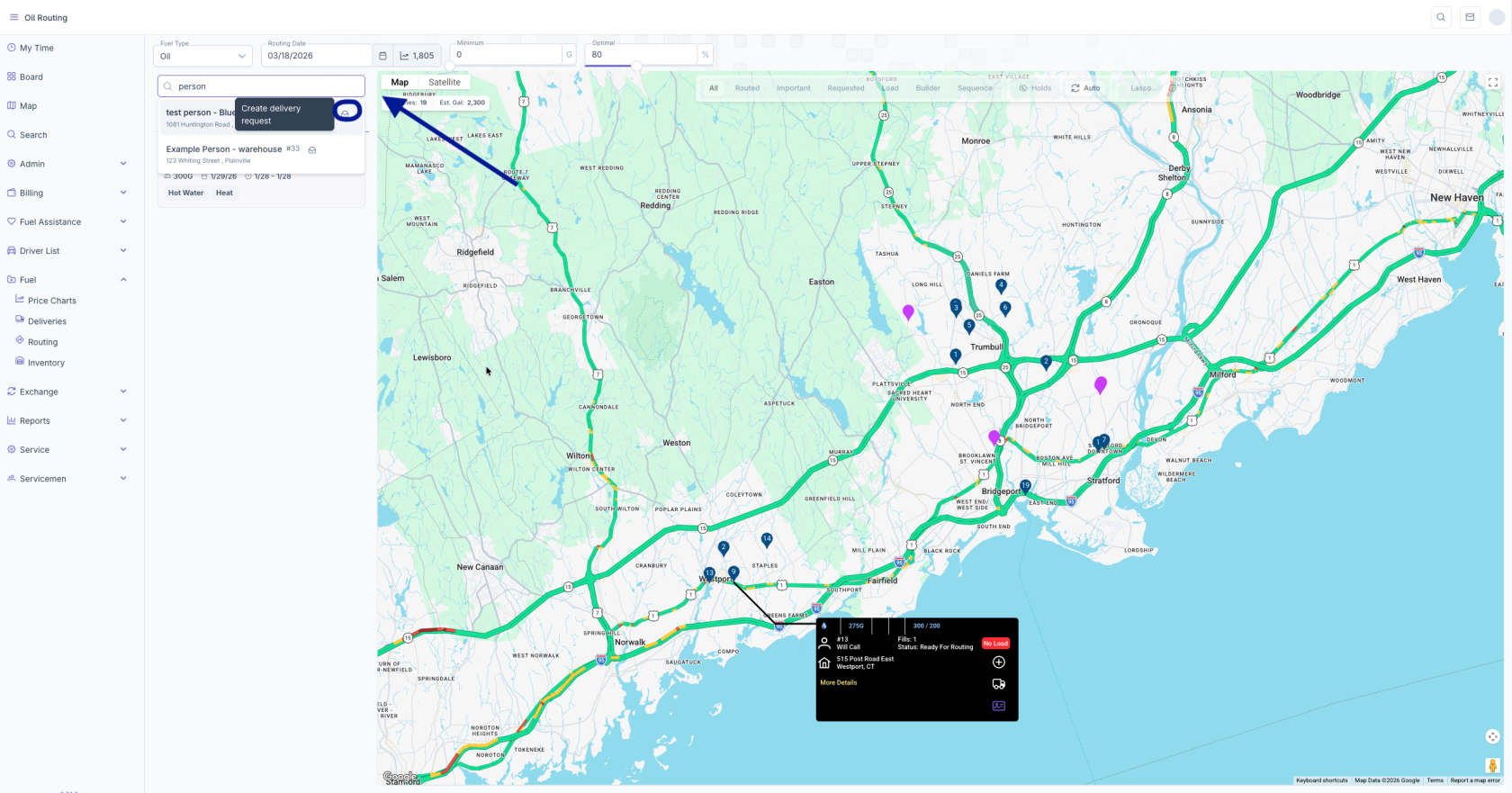
1. In the Search Customers box enter the customers name and click the envelope next to their name
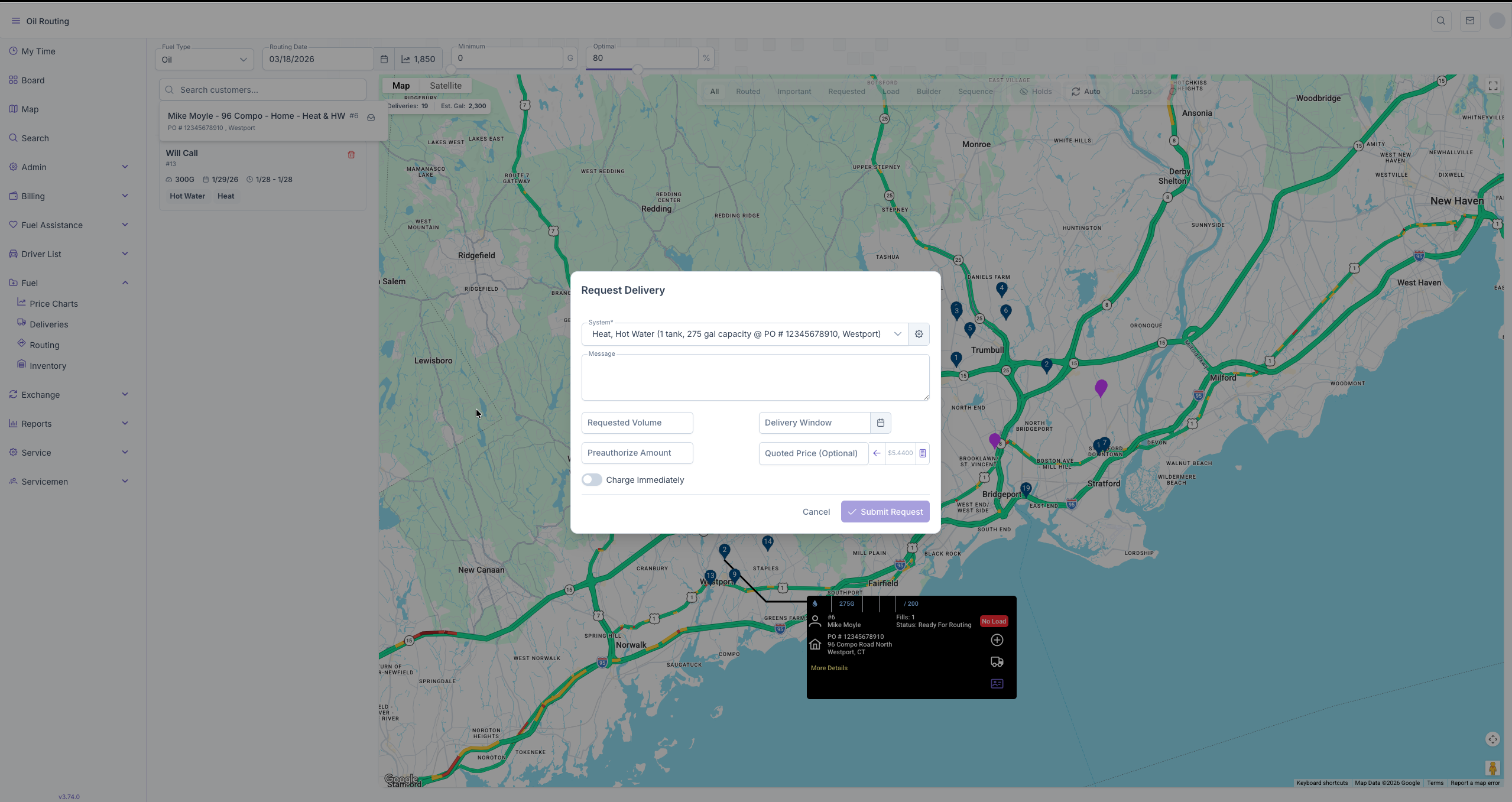
2. Select the correct System, enter Requested Volume and delivery window requested date. Preauthorized Amount and Quoted Price are OPTIONAL. Charge immediately should be turned on if they want their card charged after the delivery is completed.
3. This will add them to the Request list to add to a load for delivery.
No comments to display
No comments to display