
Setting Up Routing
Overview
When Fuel deliveries are requested or set to auto deliver, The Routing page is used to place those orders on a load, then route in order for them to be delivered. The routing page can be reached by
- Clicking on the 3 bars on the top right corner to expand the side menu
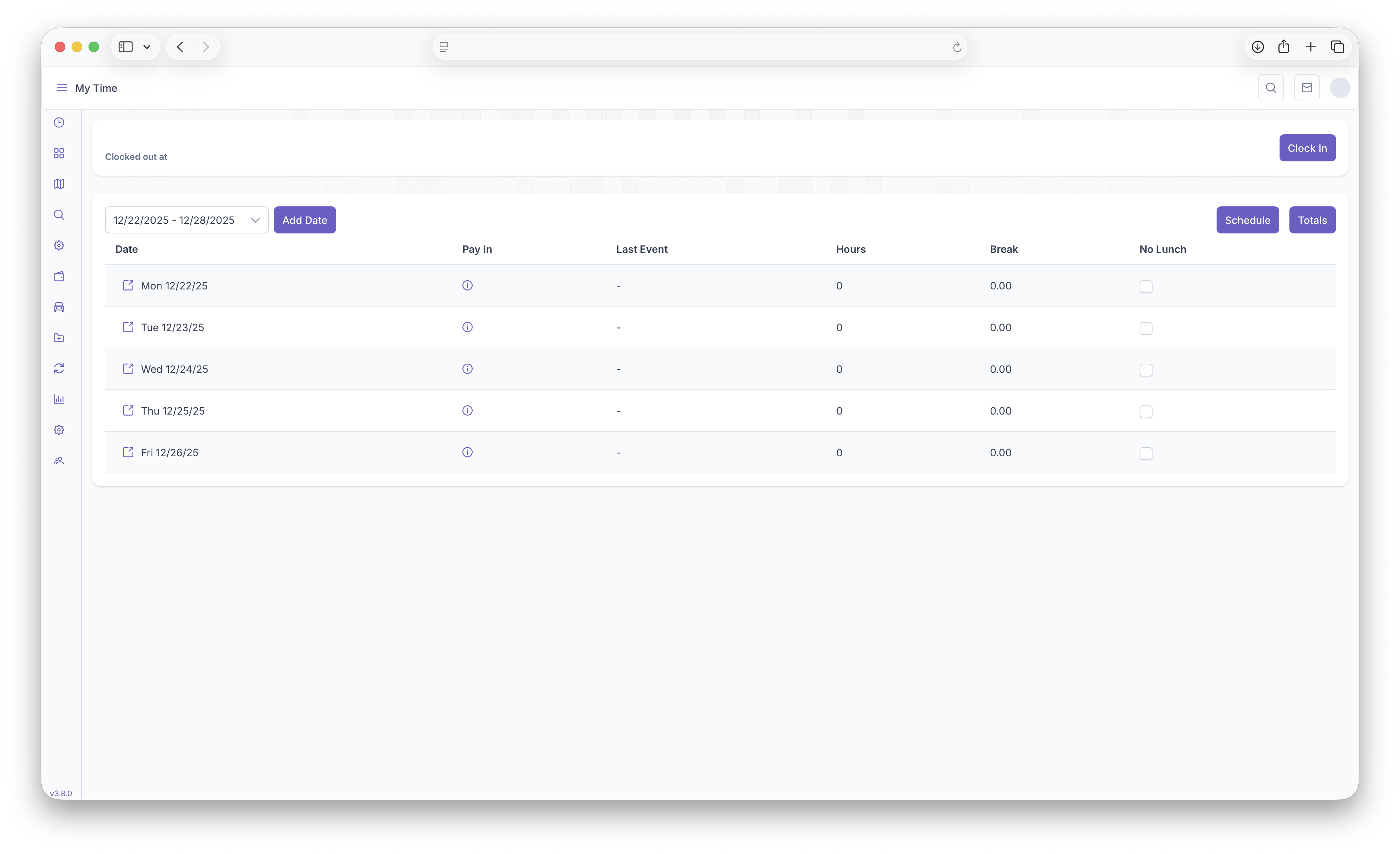
- The Clicking on the Fuel Dropdown
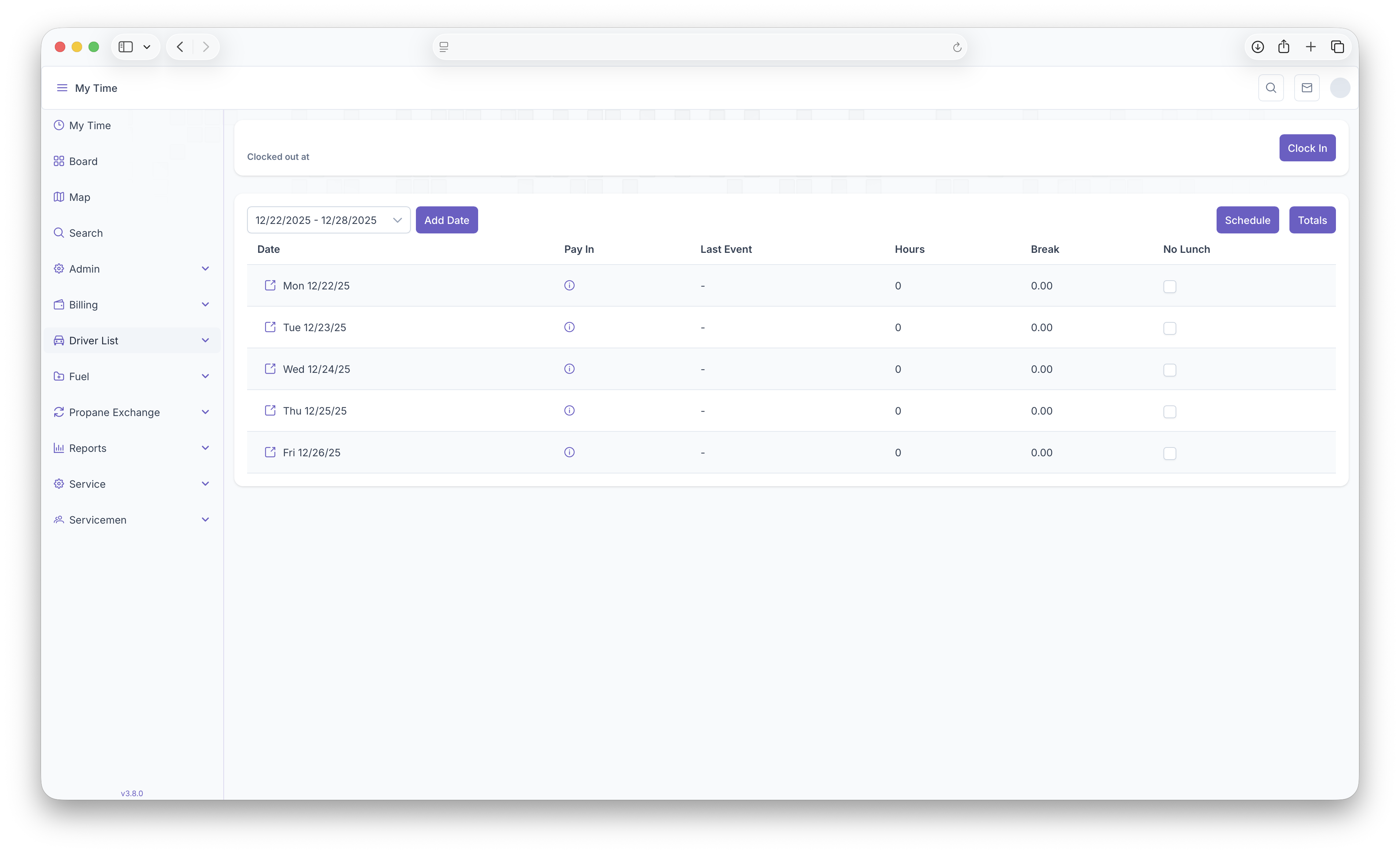
- Then clicking on Routing
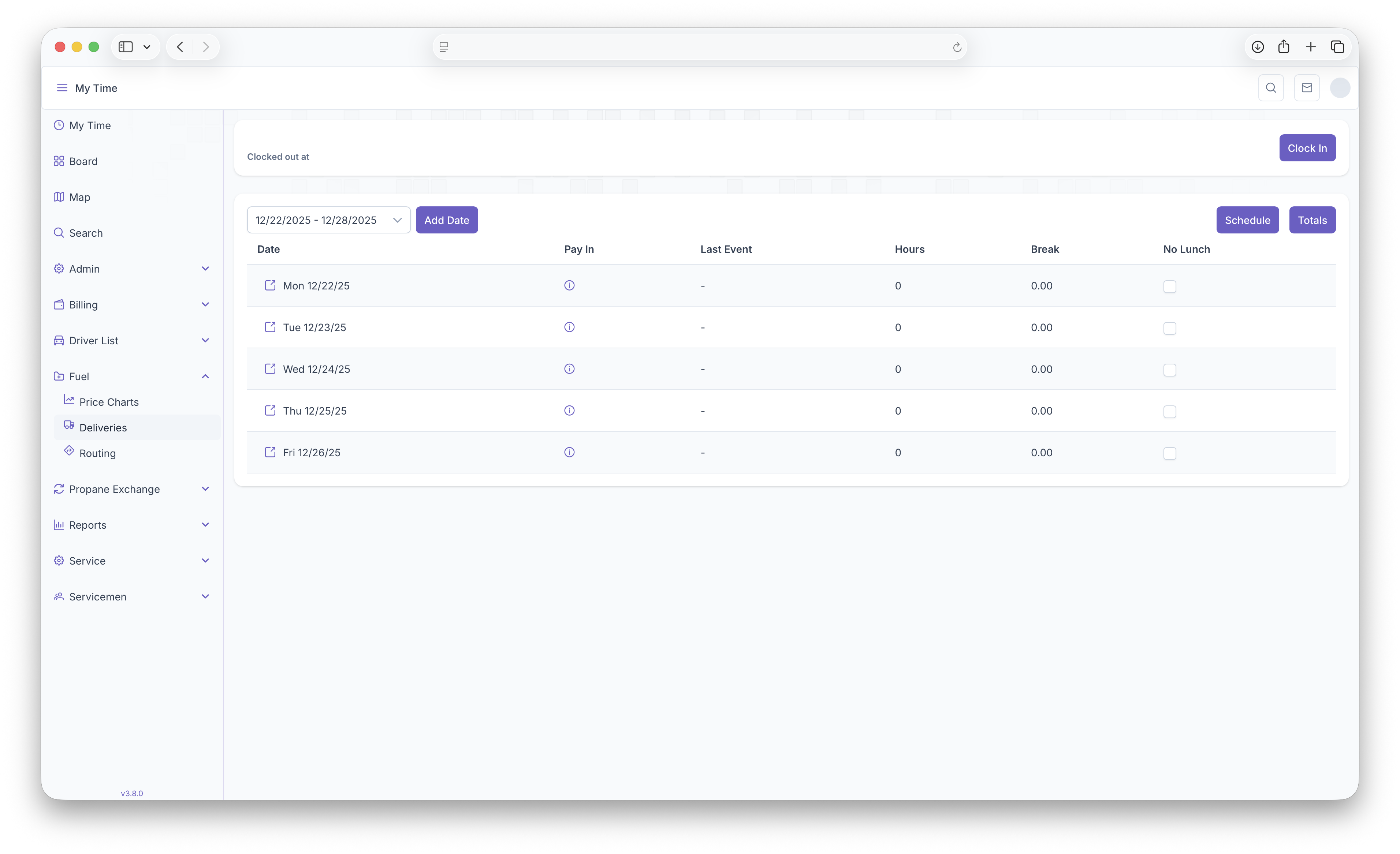
This will then bring up the routing map
Routing Map
The Routing map is now where all delivery request will show up, including manual and auto deliveries. Before getting started with setting up a route, a few things must be set prior to beginning
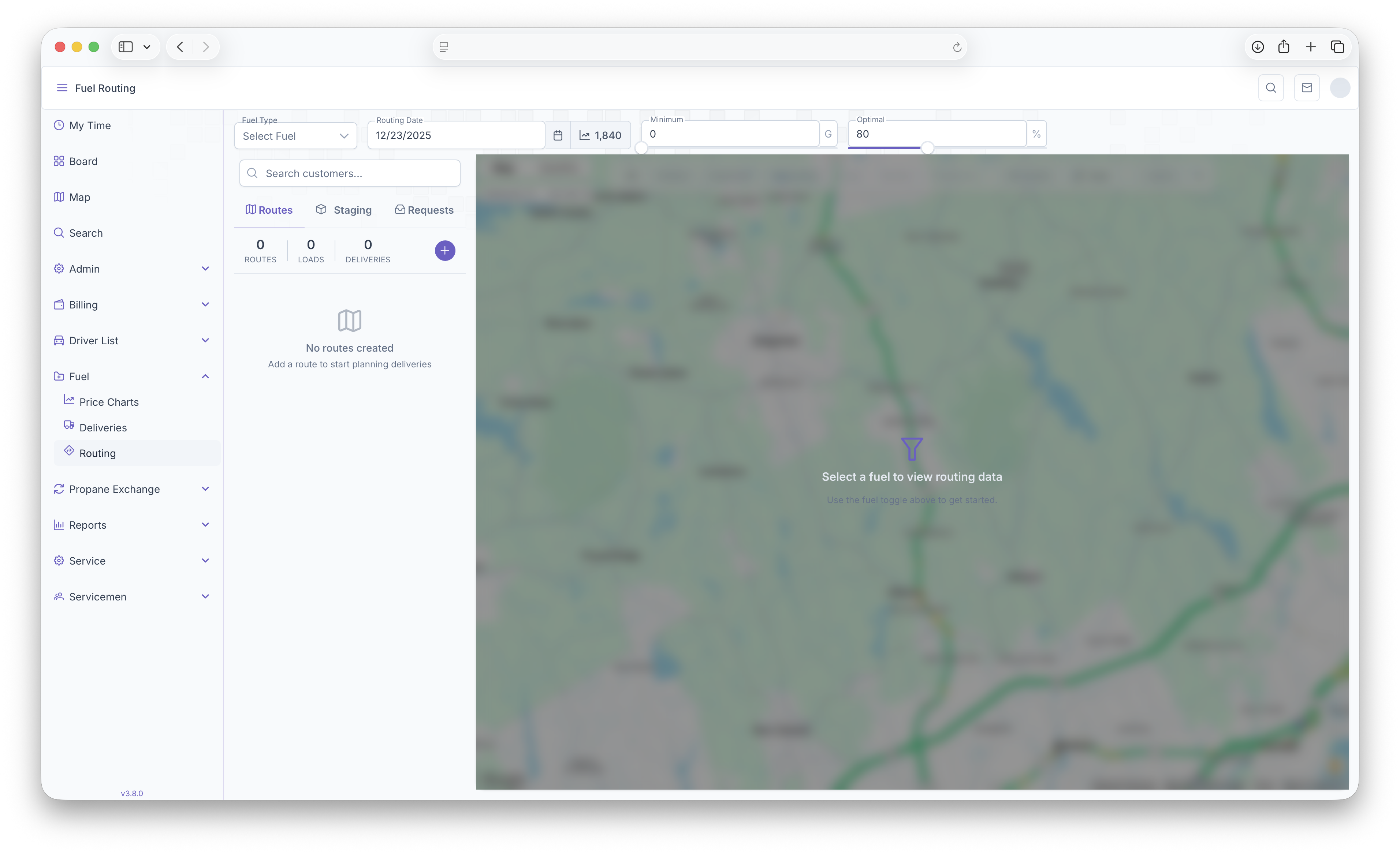
- Fuel Type - Select the fuel that's being routed for delivery
- Routing Date - The date the route is set to be delivered
- Minimum - Can be adjusted to show the minimum deliveries selected on the map
- Optimal - Can be adjusted to show the optimal deliveries selected on the map
These will be the first steps taken in order to start a route. The map will also show the current degree day next to the Routing Date