
Overview
Introduction
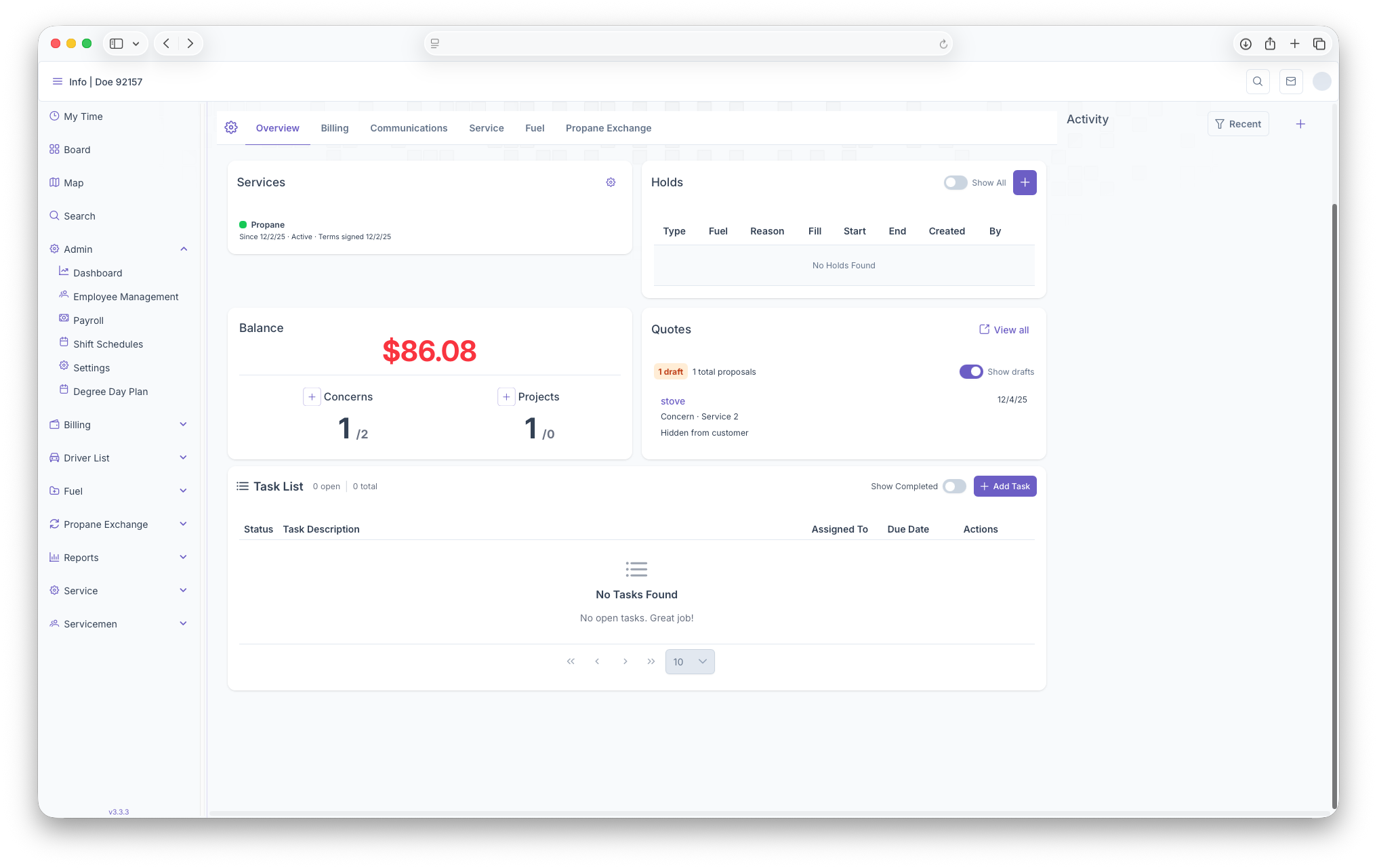
The Overview page is the first page that appears when looking in to a customers account. From here, Services can be seen and added to the account, Holds on the account can also be seen here or added, the Customers Balance, Quotes that have been offered to the customer for a service and any Task Lists that need to be added or worked on for the customer will show up on this page.
Services
The Services Box serves as a place where services can be added to the Customers account. Services can also be turned on or off from here. Service plan invoices can be added to a service from here as well. A more detailed look into services can be seen at the Adding Services page
Holds
From here a customers Holds can be seen, whether it's a service hold or a credit hold. If a customer has a hold, warning alerts will be shown on the top of the customers account. When looking at the holds box. a table will show with the following columns