Autopay/Adding Credit Cards
Overview
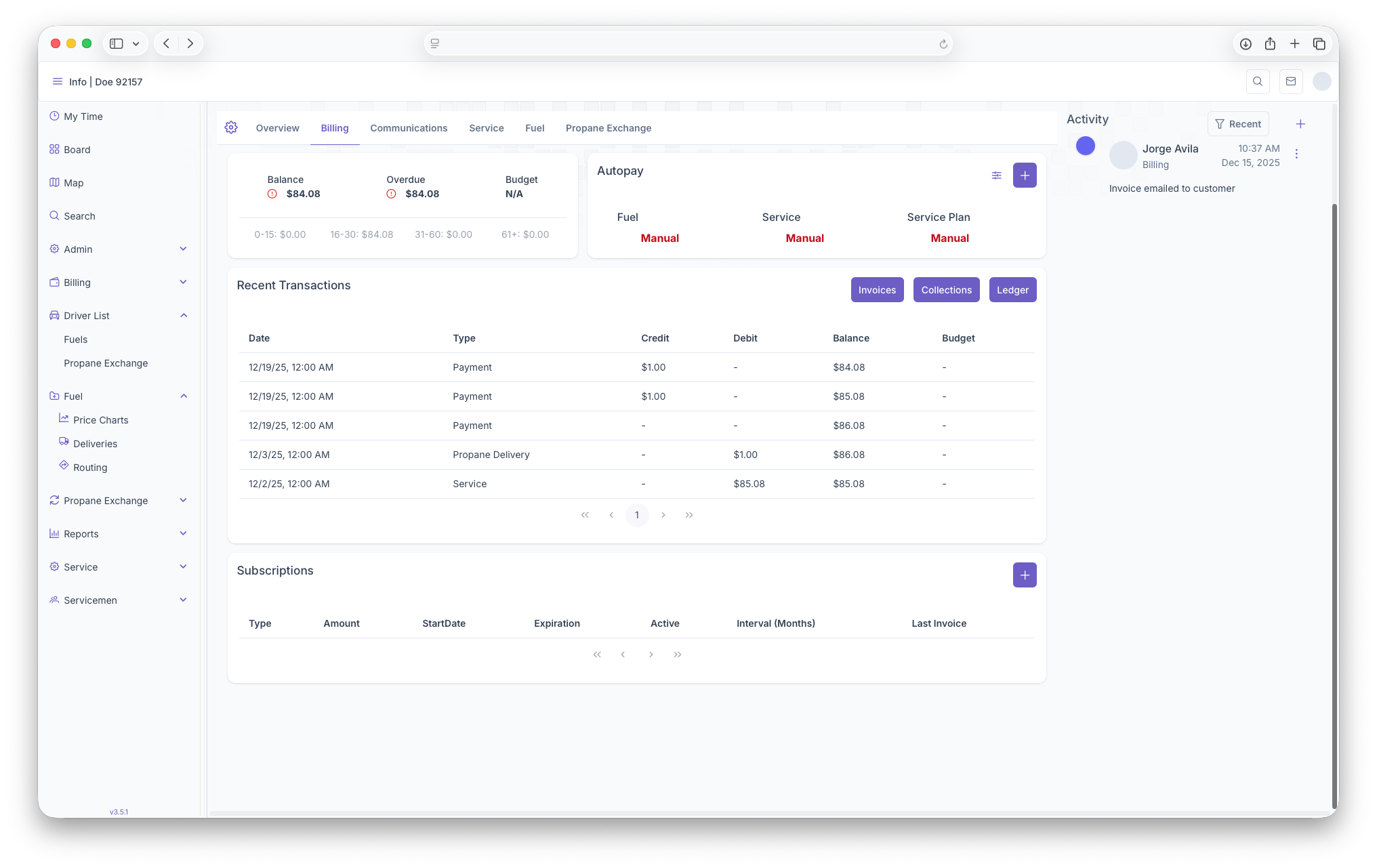
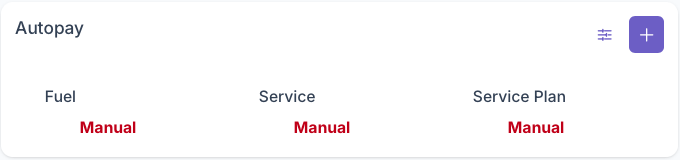
The Autopay section of billing is where credit cards on a customers account can be managed. This inclodesincludes adding credit cards to the account and what autopay features are placed on said cards.
Adding
CardsStartClicking on the customerAdd overview page
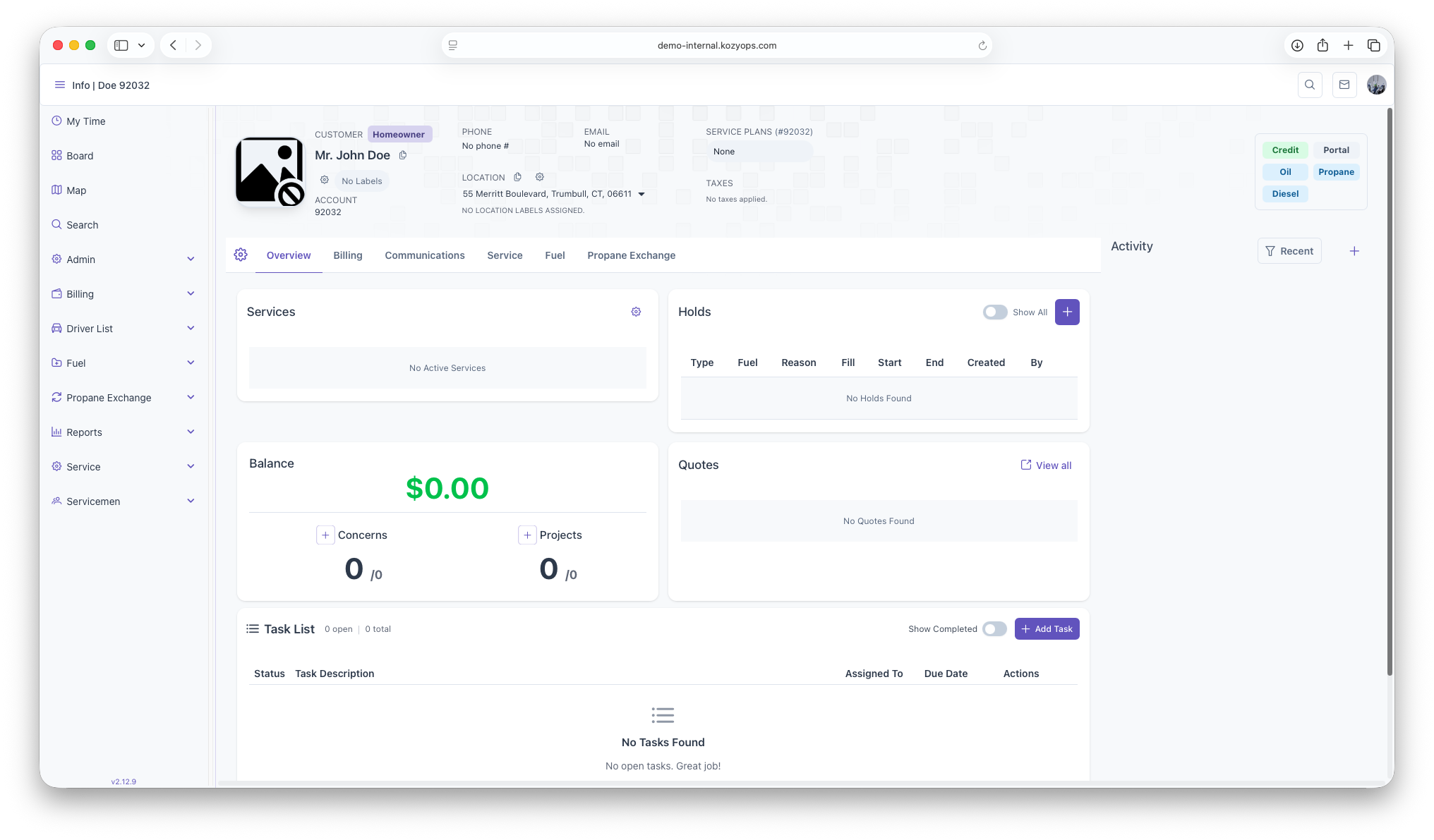
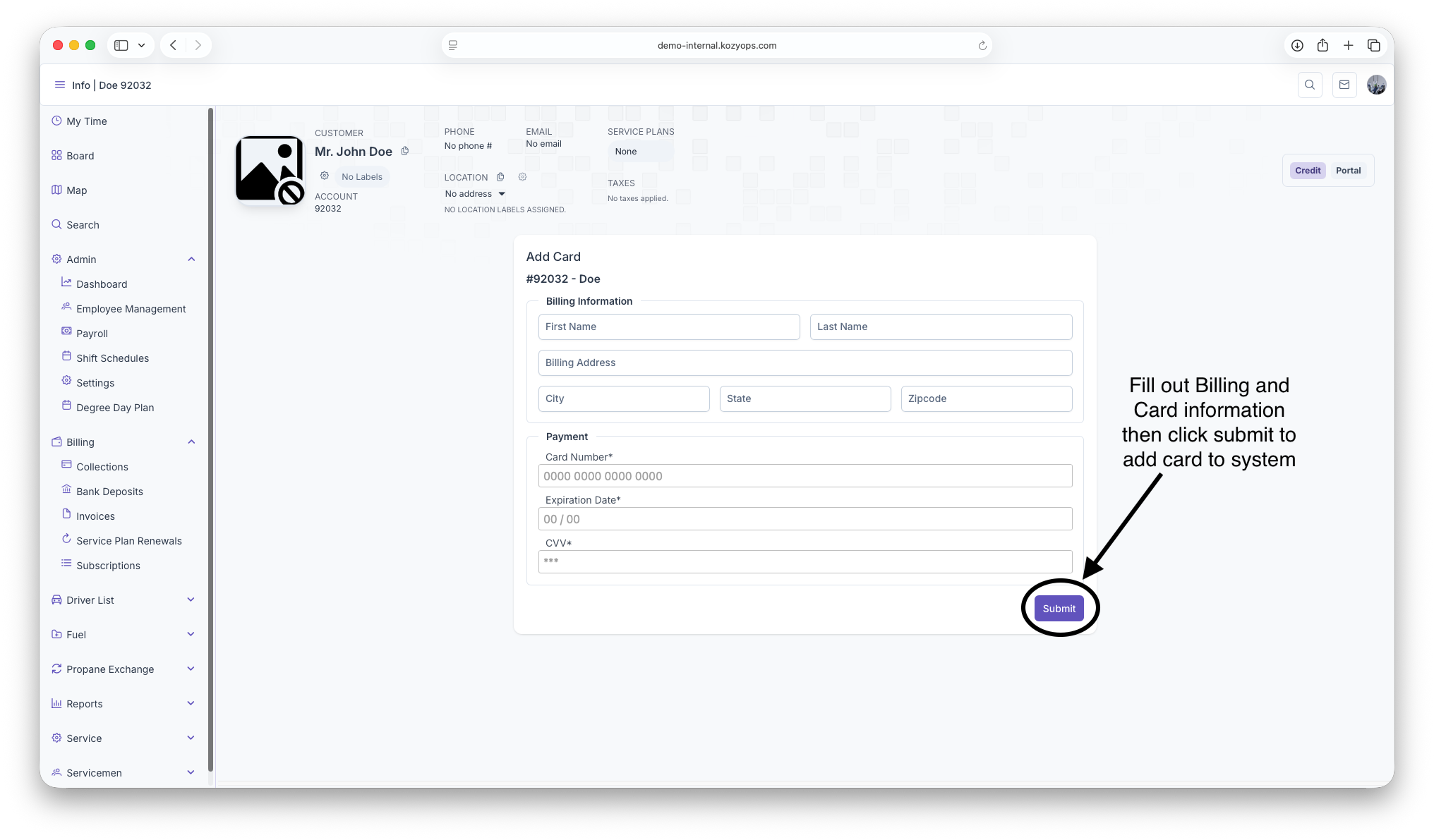
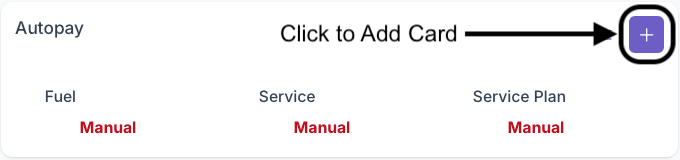
Clickbutton on the Billingtop Tabright nextof the box will bring up the add card page. The following fields must be filled out for a card to be added on to the Overviewaccount
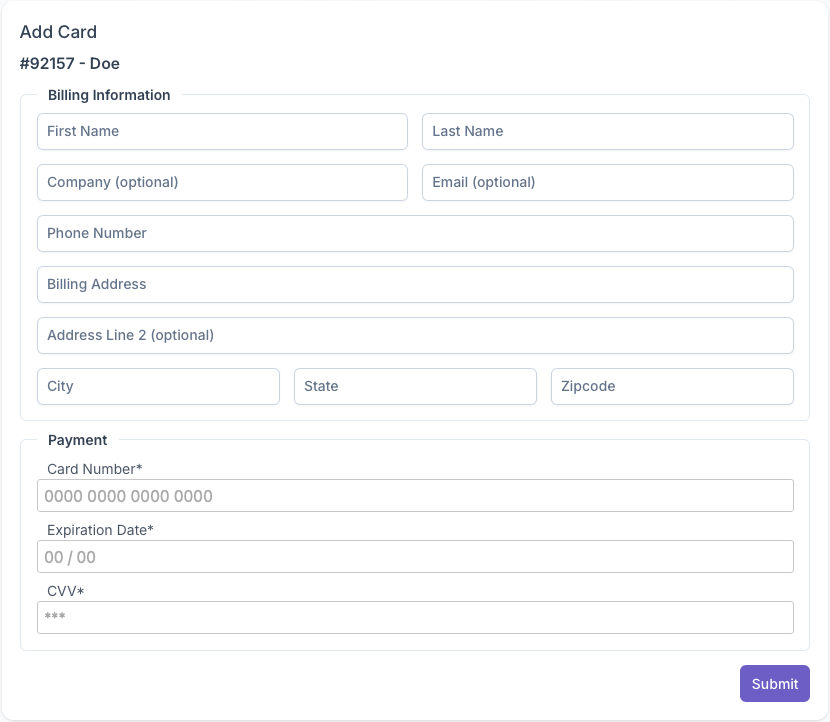
Once onall Thefields Billinghave Page,been clickfilled out, clicking on thesubmit will add buttonthe tocredit pullcard uponto Credit/Debitthe formcustomers 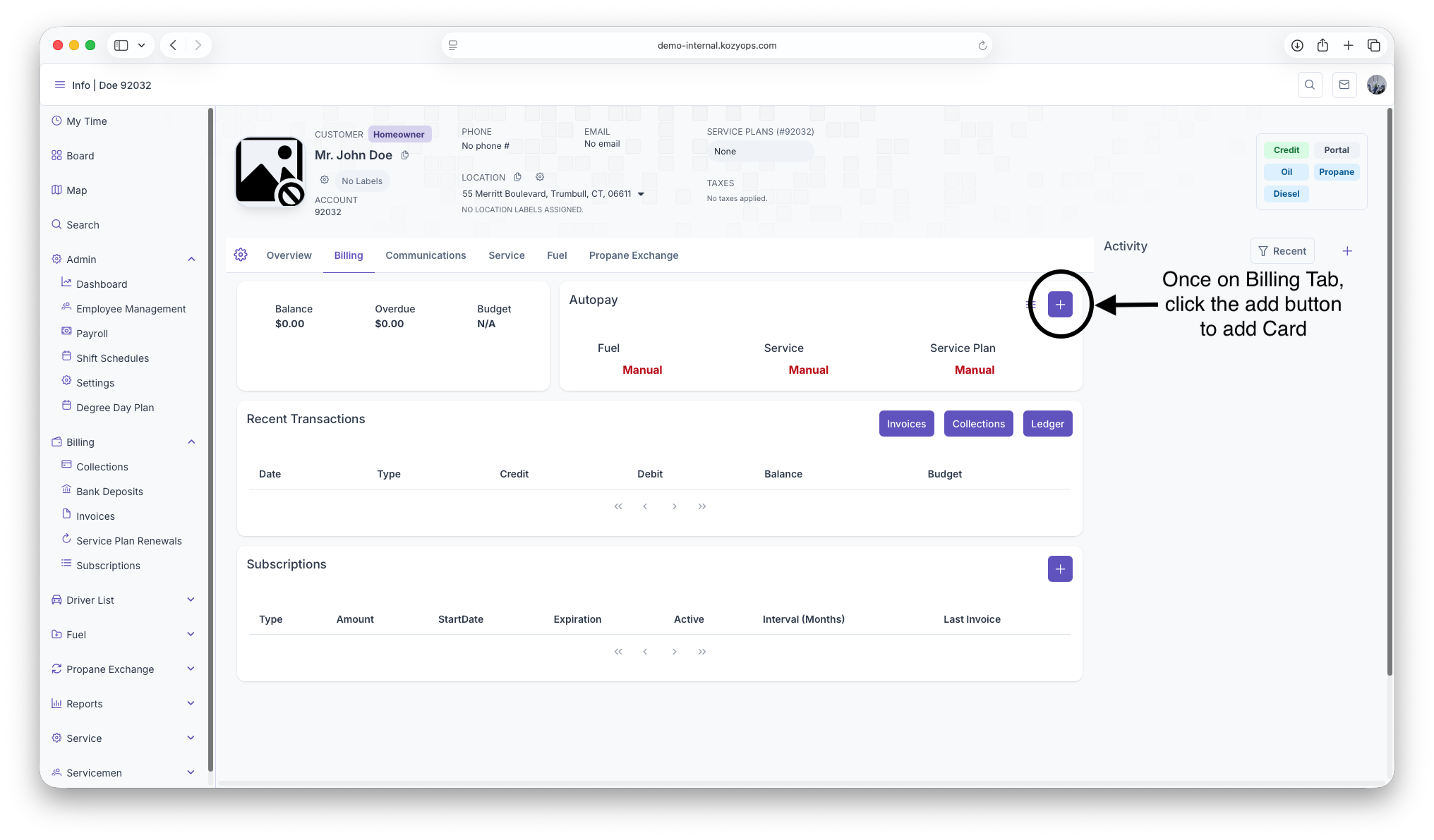
Fillout all Credit/Debitaccount and billingcan informationnow thenbe clickmanaged submitfor toautopay add Card to system