
Autopay/Adding Credit Cards
Overview
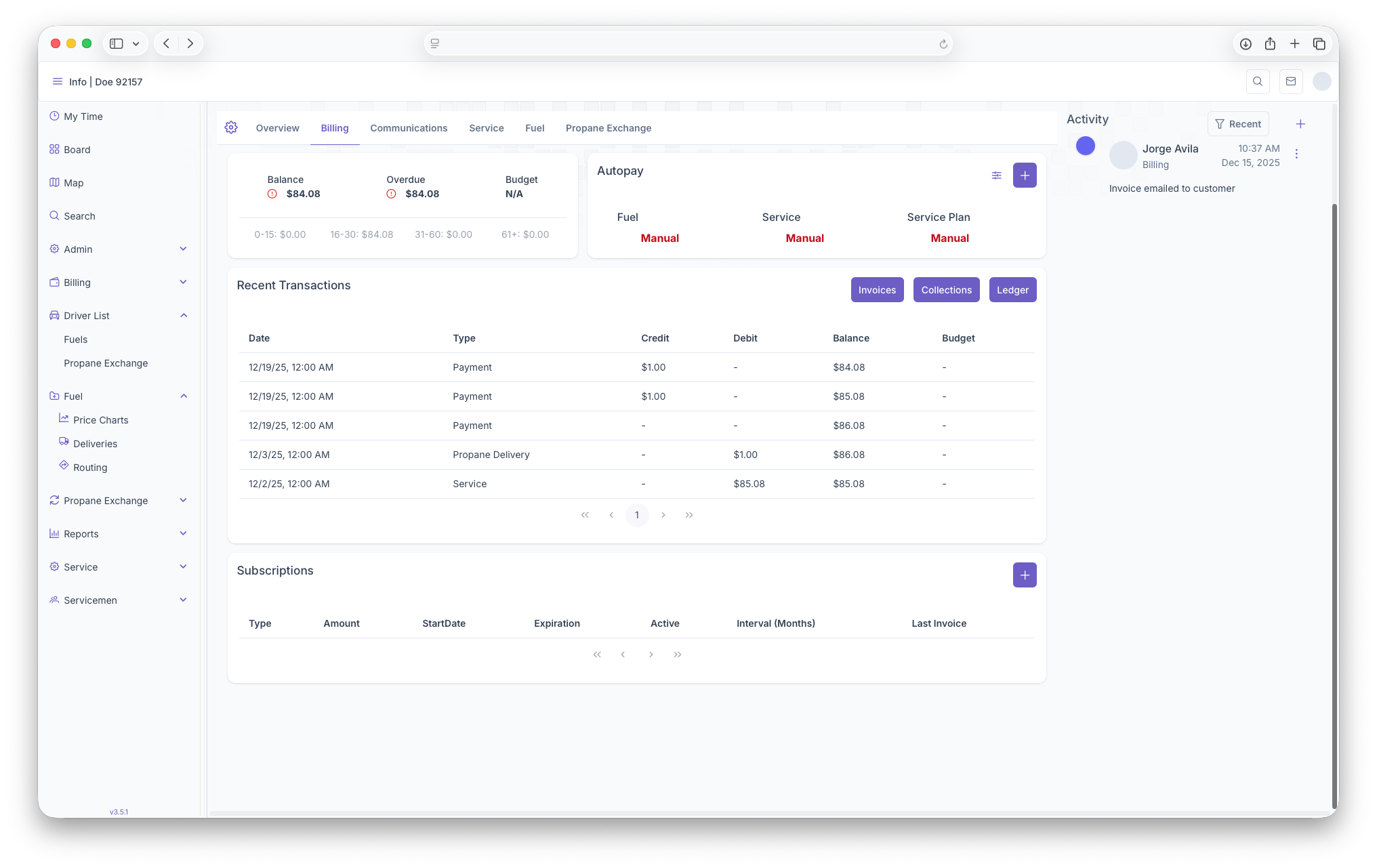
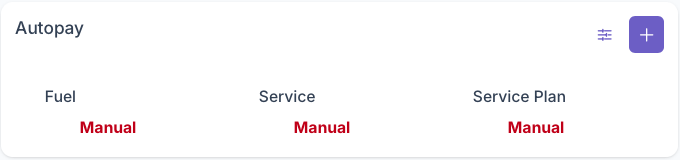
The Autopay section of billing is where credit cards on a customers account can be managed. This includes adding credit cards to the account and what autopay features are placed on said cards.
Adding Cards
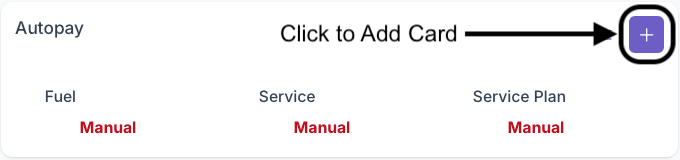
Clicking on the Add button on the top right of the box will bring up the add card page. The following fields must be filled out for a card to be added on to the account
- Billing Information
- First Name
- Last Name
- Company (Optional)
- Email (Optional)
- Phone Number
- Billing Address
- Adress Line 2 (Optional)
- City
- State
- Zip Code
- Payment
- Card Number
- Expiration Date
- CVV
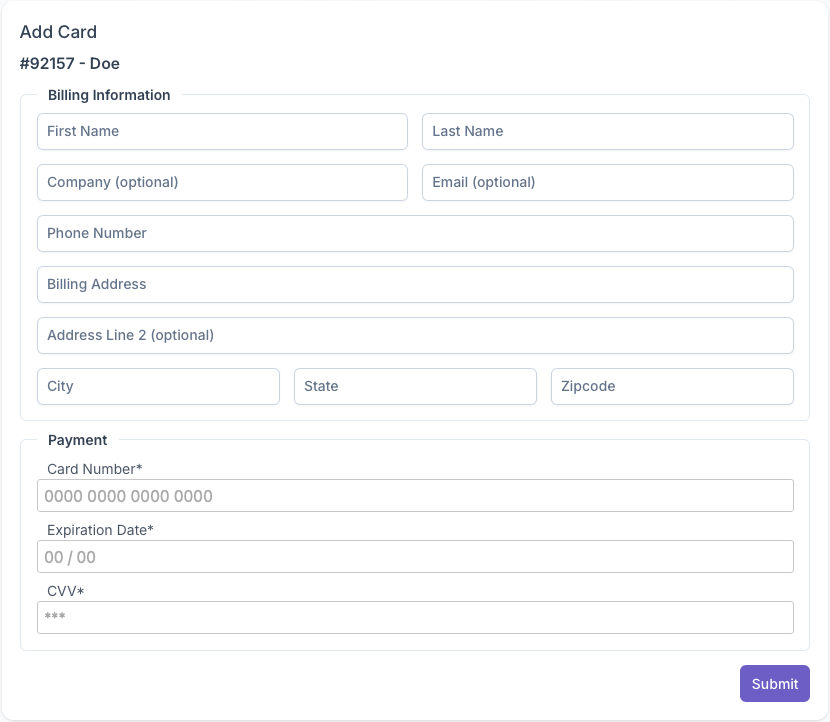
Once all fields have been filled out, clicking on submit will add the credit card onto the customers account and can now be managed for autopay purposes