New Page
New Customer List Report and how they reflect Taylor Reports
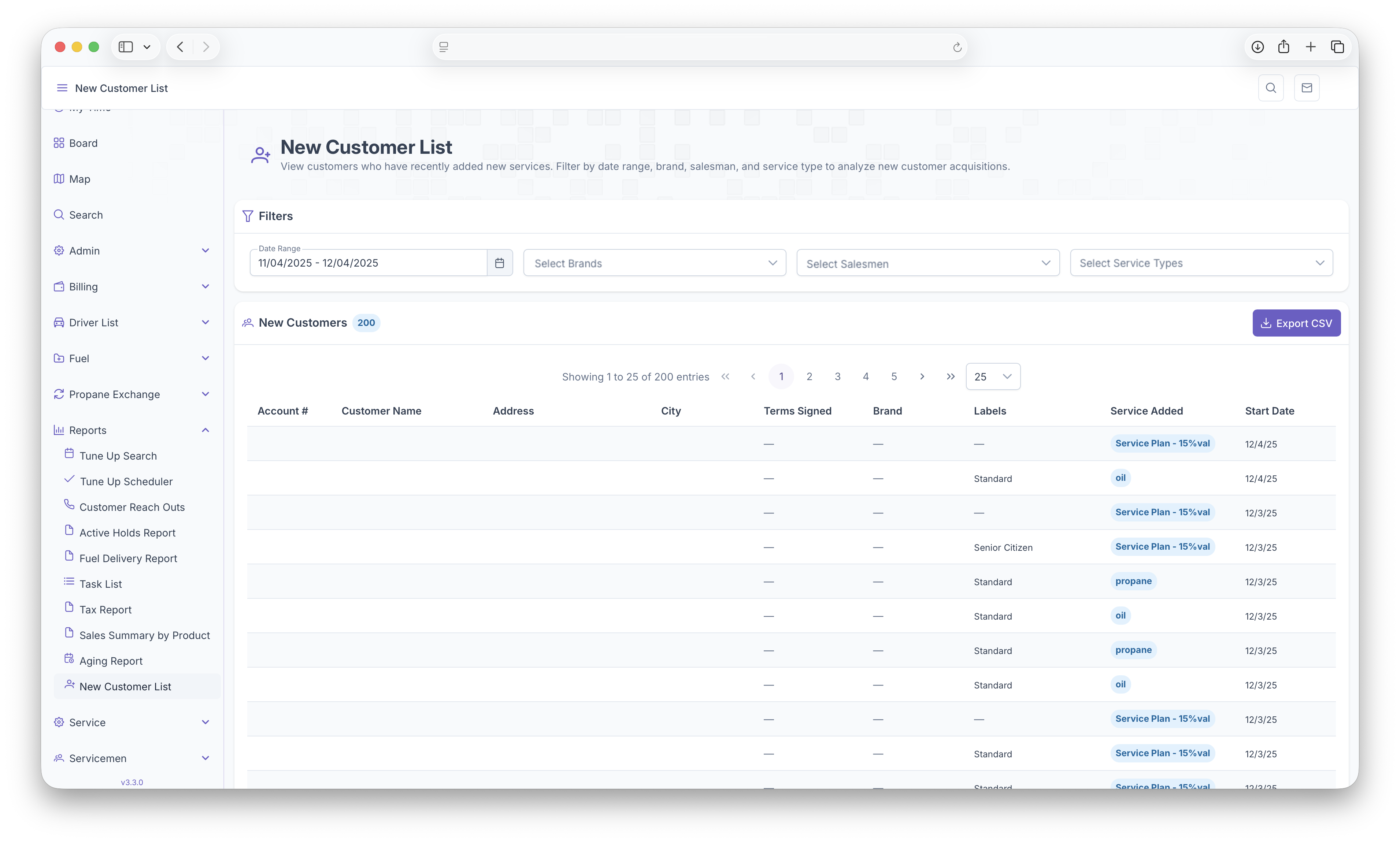
New Customer List report provides information on New Customers that have been brought in to the company. To open the list, click on the reports drop down on the side menu and click on New Customer List. You can expand the side menu by clicking on the three lines on the top left of the screen. The report can be filtered by Date range, Brands, Salesmen and Service Types. Once tables are generated, they are sorted by Account Number, Customer Name, Address, City, Terms Signed, Brand, Labels, Service Added and Start Date. Tables can also be exported into document format by clicking on the "Export CSV" button for easy printing or sharing