Taylor Reports in Invoices
Invoices and how they reflect Taylor Reports
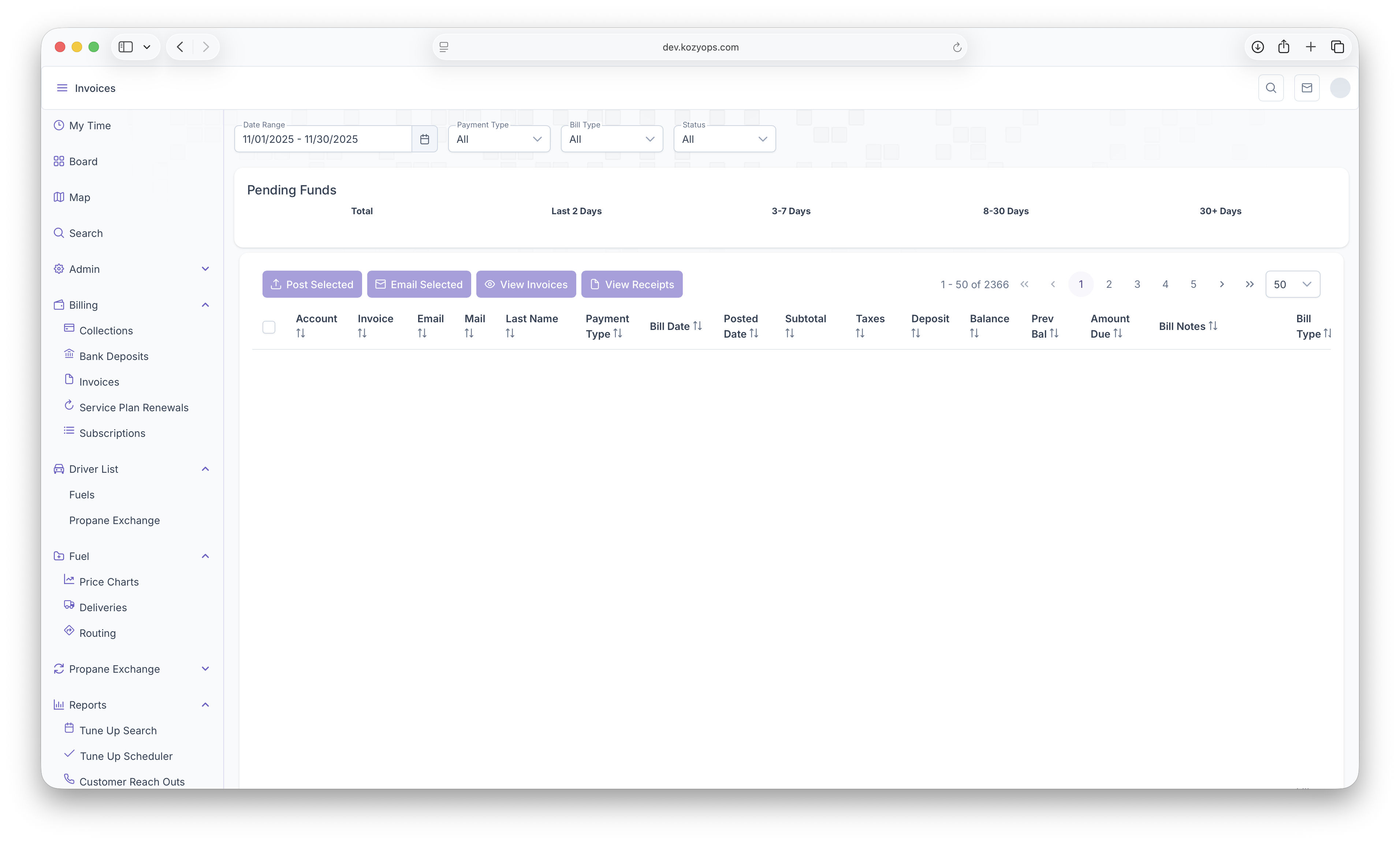
The invoices on the KozyOps App show a variety of information and a variety of ways to sort the information for convenient access. First the invoices can be pulled from Date Ranges, Payment Types, Bill Types and Status'. The invoices also show Pending Funds which are divided in total amount, the last 2 days, 3-7 days, 8-30 days and 30+ days. The following information then shows Account#, Invoice#, Customer Email, Customer Address, Payment Type, Posted Date, Subtotal, Taxes, Deposits, Balance, Previous Balance, Ammount Due, Bill Notes and Bill Type. Searches can also be sorted by the same information by clicking on the arrows next to each category type
The Following Taylor Reports can be seen in KozyOps Invoices reports
-
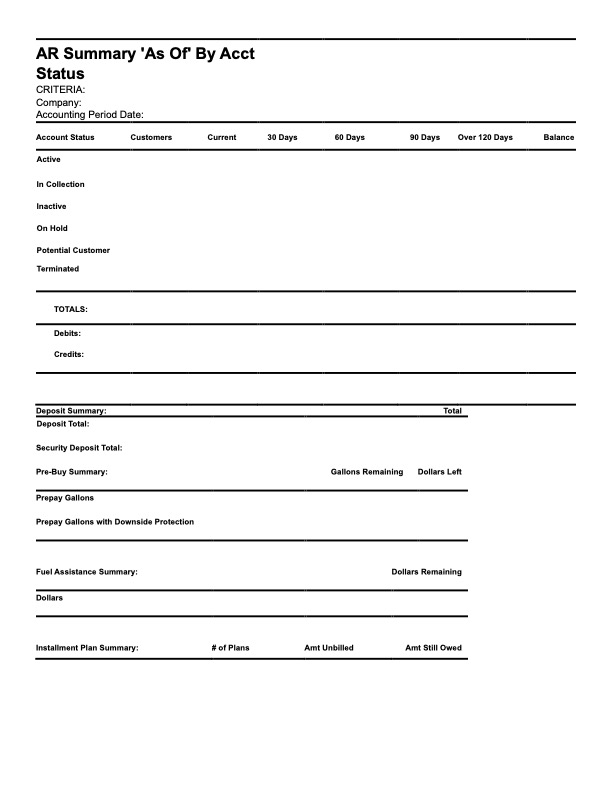
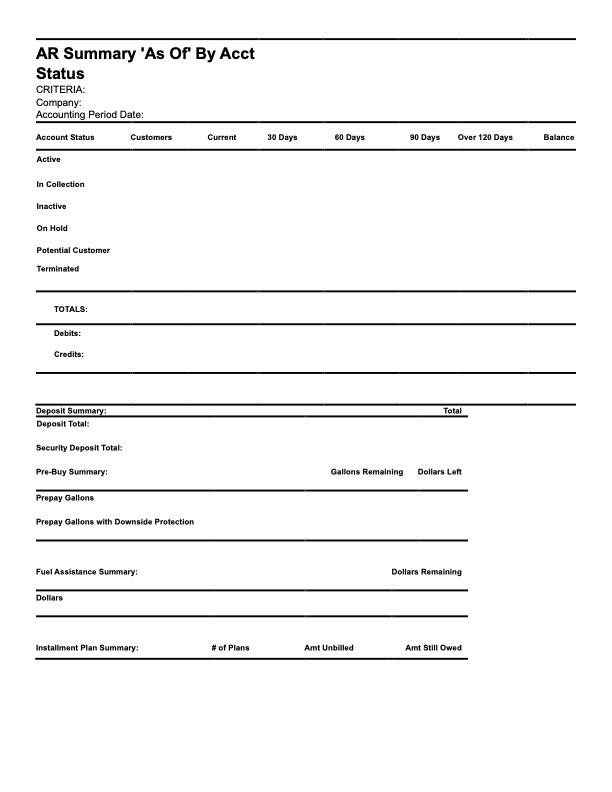
AR Summary "As of" by Account Status
-
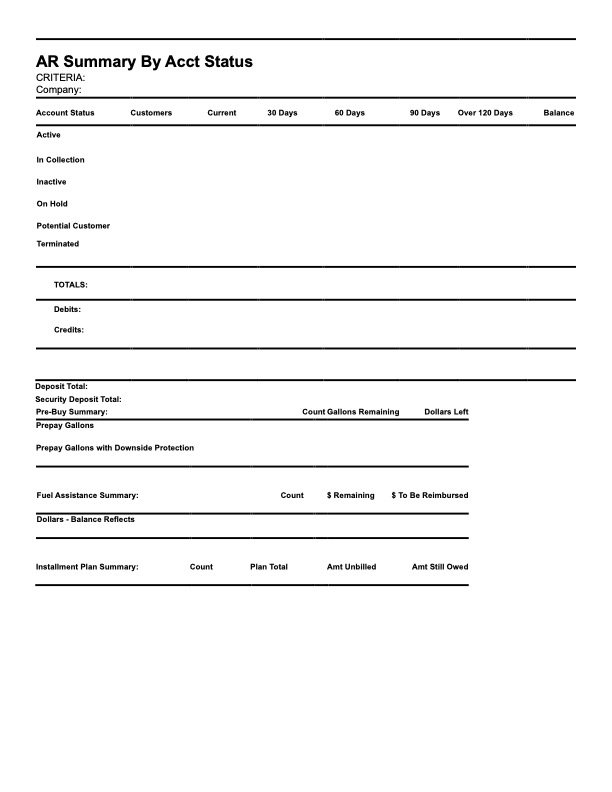
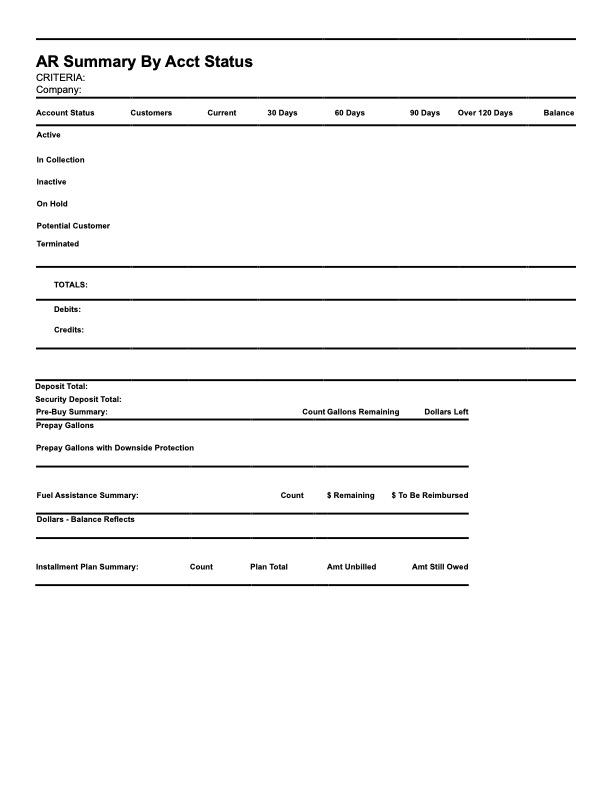
AR Summary by Account Status
-
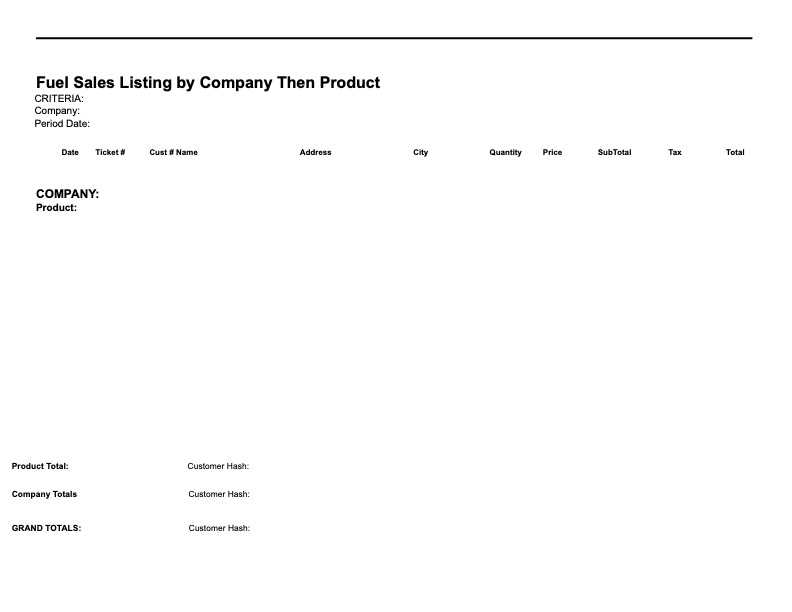
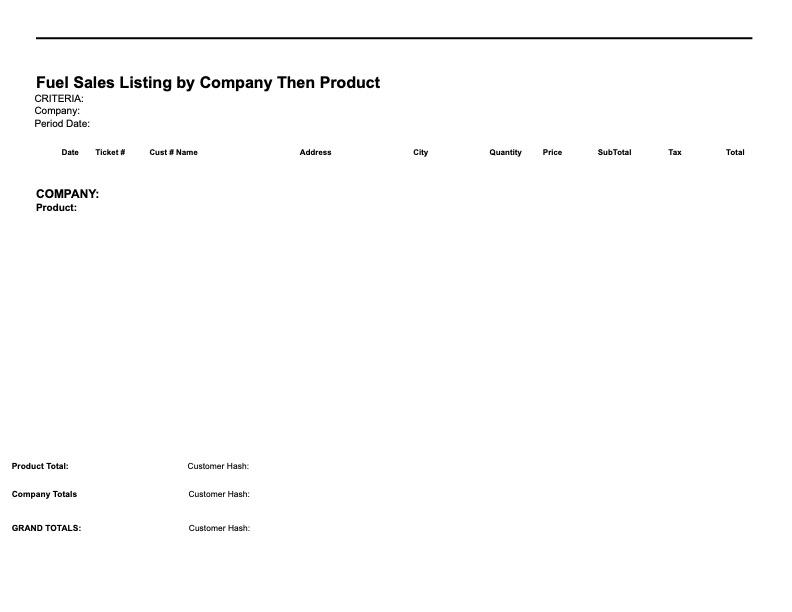
Fuel Sales Listing by Company Then Product
-
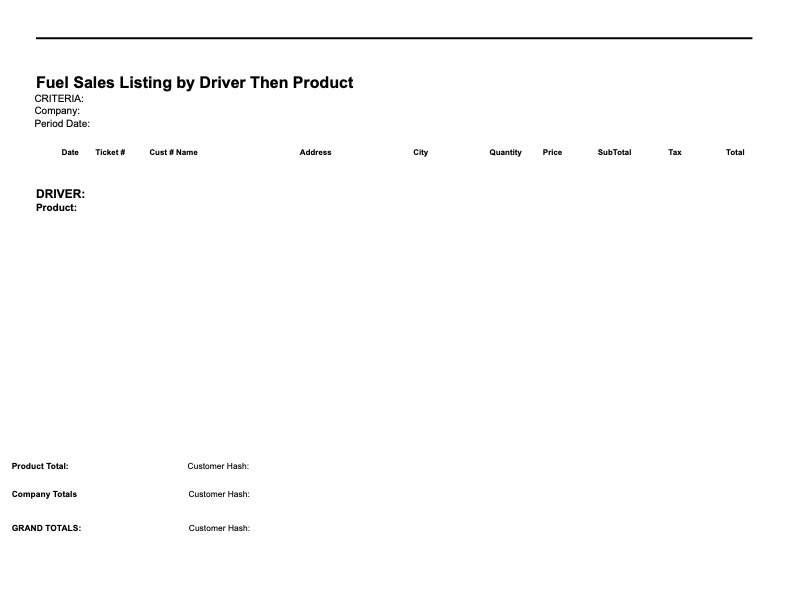
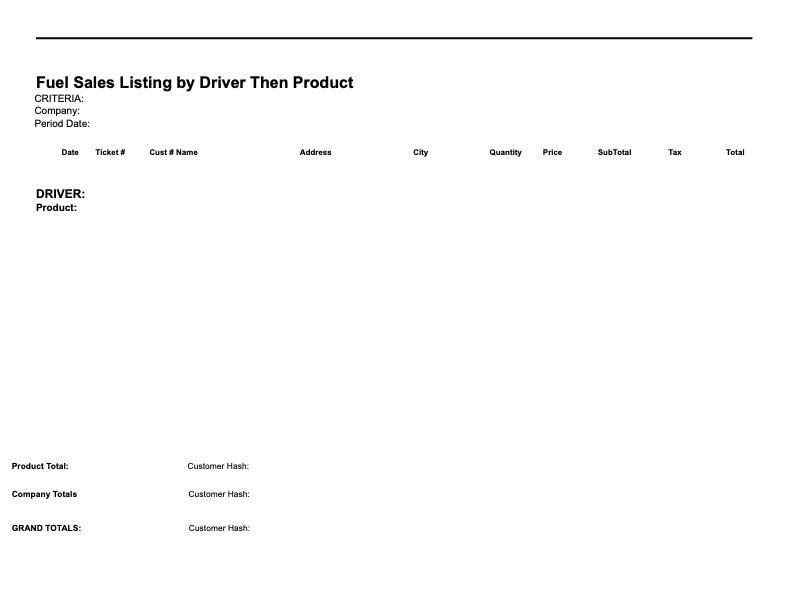
Fuel Sales Listing by Driver Then Product
-
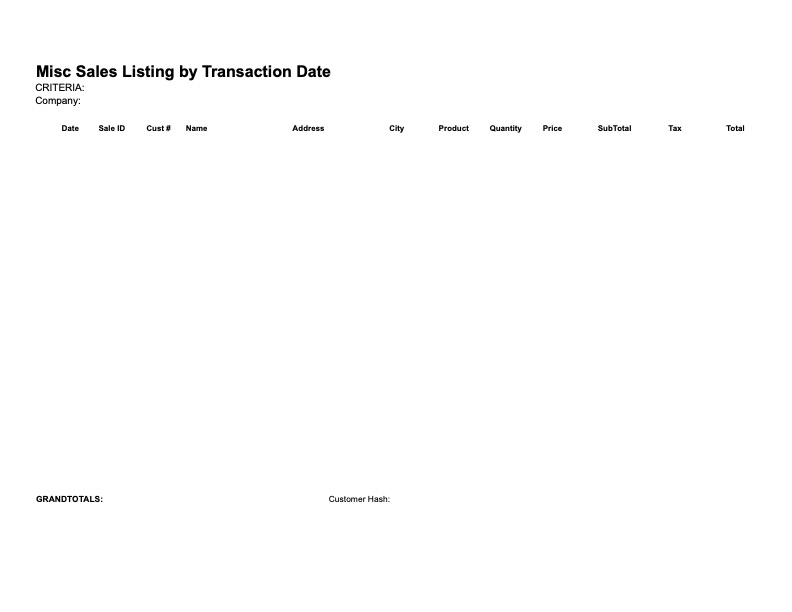
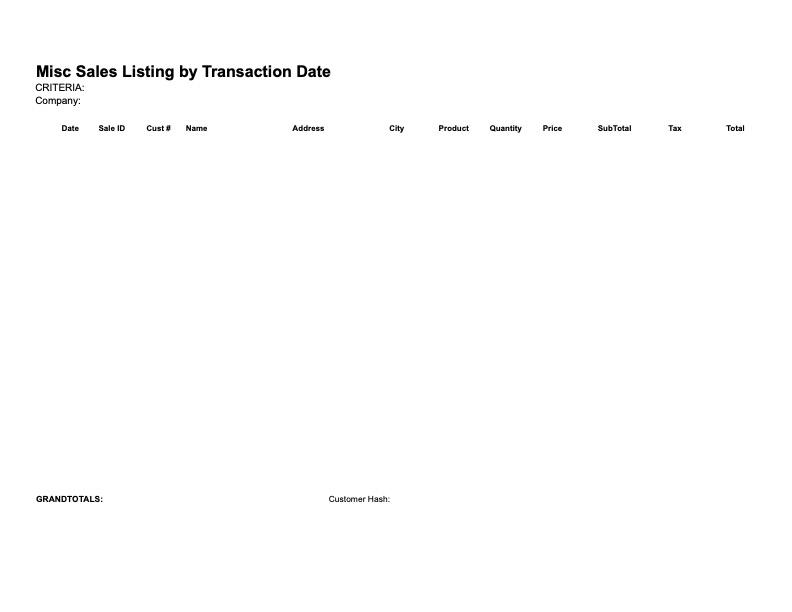
Miscellaneous Sales Listing by Transaction Date
-
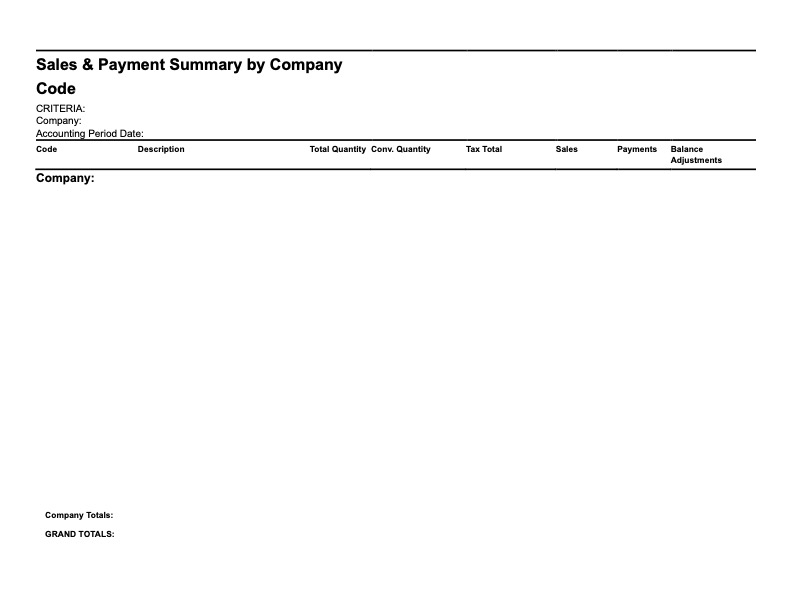
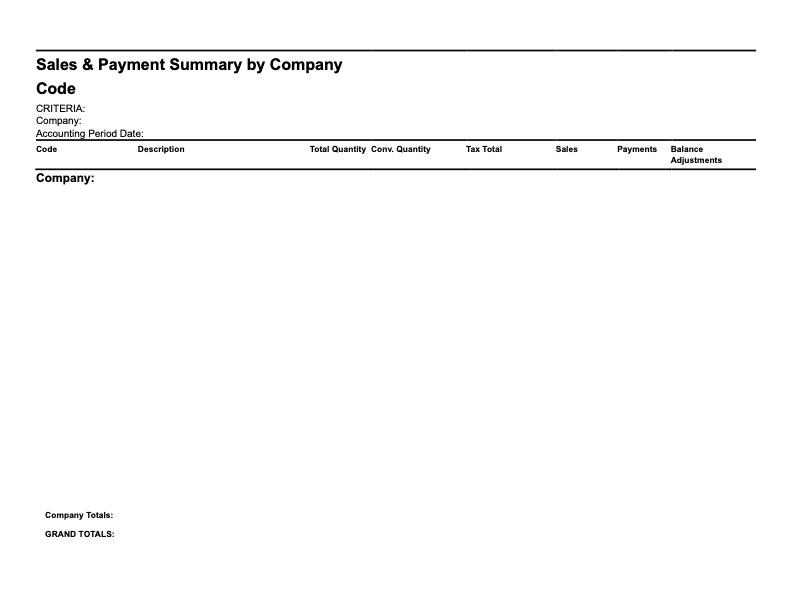
Sales and Payment Summary by Company Then Product Code
-
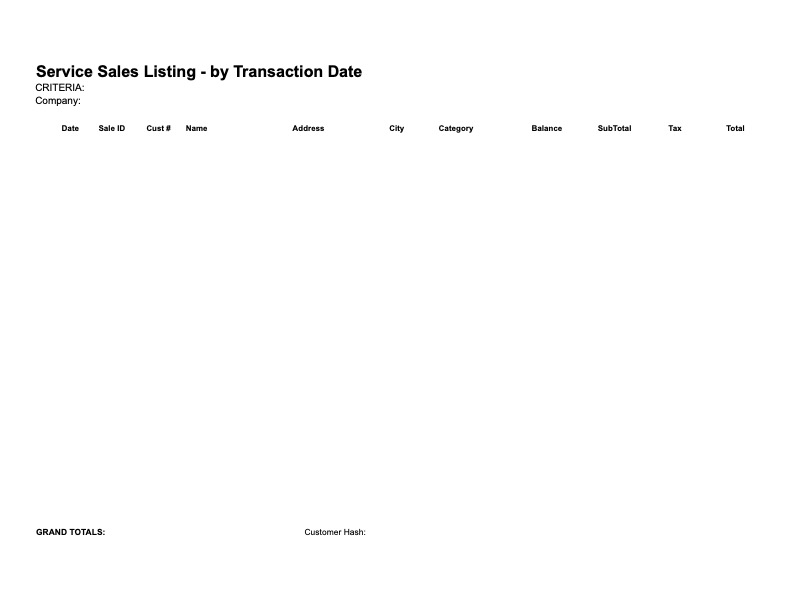
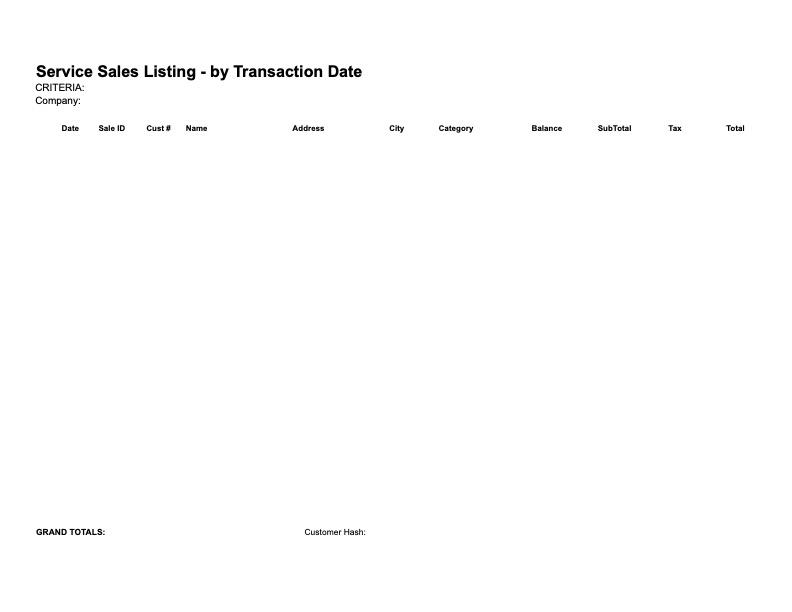
Service Sales Listing - by Transaction Date
-
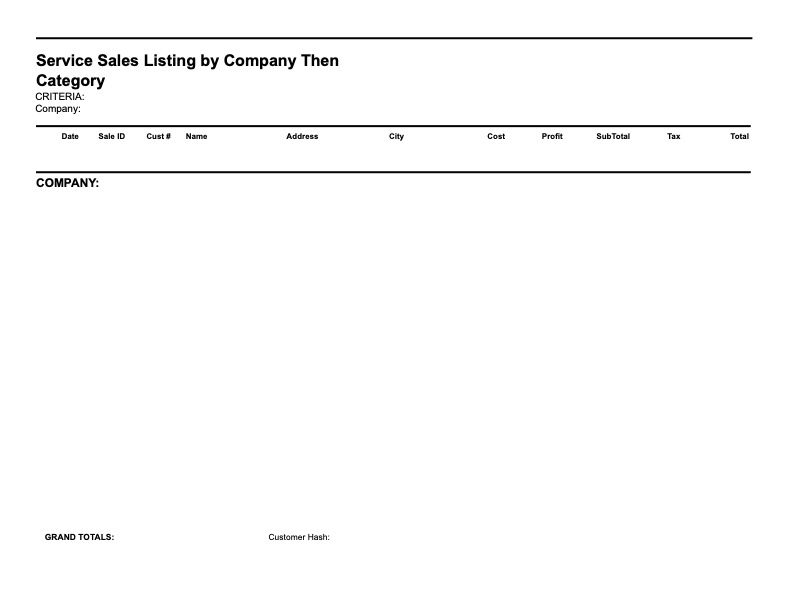
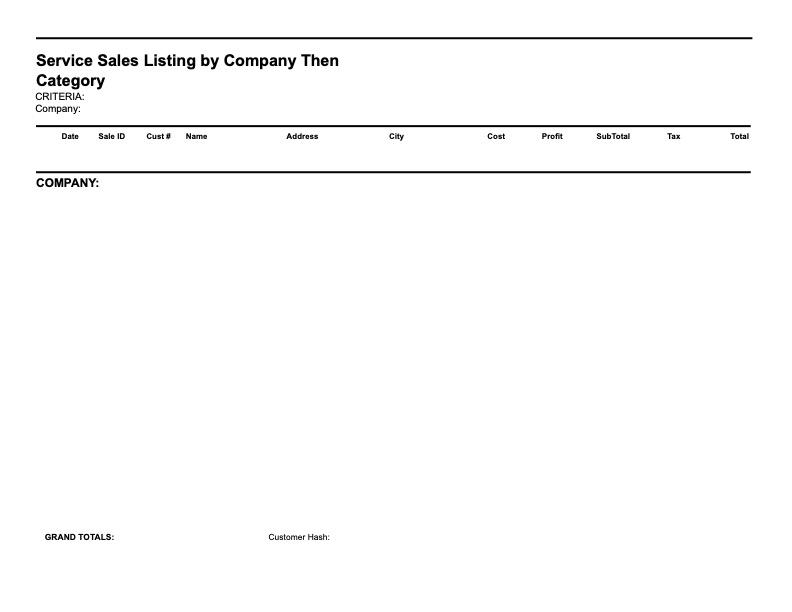
Service Sales Listing by Company Then Category
-
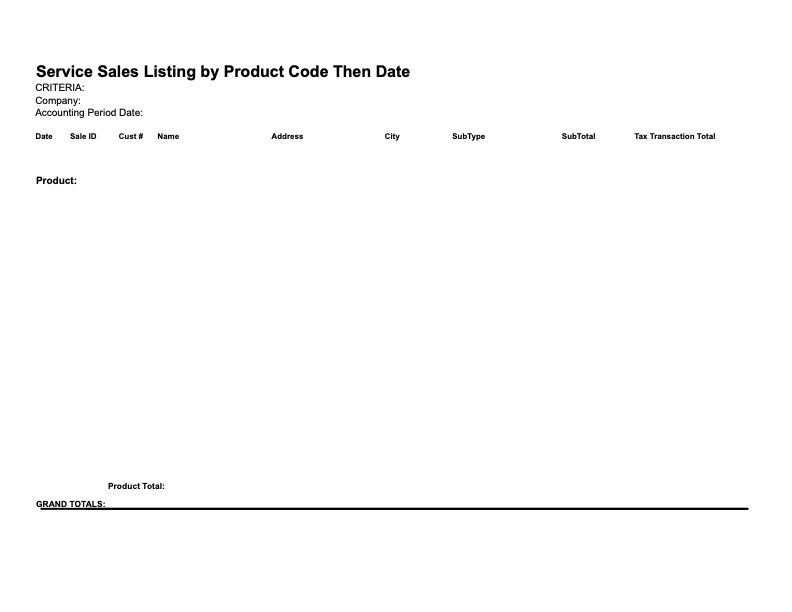
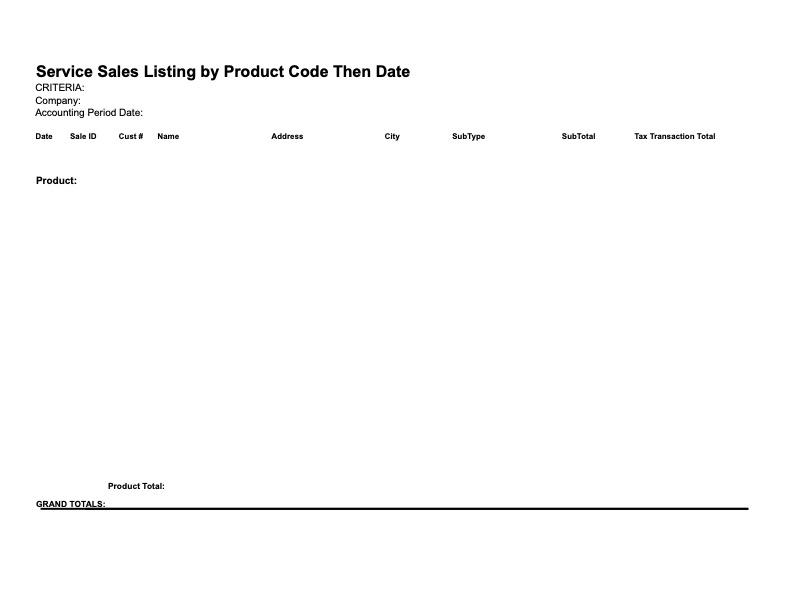
Service Sales Listing by Product Code Then Date
-
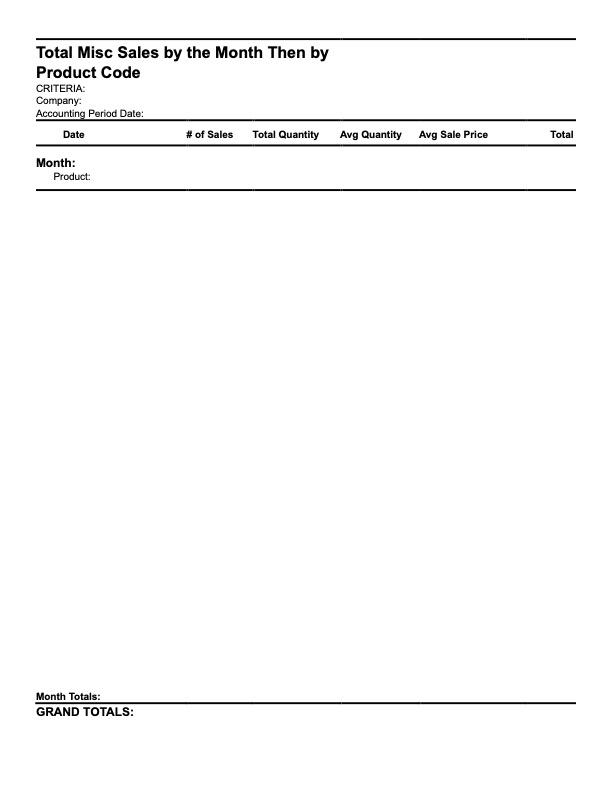
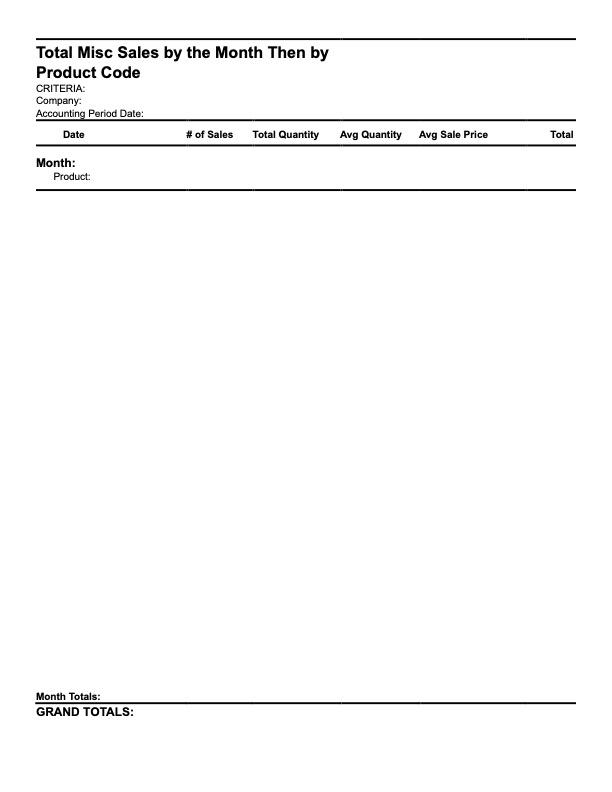
Total Miscellaneous Sales by the Month Then by Product Code
-
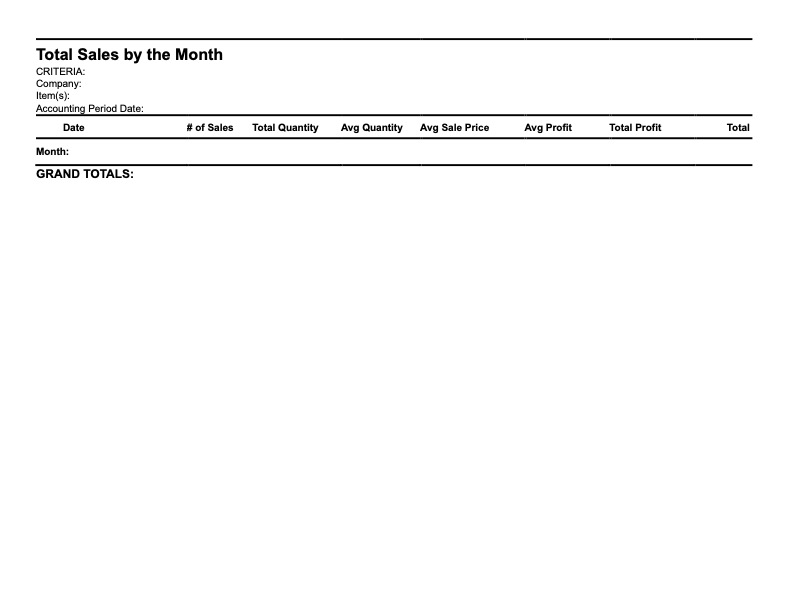
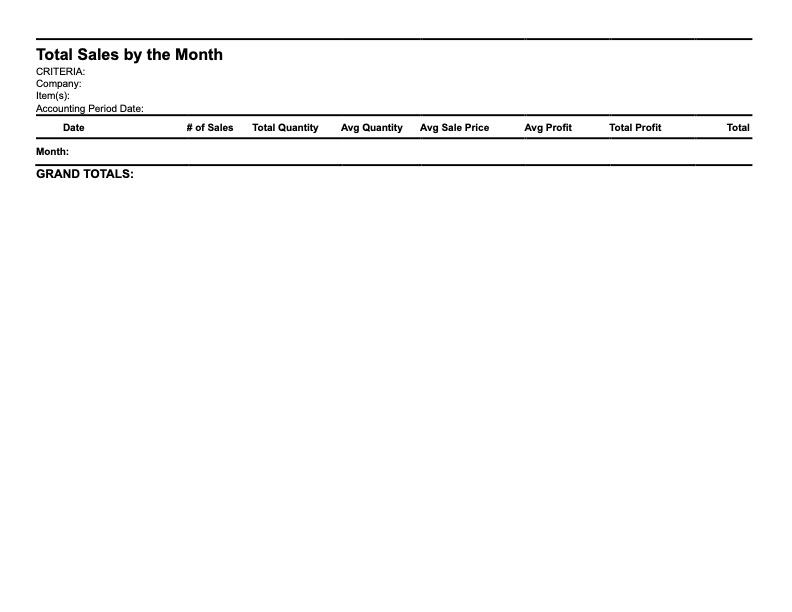
Total Sales by Month
-
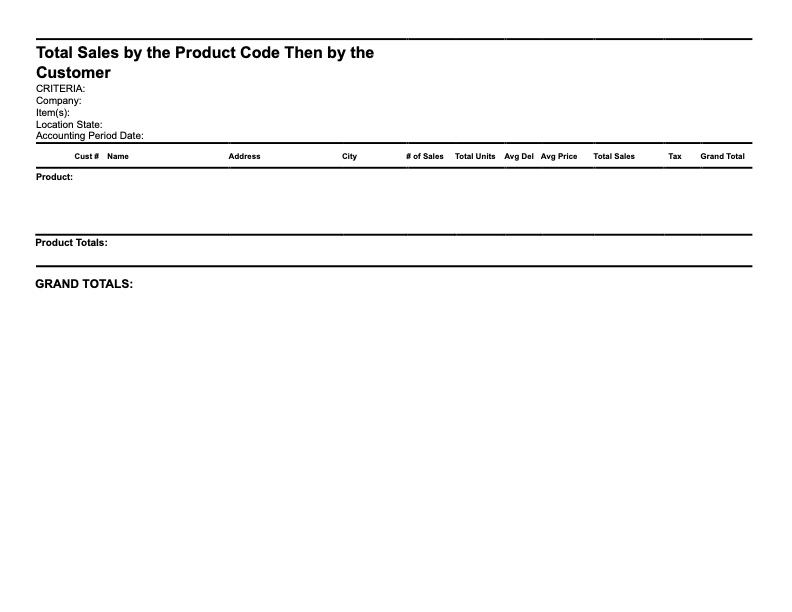
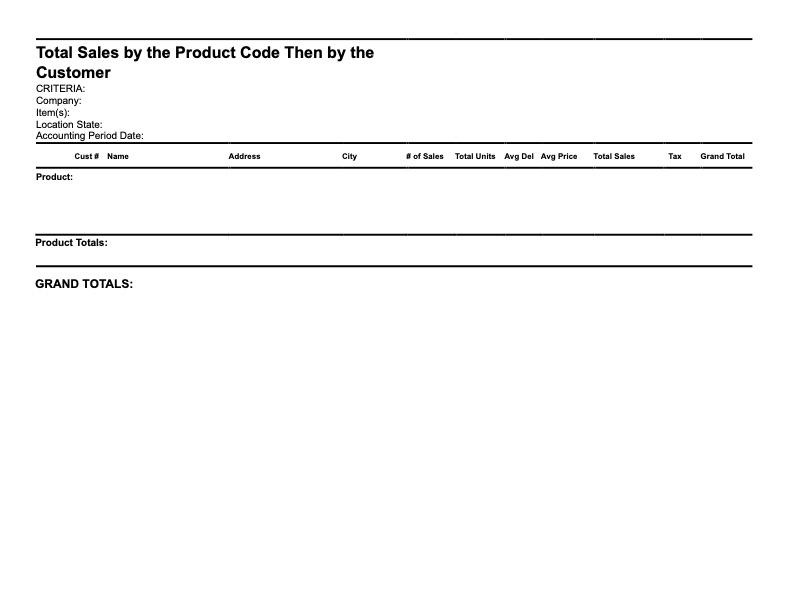
Total Sales by The Product Code Then by The Customer
-
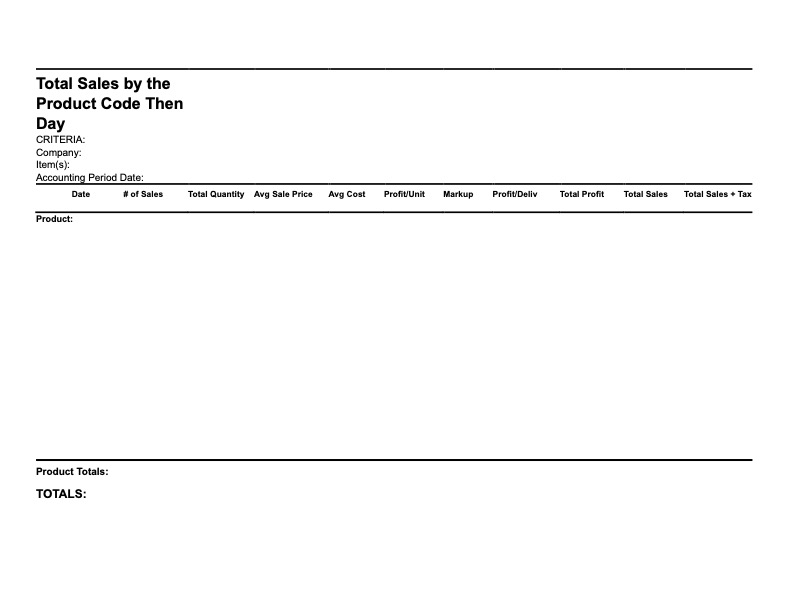
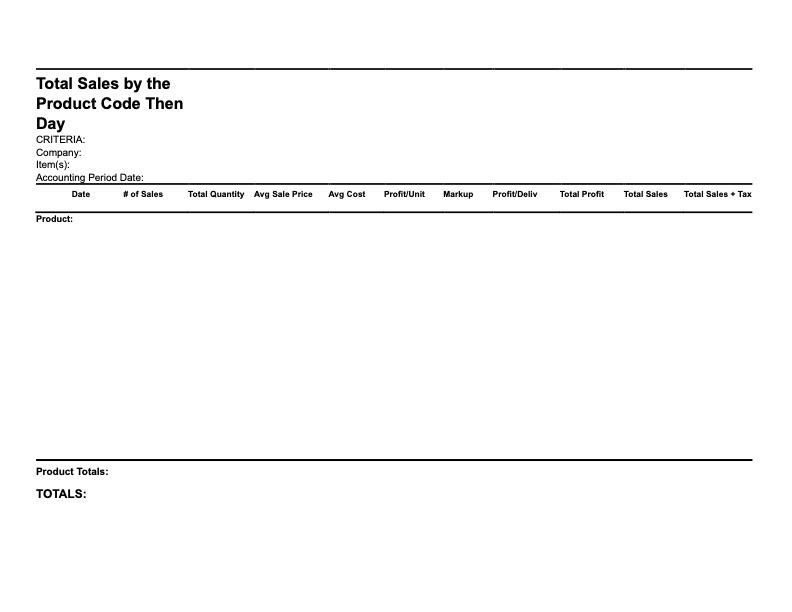
Total Sales by The Product Code Then by The Day
-
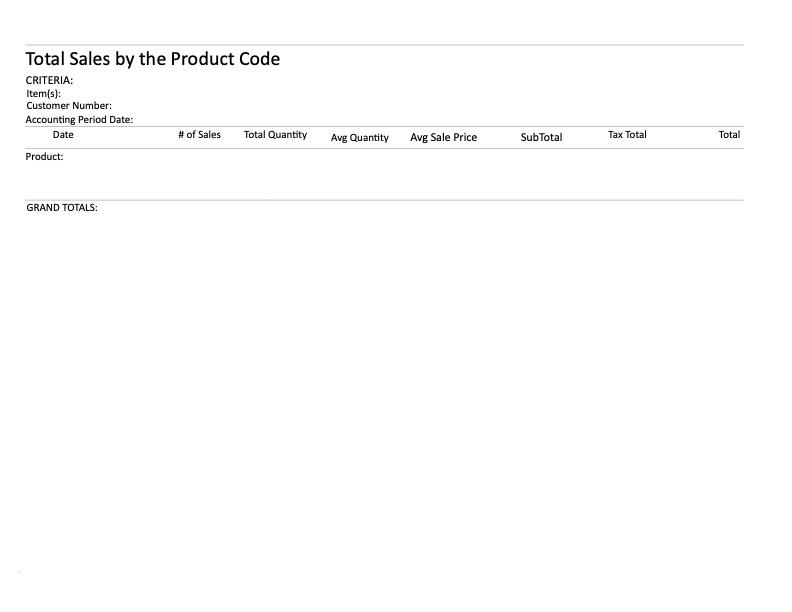
Total Sales by The Product Code Then by Customer
-
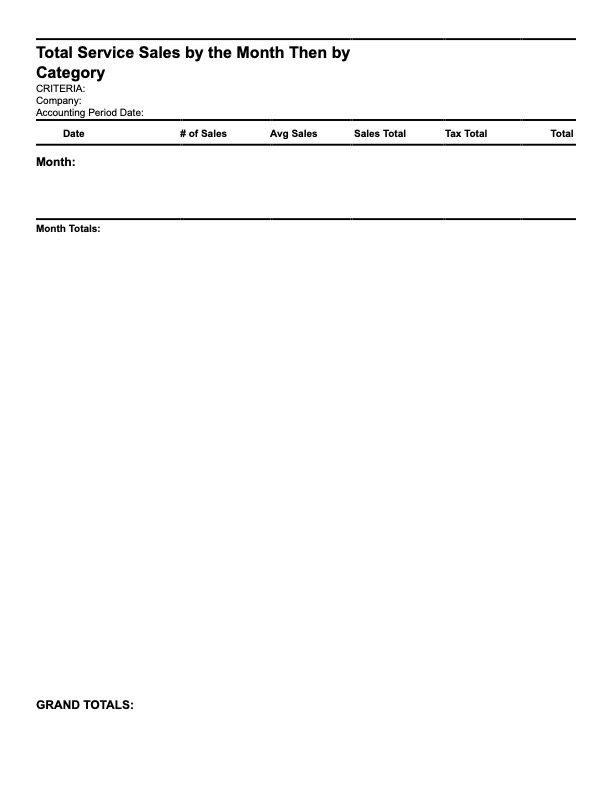
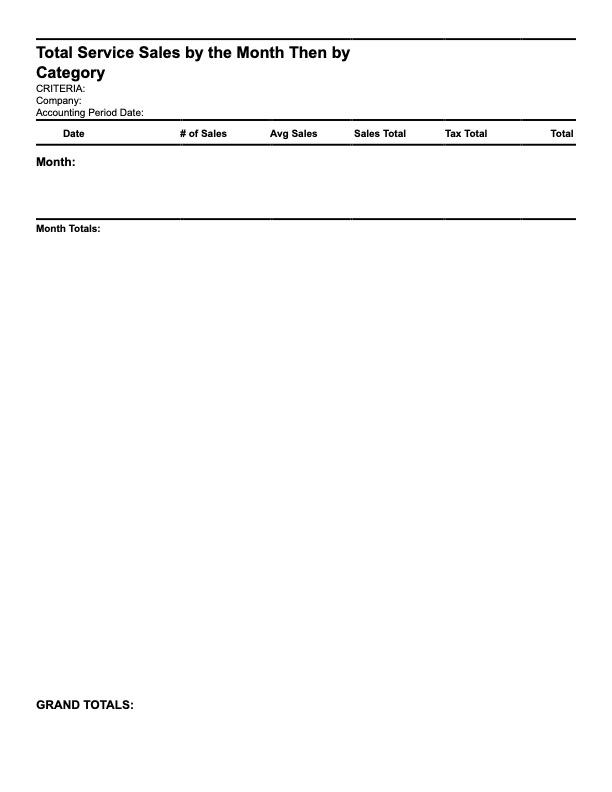
Total Service Sales by The Month Then by Category
-
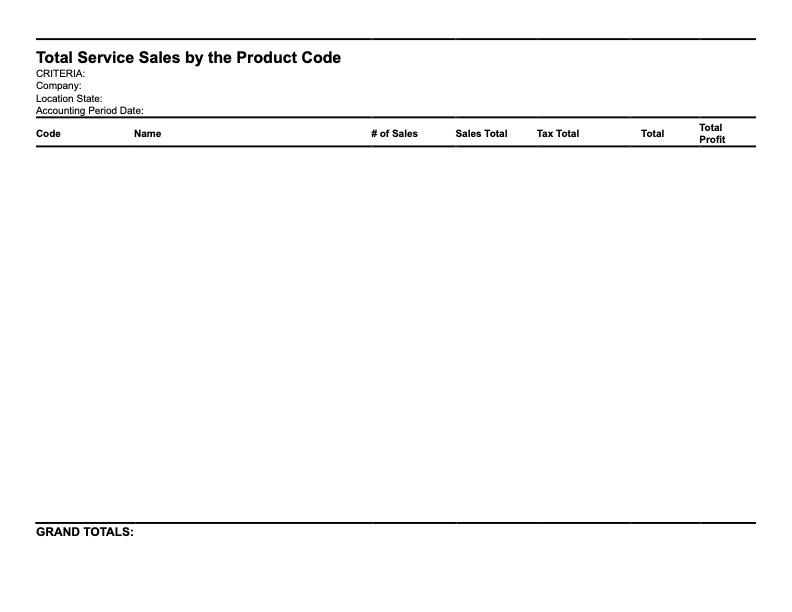
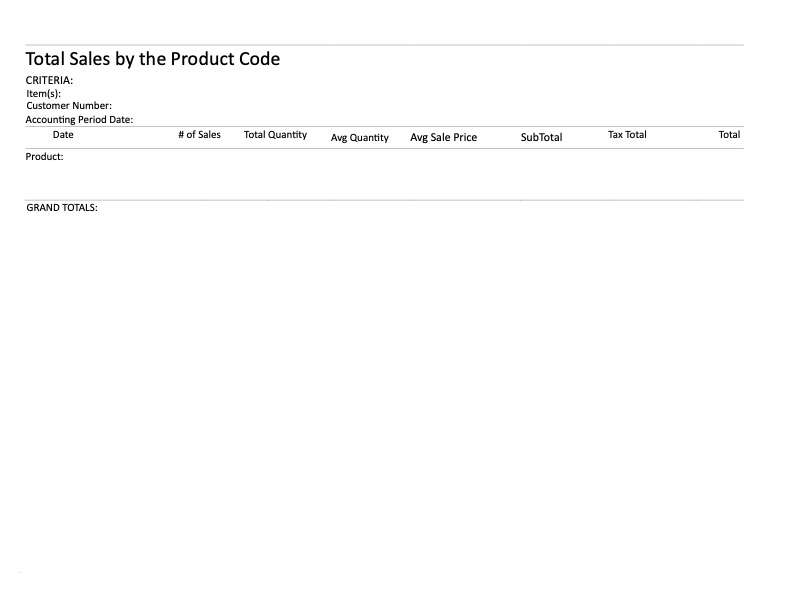
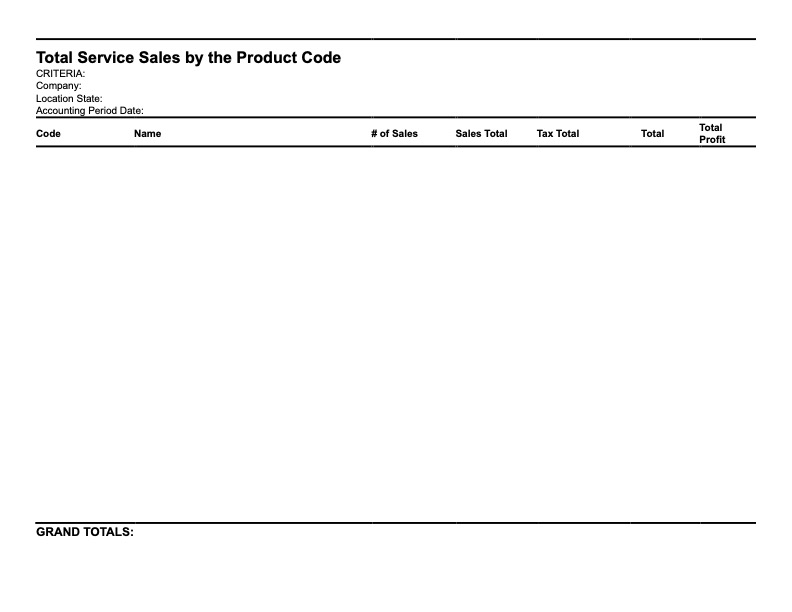
Total Service Sales by The Product Code