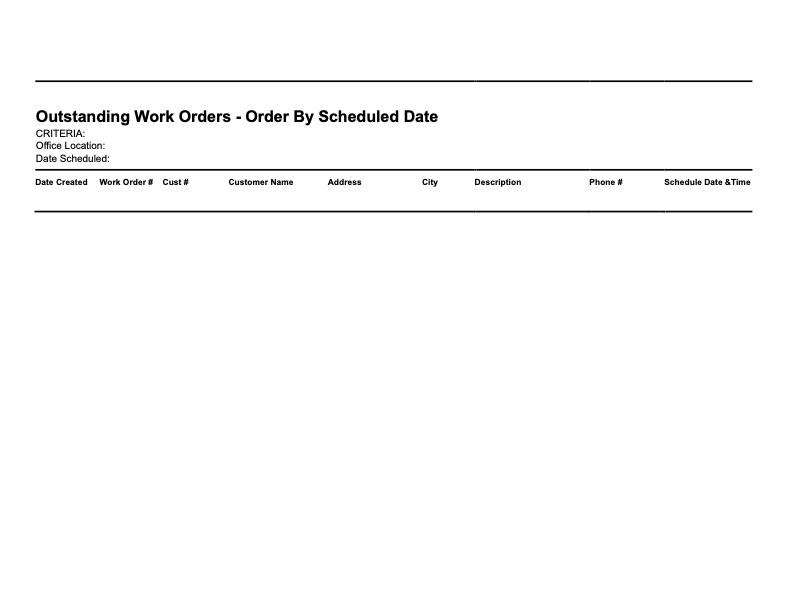
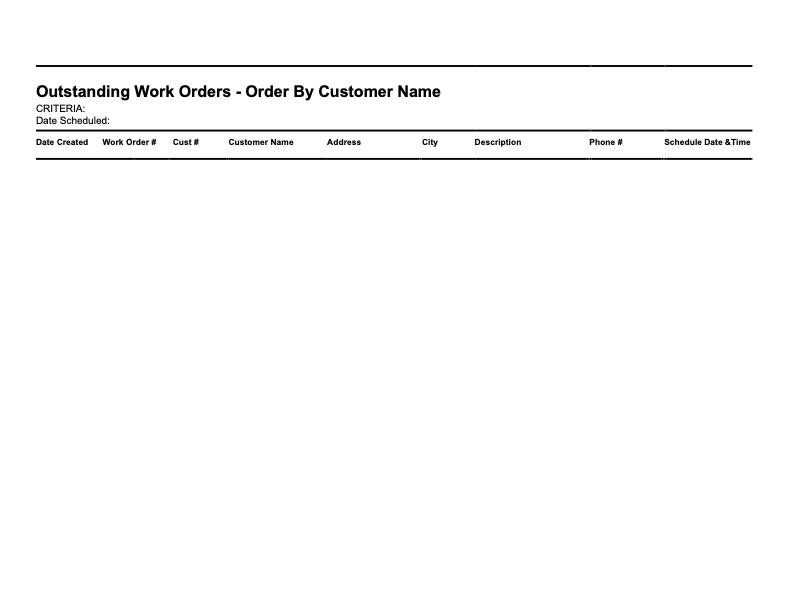
Taylor Reports in Install Calendar
Install Calendar and how they reflect Taylor Reports
The Install Calendar shows all Projects/Services that are scheduled that have been worked or need to be worked on. To reach the Install Calendar, click on the Service dropodown on the side menu then click on Install Calendar. Clicking on the three bars on the top left of the page expands the side bar to show more detail allowing for easier navigation. The Calendar can then be displayed by Month, Week or Day by clicking on said button on the top right of the page. Clicking on the Previous or Next buttons allows the calendar to jump to the next or previous month, week or day depending on how the calendar is displayed. Clicking on Today jumps the calendar to the current month, week or day. Once selected, if there are projects/services on a given day, the calendar will show all work orders for each day. The work orders will then show the Accouint Number, the Customer Name, what projects/Services need to be provided or have been, and the number of techs for each project. Clicking on each project brings up a more detailed page on the selected work order. See...See Projects for more details
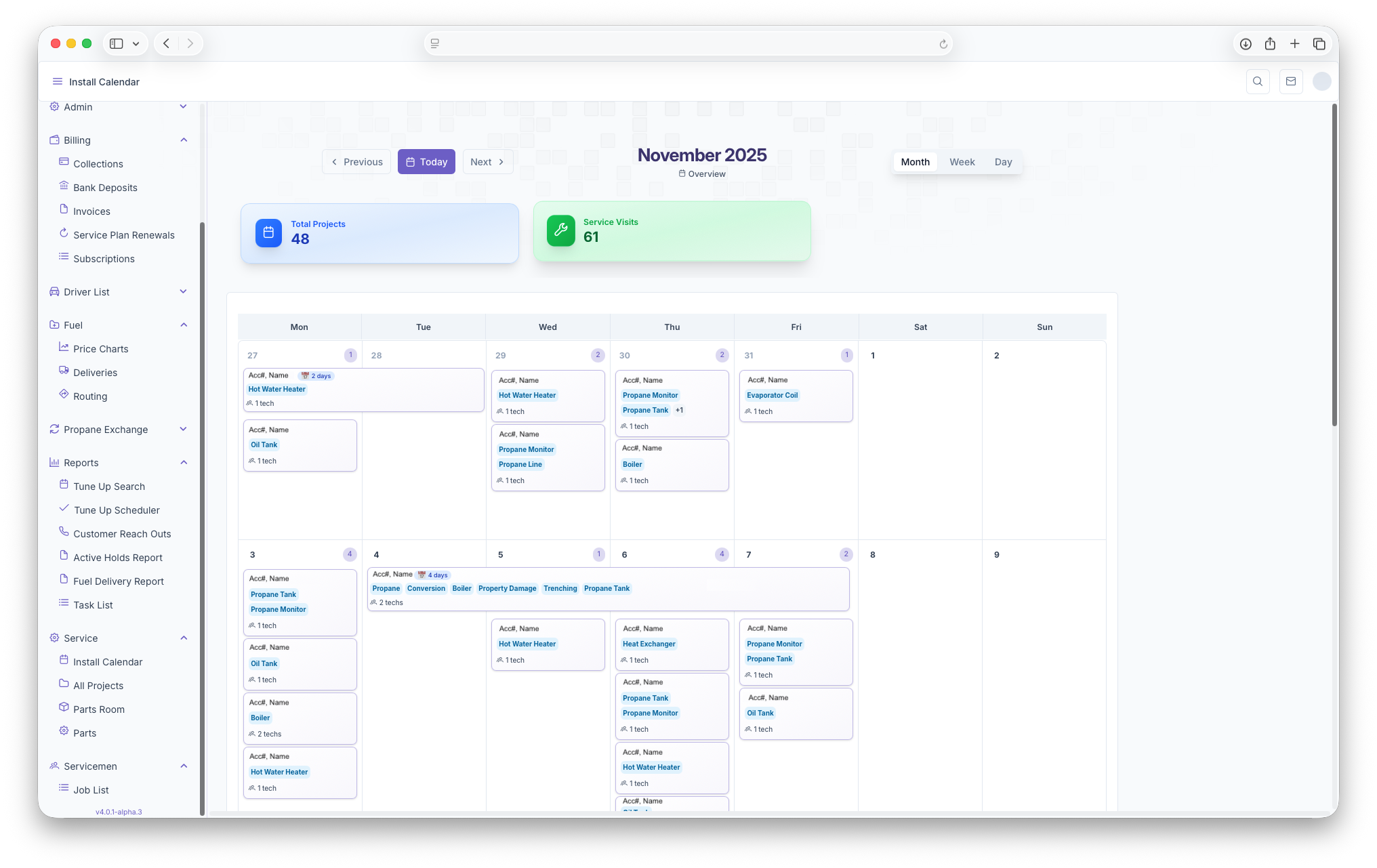
The Following Taylor Reports can be seen in KozyOps Install Calendar
-
Outstanding Work Orders - Order By Customer Name
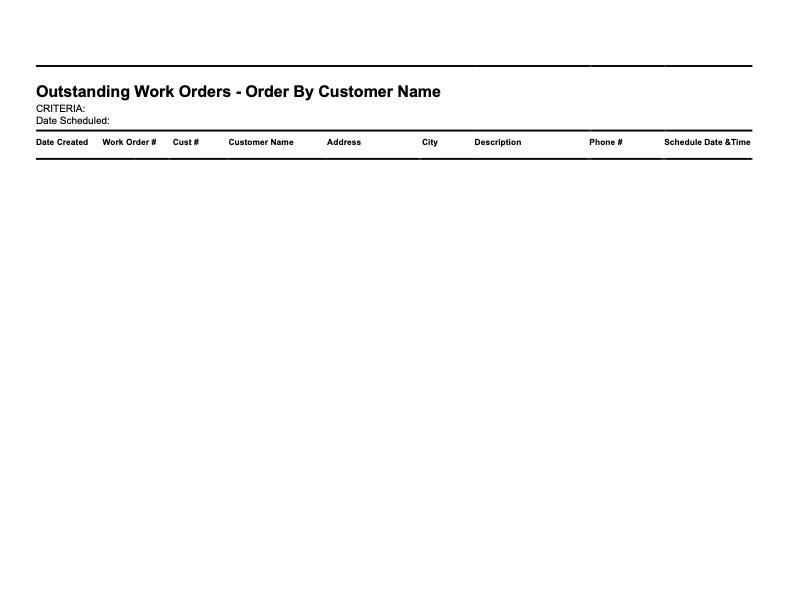
-
Outstanding Work Orders - Order By Scheduled Date