Taylor Reports in Install Calendar
Install Calendar and how they reflect Taylor Reports
The install calendar shows projects for specific days. Can be pulled up by Month, Week or Day, then clicking Previous or Next brings up the previous or next Month, Week or Day. The page will then show Total Projects and Service Visits. The Calendar will then show Customers for specific days, what is getting worked on, and how many techs are assigned. If more detailed information is needed on each job, just click on the customer and you will be taken to the specifics of each work order
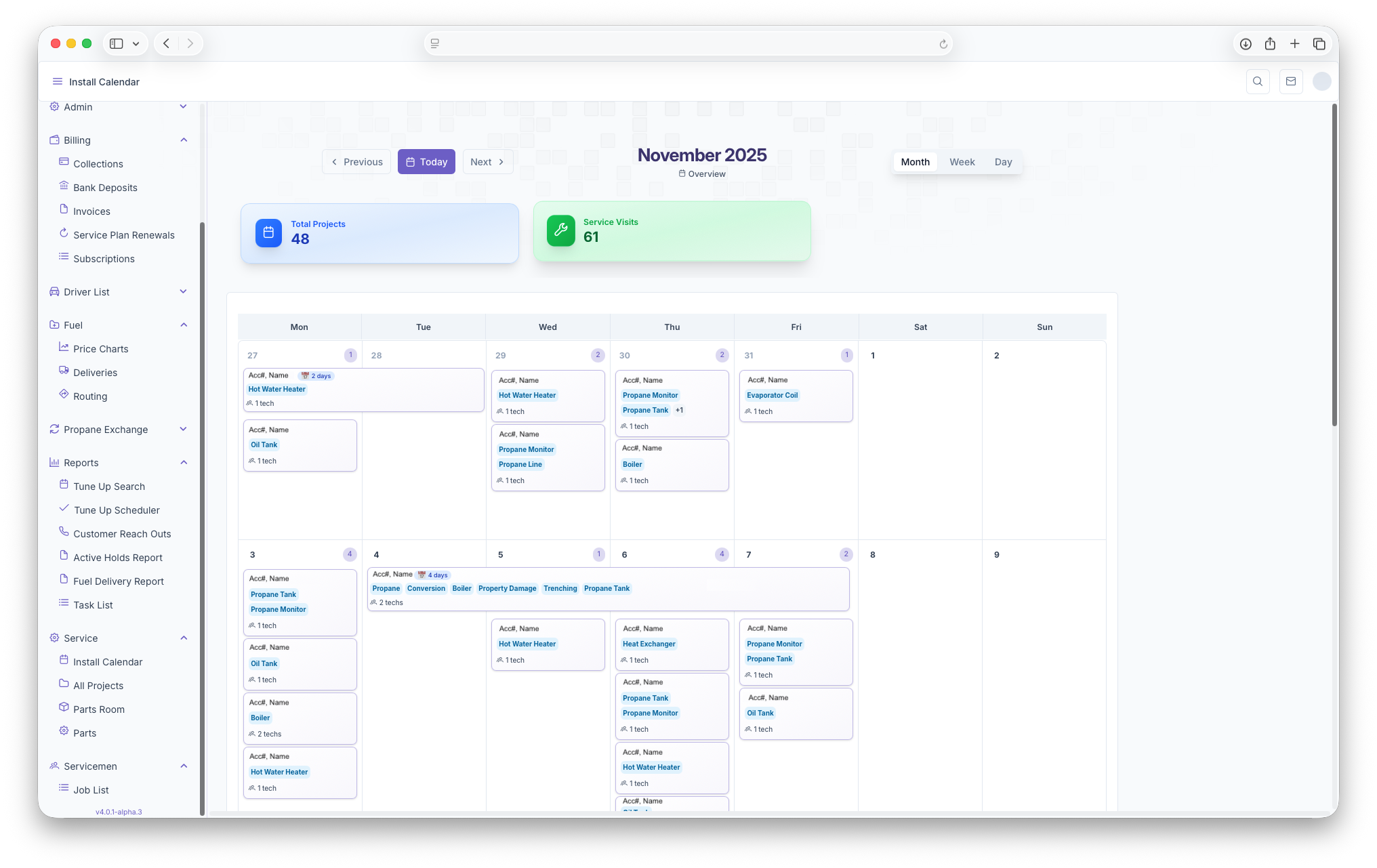
The Following Taylor Reports can be seen in KozyOps Install Calendar
-
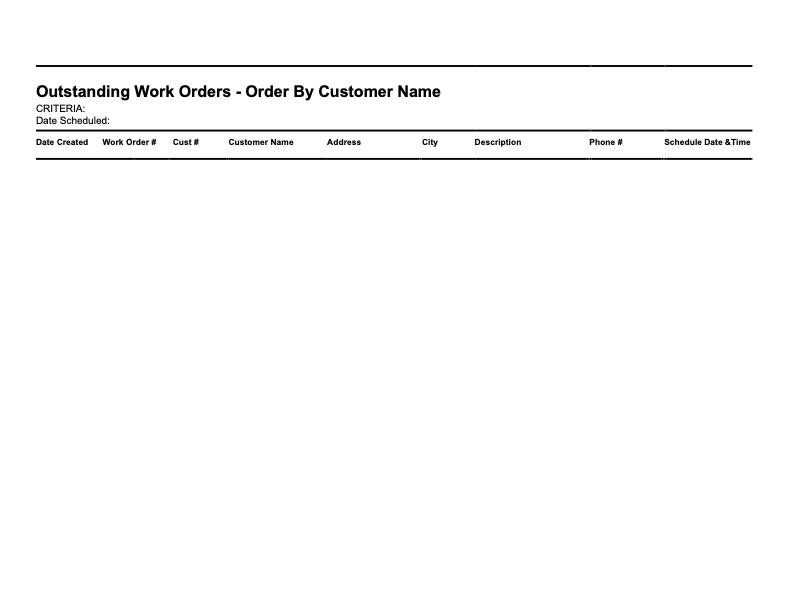
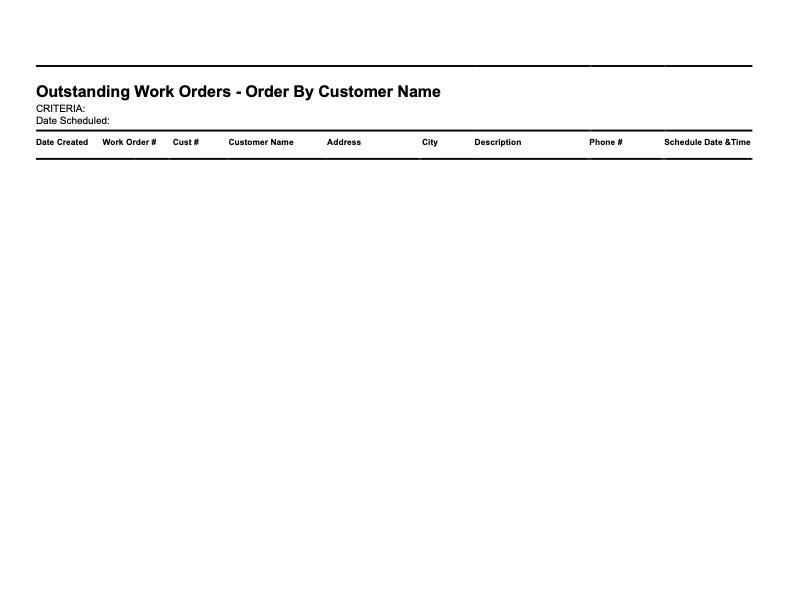
Outstanding Work Orders - Order By Customer Name
-
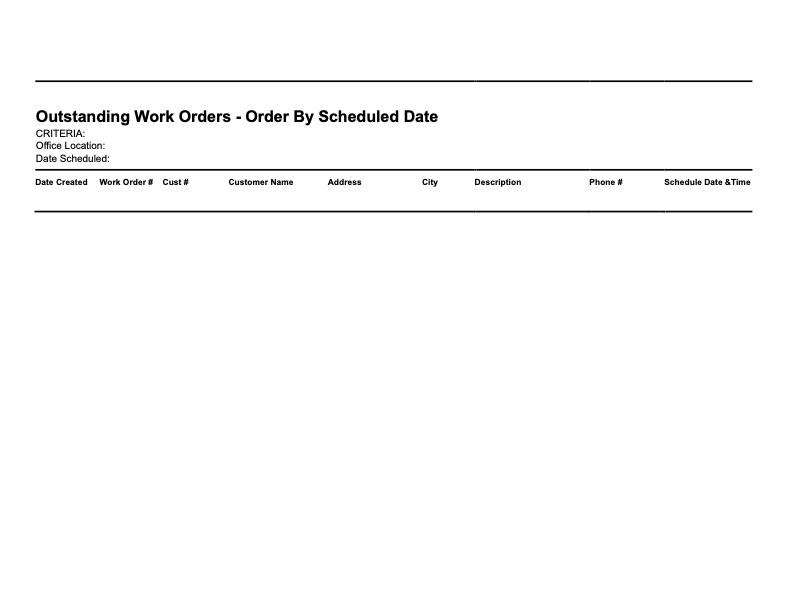
Outstanding Work Orders - Order By Scheduled Date