Taylor Reports in Fuel Delivery Report
Fuel DeliveriesDeliveriy Report and how they reflect Taylor Reports
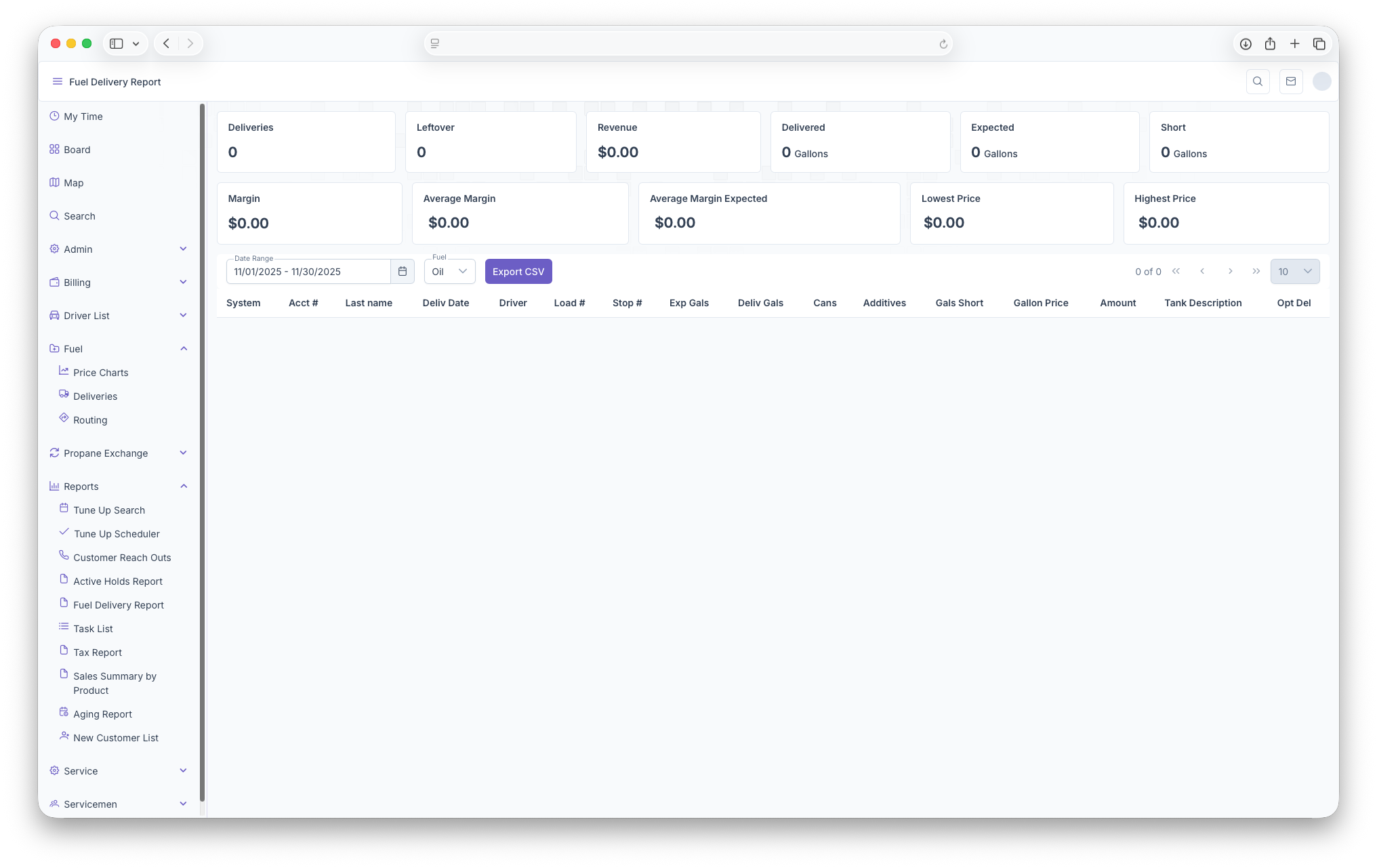
The Fuel Deliveries Report is another way to pull up data on deliveries.deliveries Thewith informationthe isinclusion pulledof total sums based on selected filters. To reach The Fuel Delivery Report, on the side menu, click on reports then click on Fuel Delivery Report. Clicking on the three bars on the top left corner of the page will expand the side menu showing more detail and making it easier to navigate. Once on the page, the page will show a sum of Deliveries, Leftovers, Revenue, how much was Delivered, Expected delivery, how much Shortage, Margin as well as Average Margin, Average Margin Expected, The Lowest Price and The Highest Price. Following that, the page can be filtered by Date Range and Fueltype type.of Once selected, you can see Total Deliveries, Leftovers, Revenue, Total Delivered, Total Expected, Total Short, Margins, Average Margin,, Average Margin Expected, Lowest Price and Highest Price.Fuel. The informationreport is then showsshown with the following columns, System, Account Number, Last name,Name, Delivery Date, Driver, Load Number, Stop Number, Expected Gallons, Delivered Gallons, GallonsCans, Short,Additives, Gallon Shortage, Gallon Price, Amount, Tank Description and OptionalOptimal DeliveriesDelivery. The report can also be exported into document format for easier printing and sharing by clicking on the Export CSV button next to the filters.
The Following Taylor Reports can be seen in KozyOps Fuel Deliveries reports
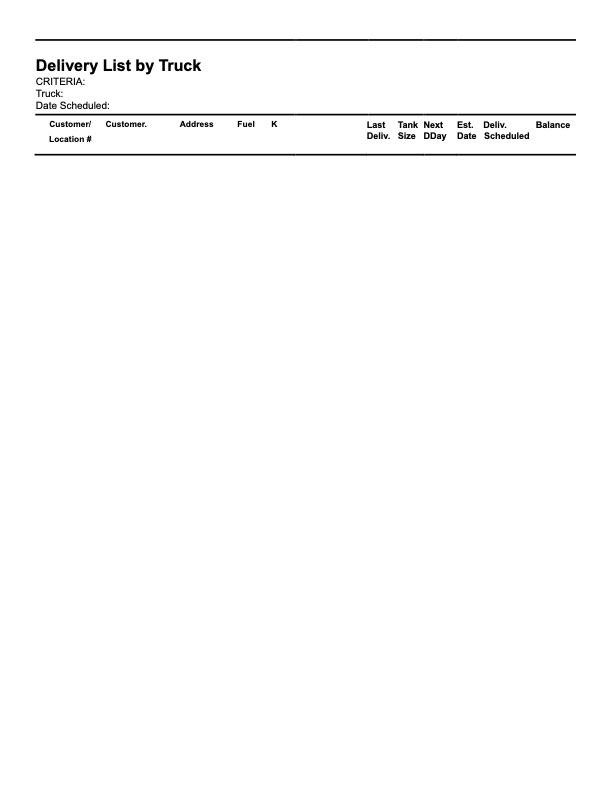
- Delivery List by Truck
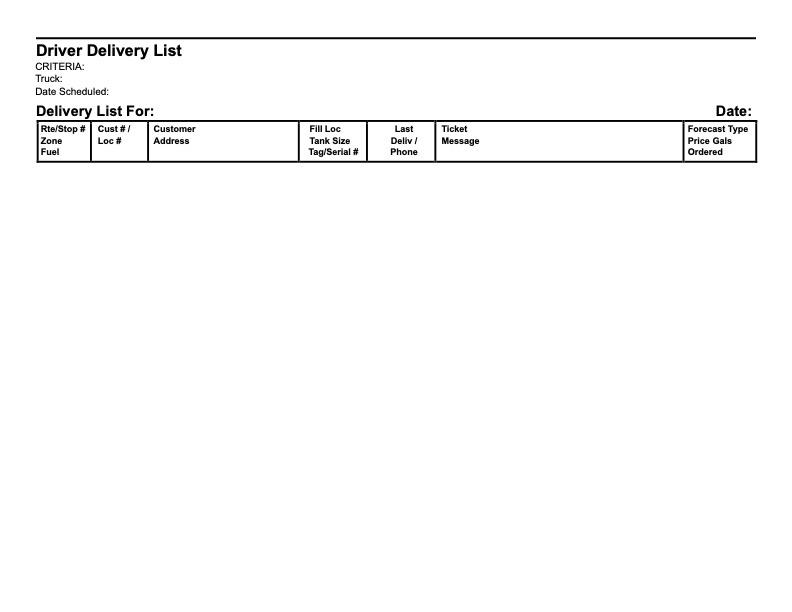
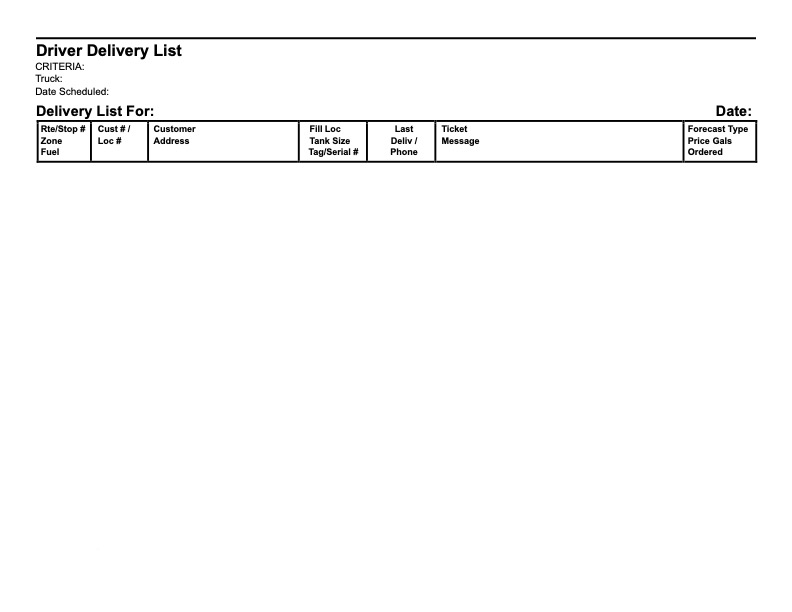
- Driver Delivery List