Taylor Reports in Deliveries
Deliveries and how they reflect Taylor Reports
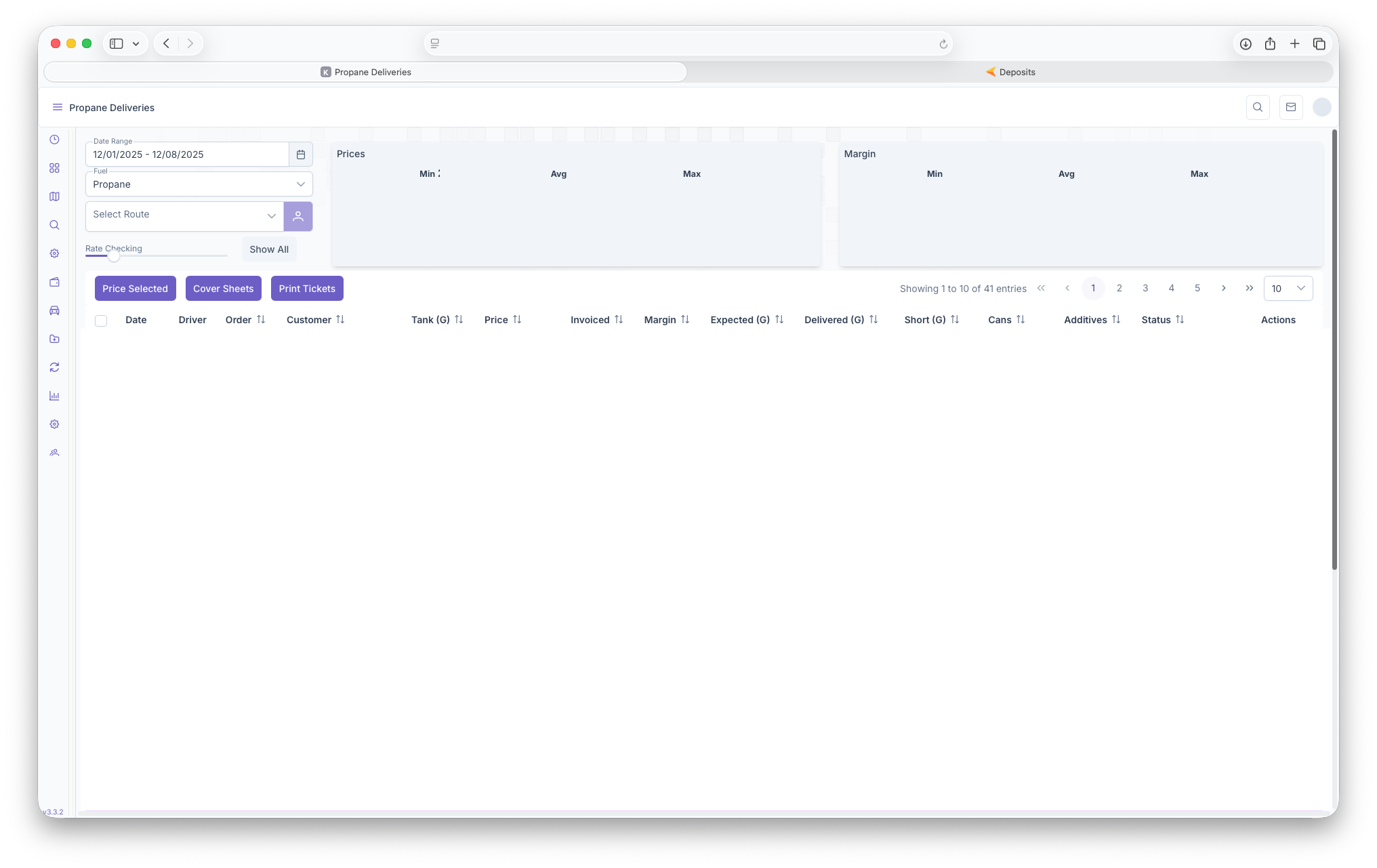
The Deliveries Report page shows deliveries that have been routed and are being delievered, have been delivered, are going to be delivered or haven't been delivered. To reach the Delieveries page, on the side menu, click on the Fuel drop down, then select Deliveries. Clicking on the three bars on the top left corner of the page allows the side bar to be expanded for a more detailed view for easier access. Page can be filtered by Date Range, Fuel and Route. The page will then show Prices which show the Minimum Price, Average Price and the Max Price. The page will also show Margins that will then show the Minimum Margin, the Average Margin and the Maximum Margin. The report is then seperated into the following columns, Date, Driver, Order, Customer Number/Name, Tank, Price, Invoiced, Margin, Expected Delivery, what's been Delivered, Shortage, Cans, any Additives and current Status of the delivery. The option to price each delivery can be down by selecting a delivery and clicking on Price selected. Cover sheets and Tickets can be generated by clicking on Cover Sheets and Print Tickets buttons for easier printing and sharing
The Following Taylor Reports can be seen in KozyOps Deliveries reports
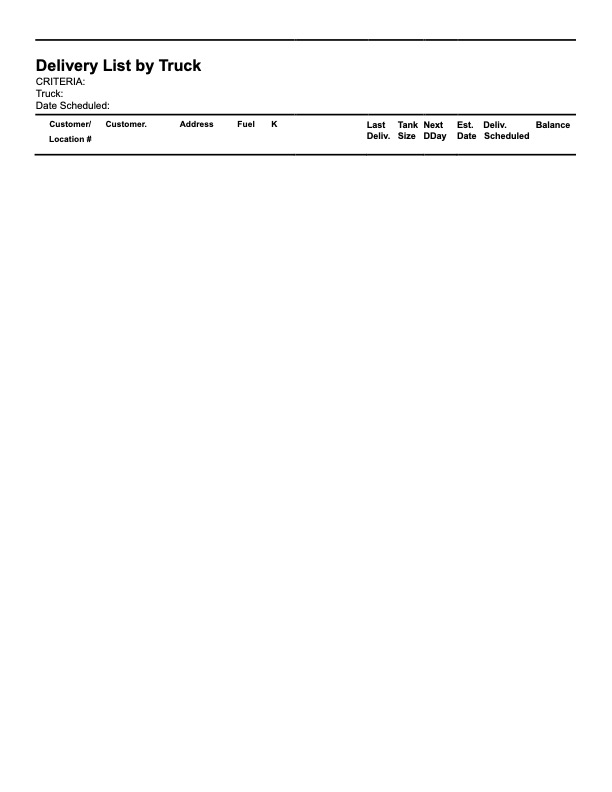
- Delivery List by Truck
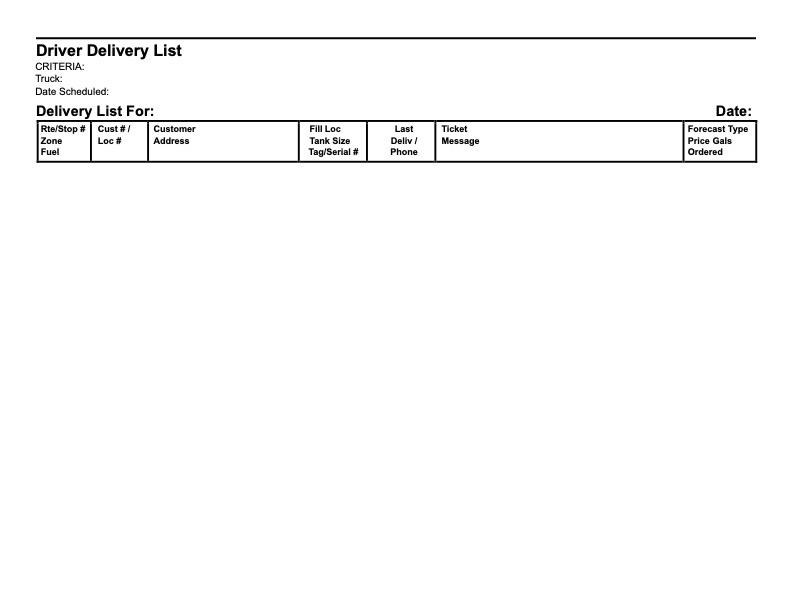
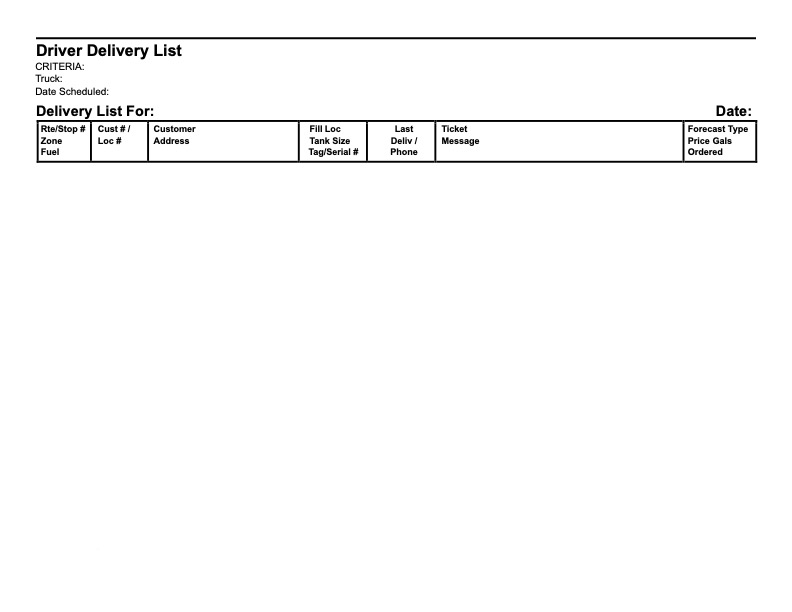
- Driver Delivery List