Taylor Reports in Bank Deposits and Receipts
Bank Deposits and how they reflect Taylor Reports
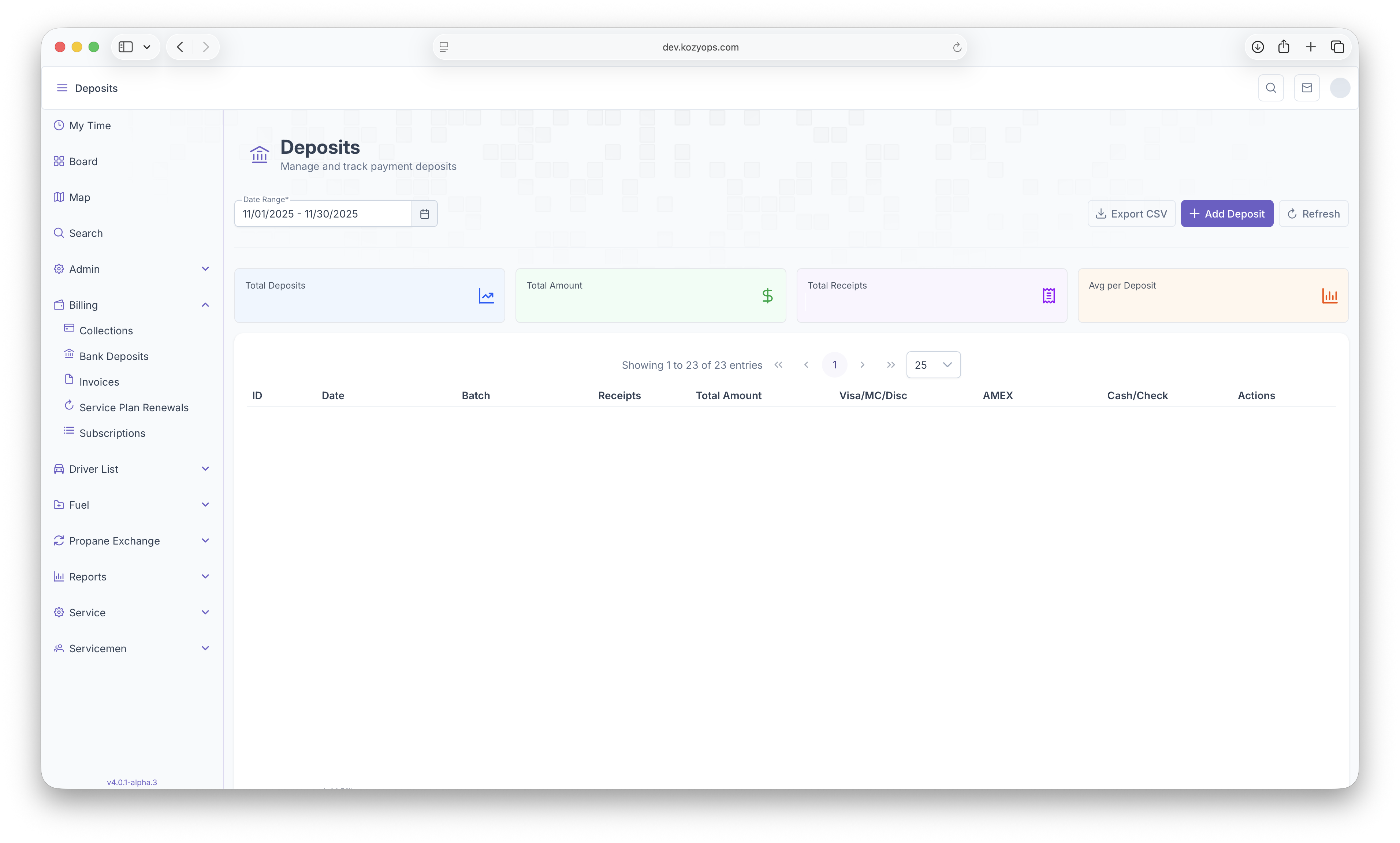
Bank Deposits reports show a variety of information, in particular payments that have been made by the customer. First, the reports can be pulled up by date ranges. The report will then show Total Deposits, Total Ammount, Total Receipts for each Deposit, and an Average per Deposits. The Following then shows ID#, Date, Batch, Reciepts, Total Amounts, then payment types, Visa/MC/Disc, Amex, Cash/Check and Actions. Clicking on the Actions or on the Deposits themselves will pull up each indivivdual receipt for each deposit.
Receipts
After clicking on the Actions or the Deposits, each individual Customer receipt information will then be pulled up. From there specific reciept information can be pulled up by clicking on Receipt Type. The receipts then show ID#, The Ammount Paid, Customer Name, Account Number, any Comments, Manual and Time. List can then be sorted by clicking on the arrows next to each category
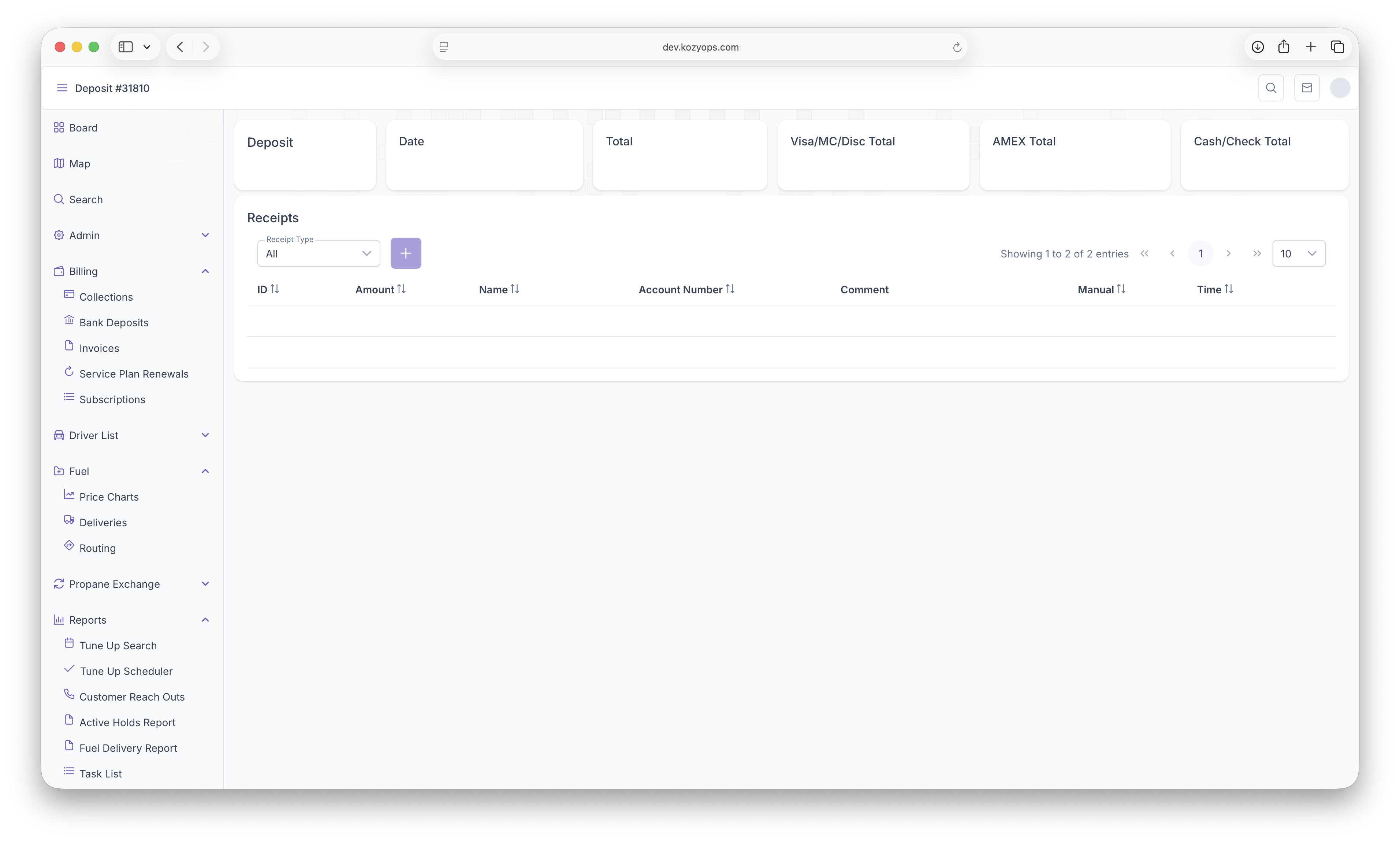
The Following Taylor Reports can be seen in KozyOps Bank Deposits and Receipts reports
-
Customer Aging Reports
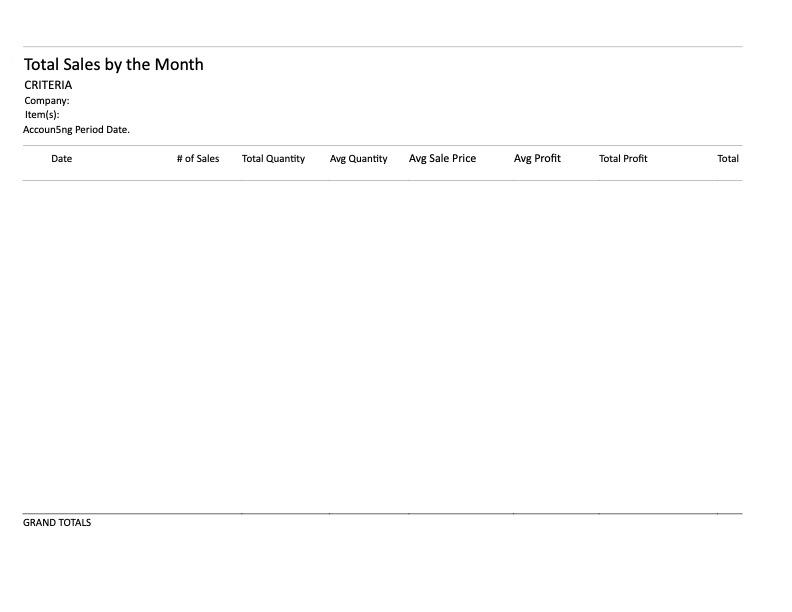
-
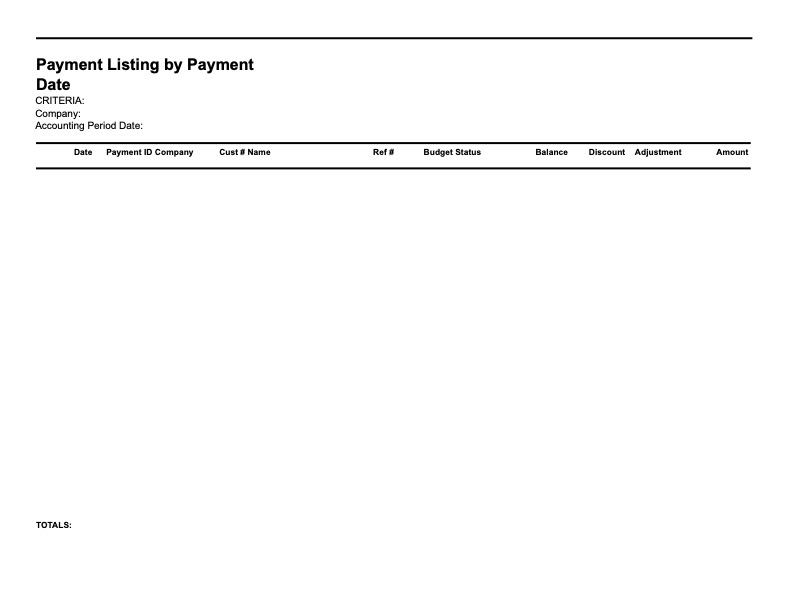
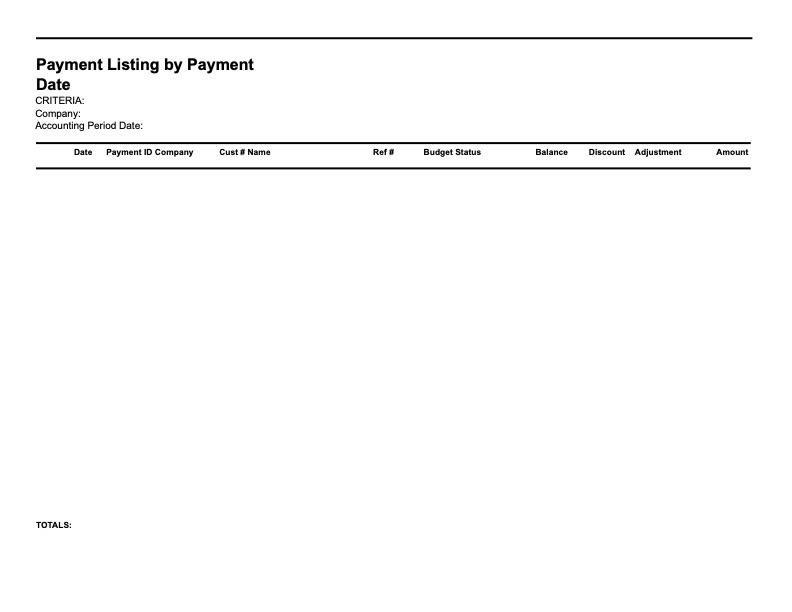
Payment Listing by Payment Date
-
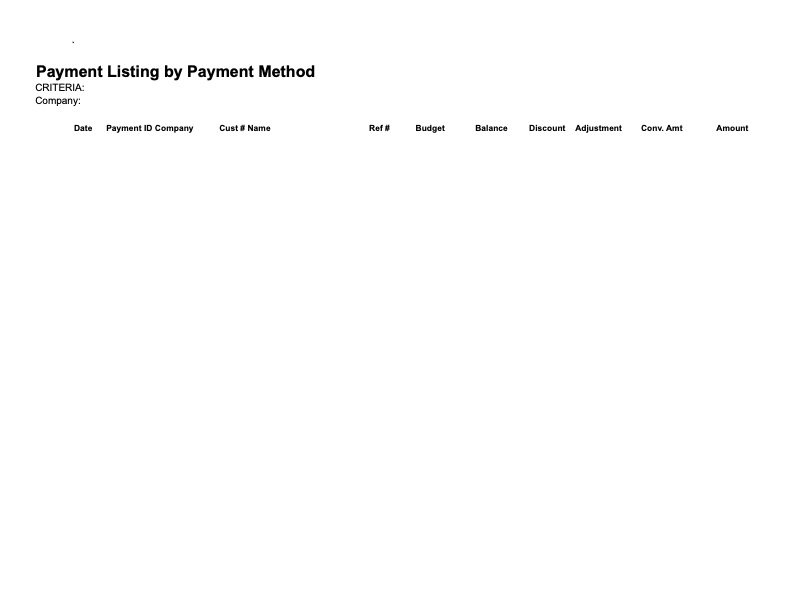
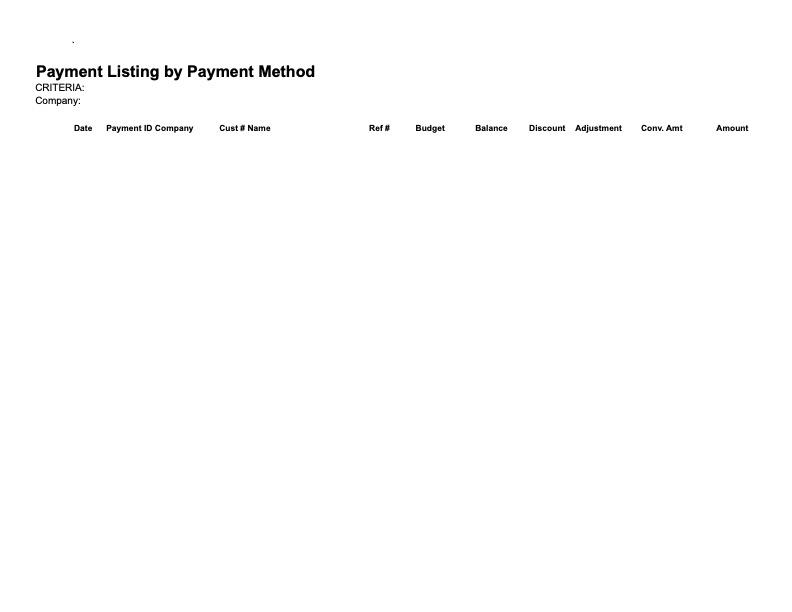
Payment Listing by Payment Method
-
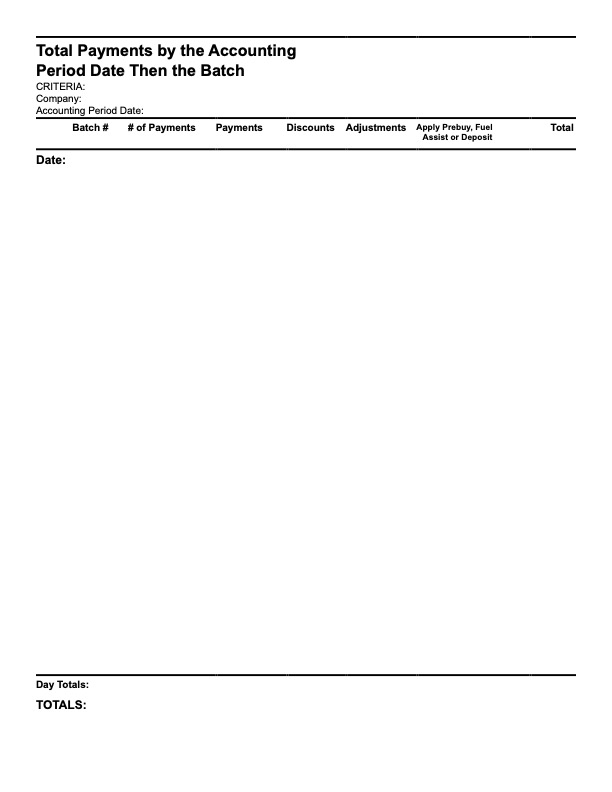
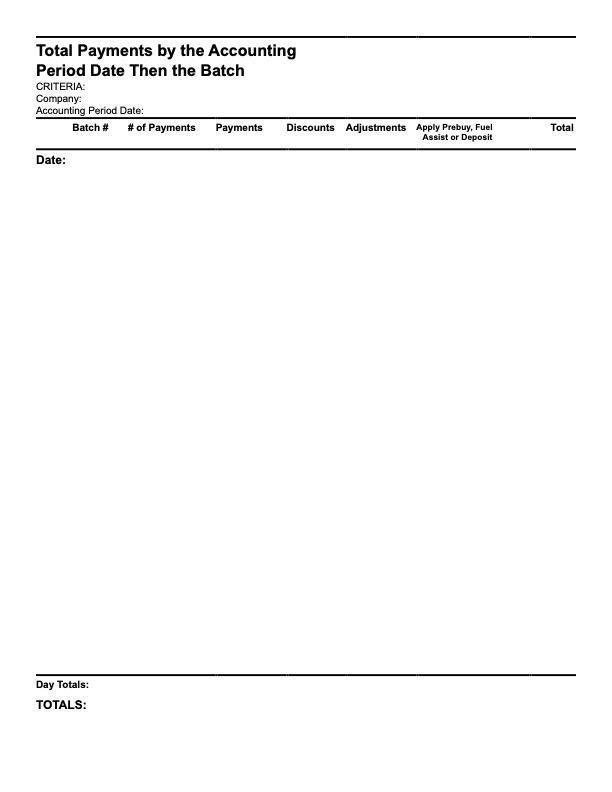
Total Payments by The Accounting Period Date Then The Batch
-
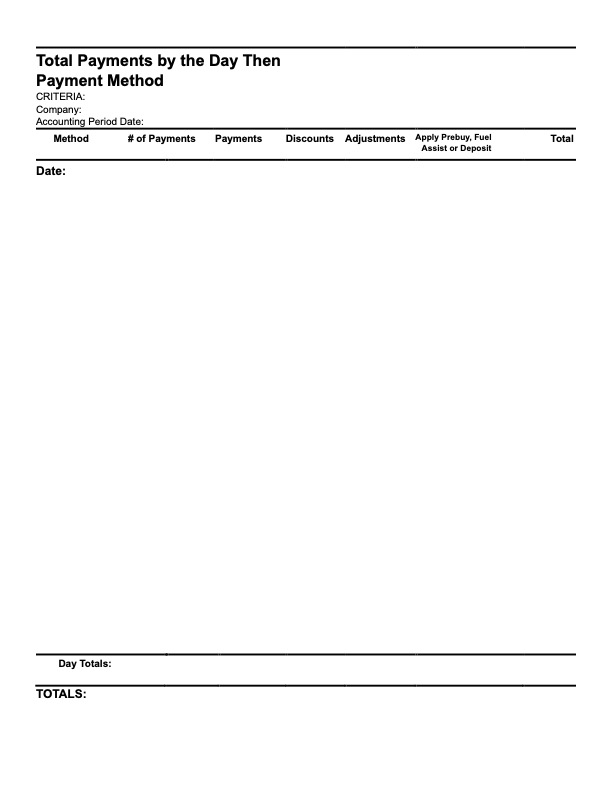
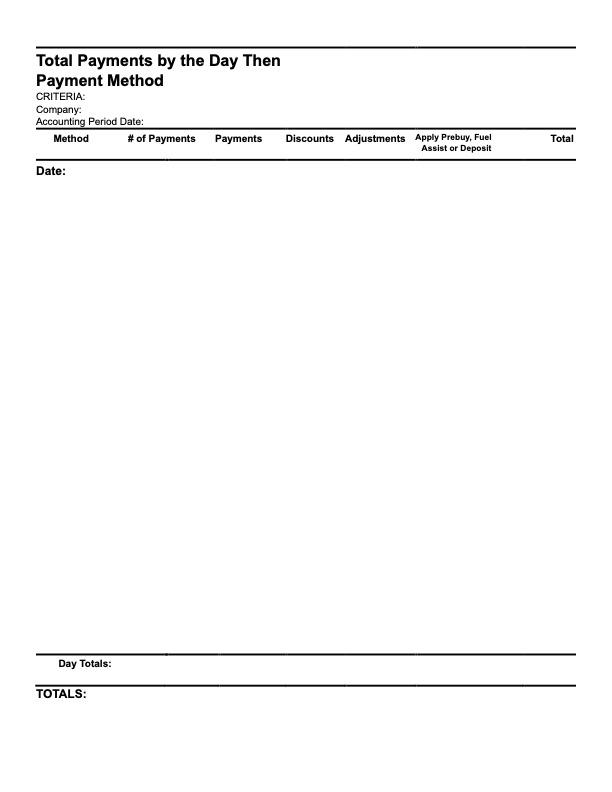
Total Payments by The Day Then Payment Method
-
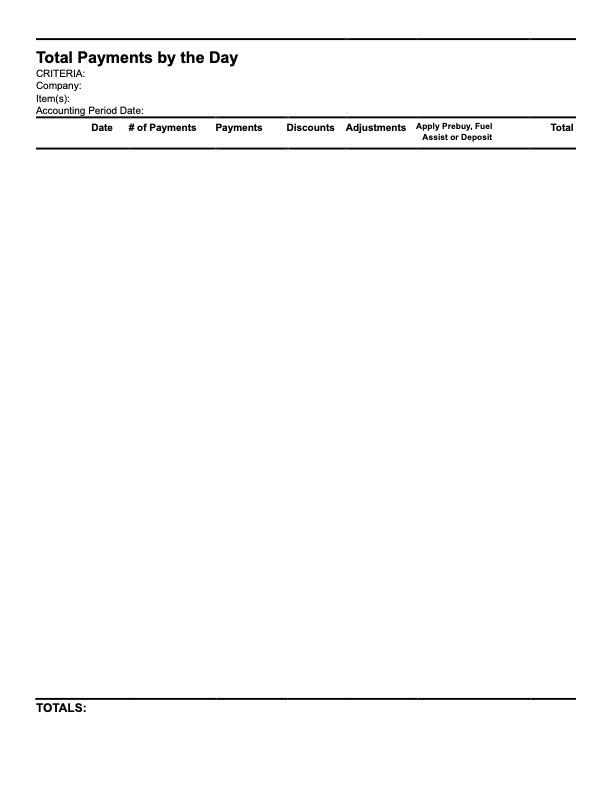
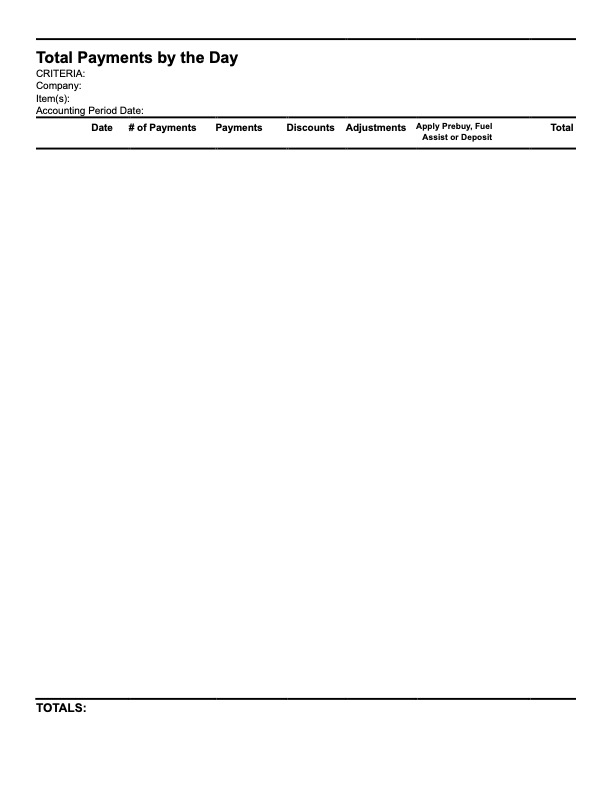
Total Payments by the Day