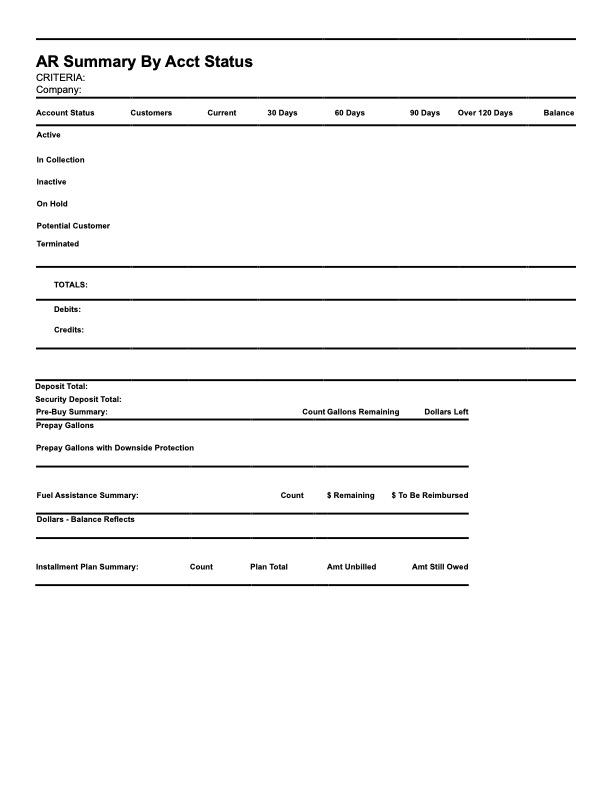
Taylor Reports in Aging Report
Aging Report and how they reflect Taylor Reports
The Aging Report allows unoaidunpaid balances to be monitored through age and account status'. The page can be pulled up by clicking on the reports tab on the side bar and clicking on the Aging Report. The side menu can be expanded by clicking on the three lines on the left corner of the page for easier reading of the menu. Once pulled up, you can see the total balance for all accounts, then seperated in balances by account status', Active, On Hold, In Collections, Inactive and Terminated. Next the report shows balances by Age, so balances from 0-7 days, 7-14 days, - 14-28 days, 28-56 days and 56+ days. The Report itself has columns that show Account Number, Customer Number, Status, Phone Number, Email, Descriptions, Posted Date, Days Old, Age Bucket and Unpaid Amount. This report can also be exported into document format for easy printing or sharing by clicking the Export CSV and selecting weather to Export all and weather or not to include line items
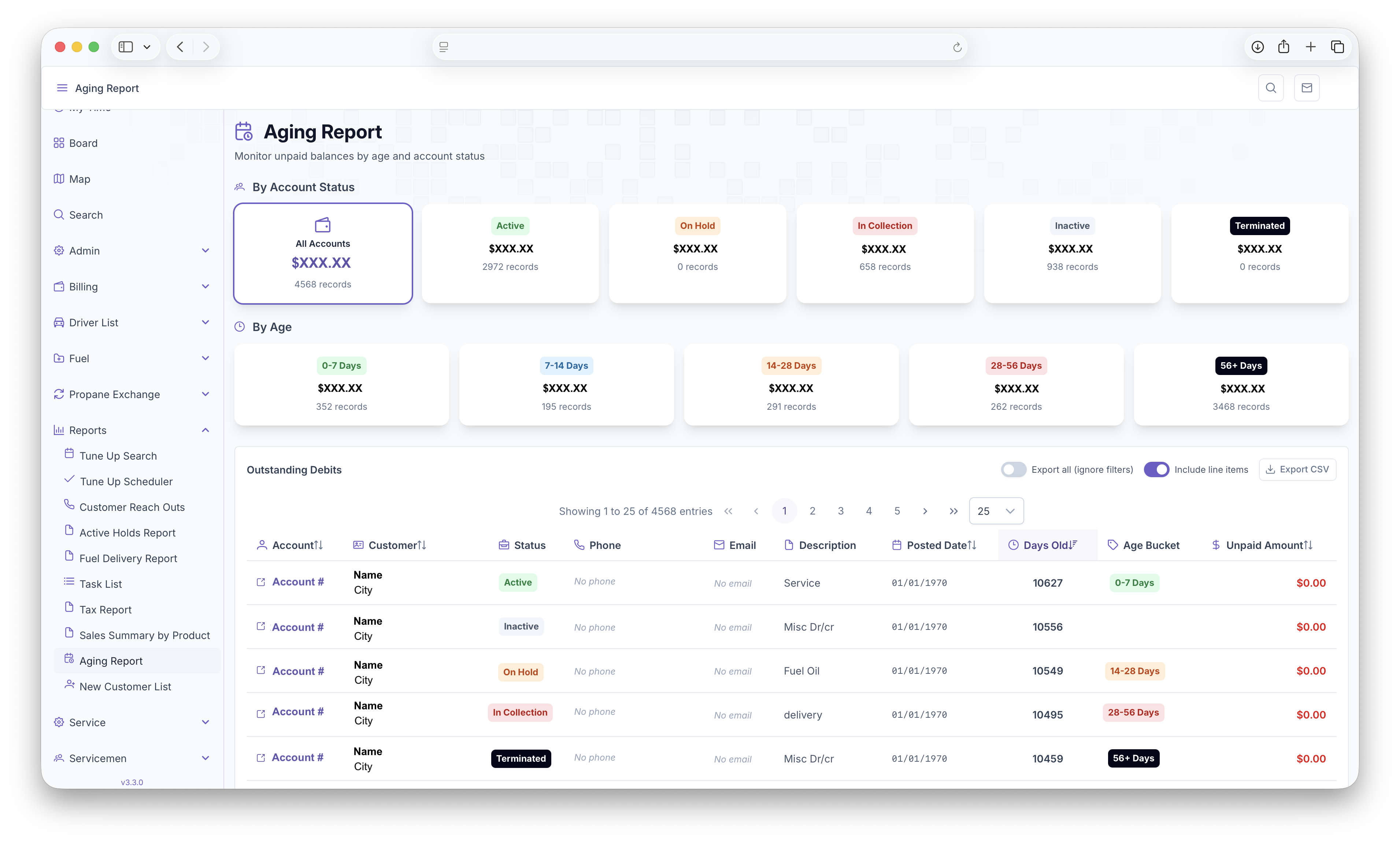
The Following Taylor Reports can be seen in KozyOps Aging Report
-
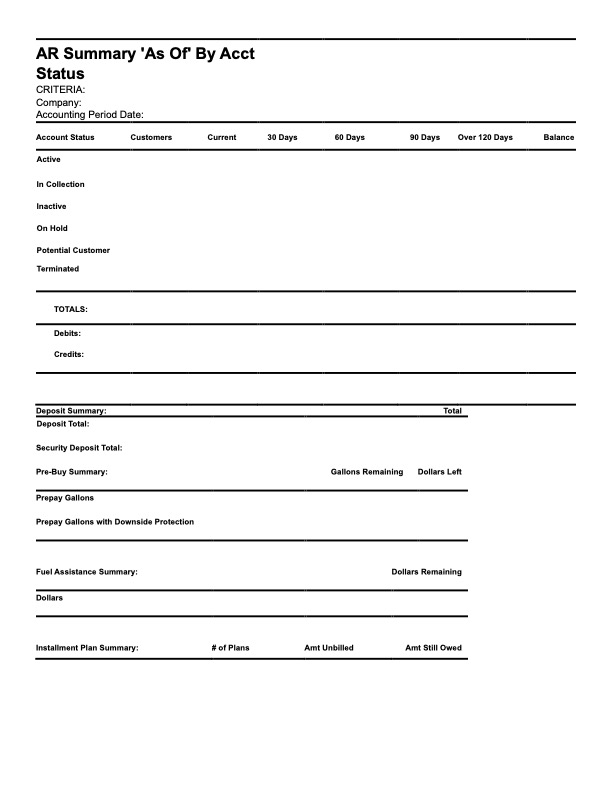
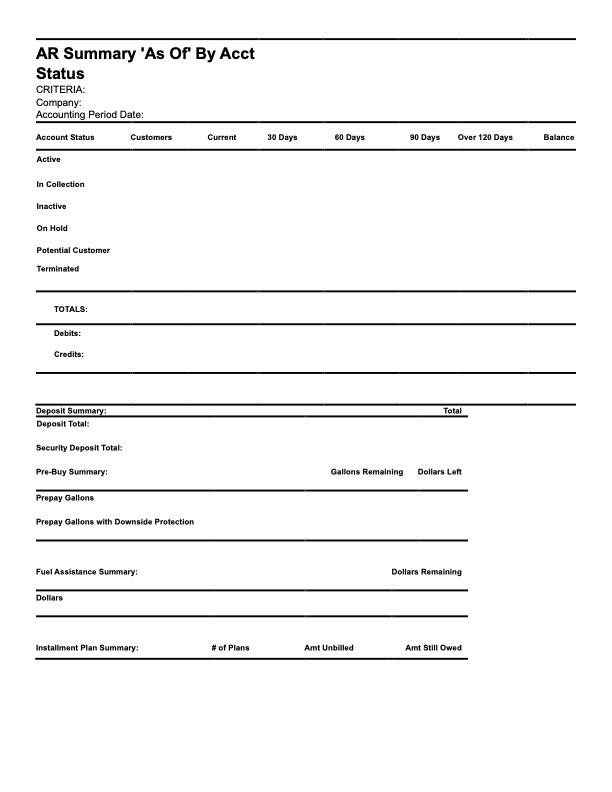
AR Summary "As of" by Account Status
-
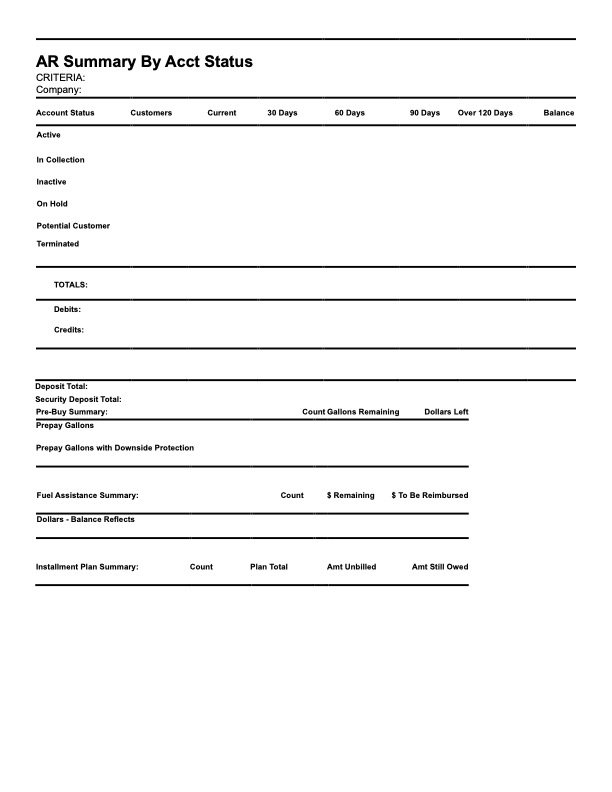
AR Summary by Account Status