
Customer Account
Overview
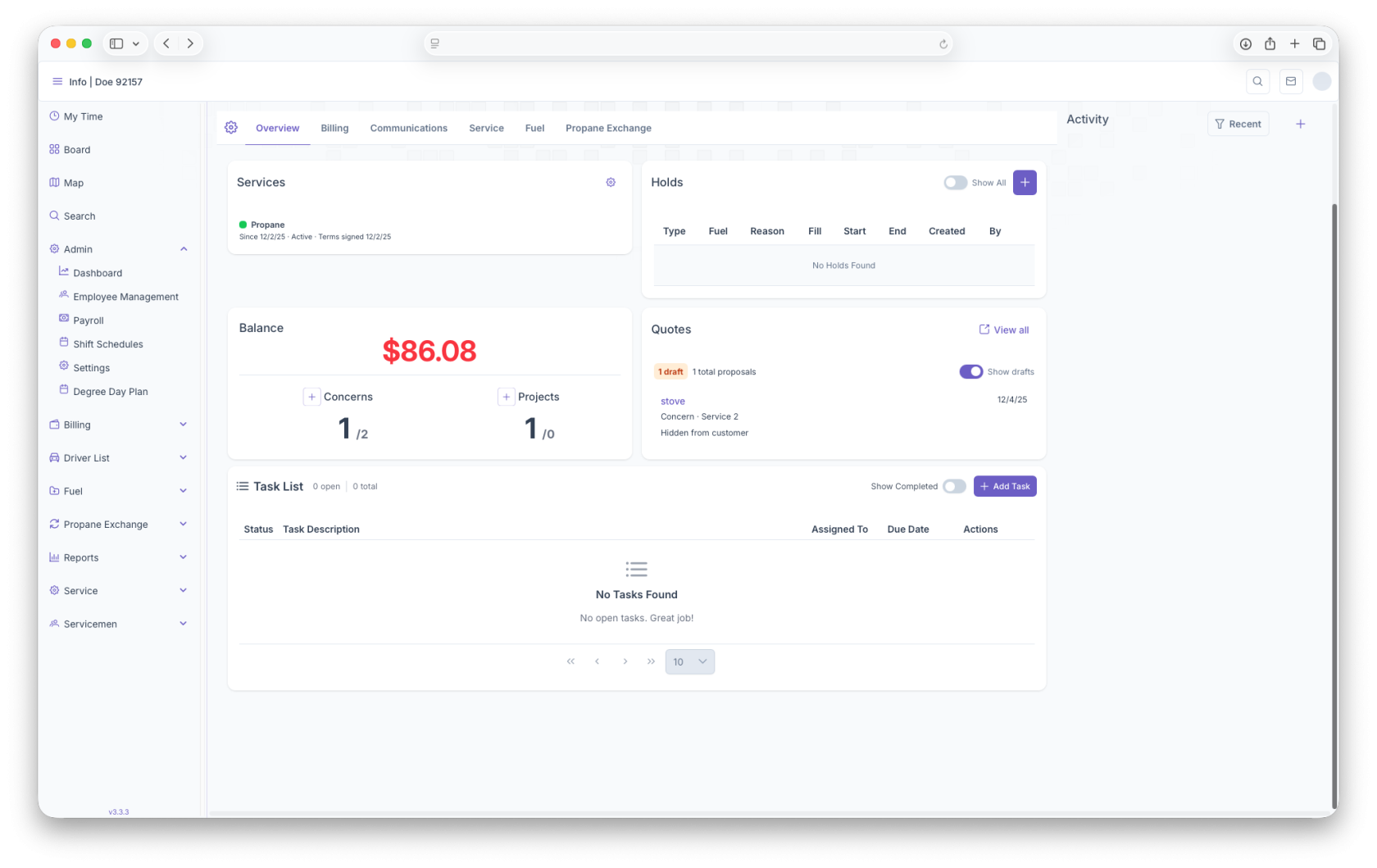
The Customer Account Page is where you can access all information on The Custmer. The page will start off by showing an image of the customer home followed by Customer information, Account Number, Phone, Email, Address, etc. From here the page shows an Overview of the account, Billing, Communications, Service, Fuel and Propane Exchange. The account can also be edited by clicking on the gear
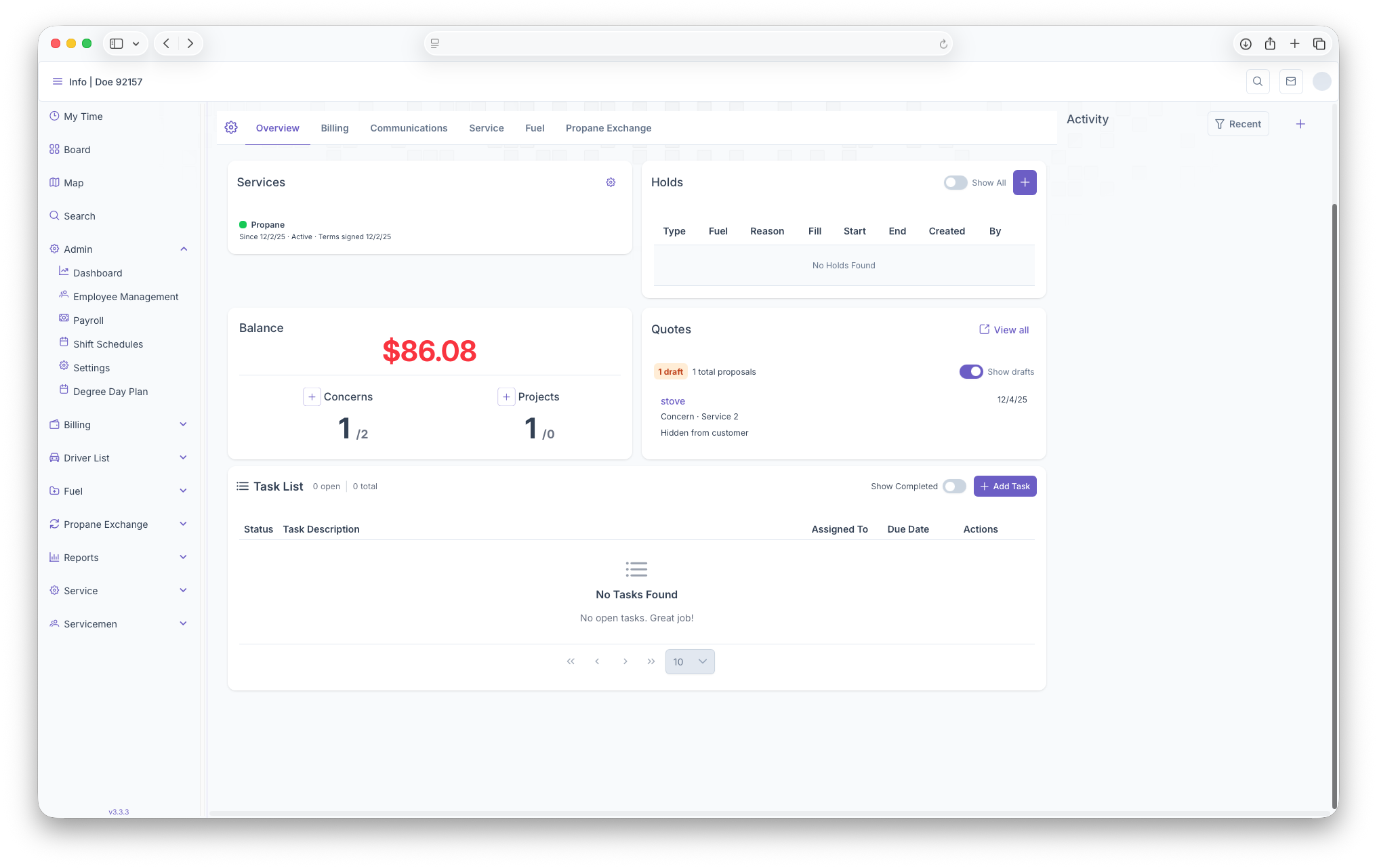
- Services: Services that are on the account
- Holds: Shows holds that are on the account
- Balance: Shows balances that the customer has
- Quotes: Shows quotes that have been offered to the customer
- Task List: Shows any task lists
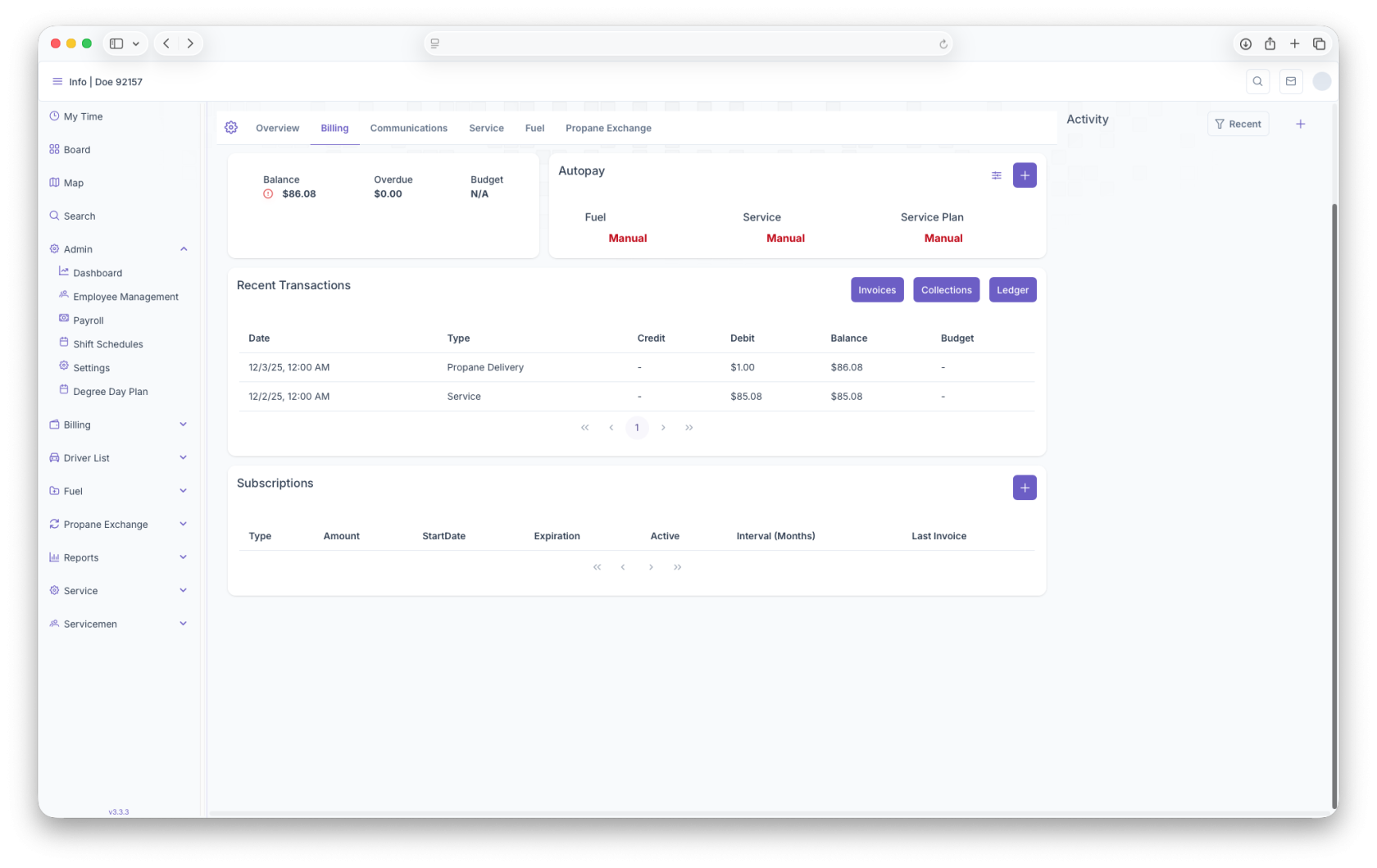
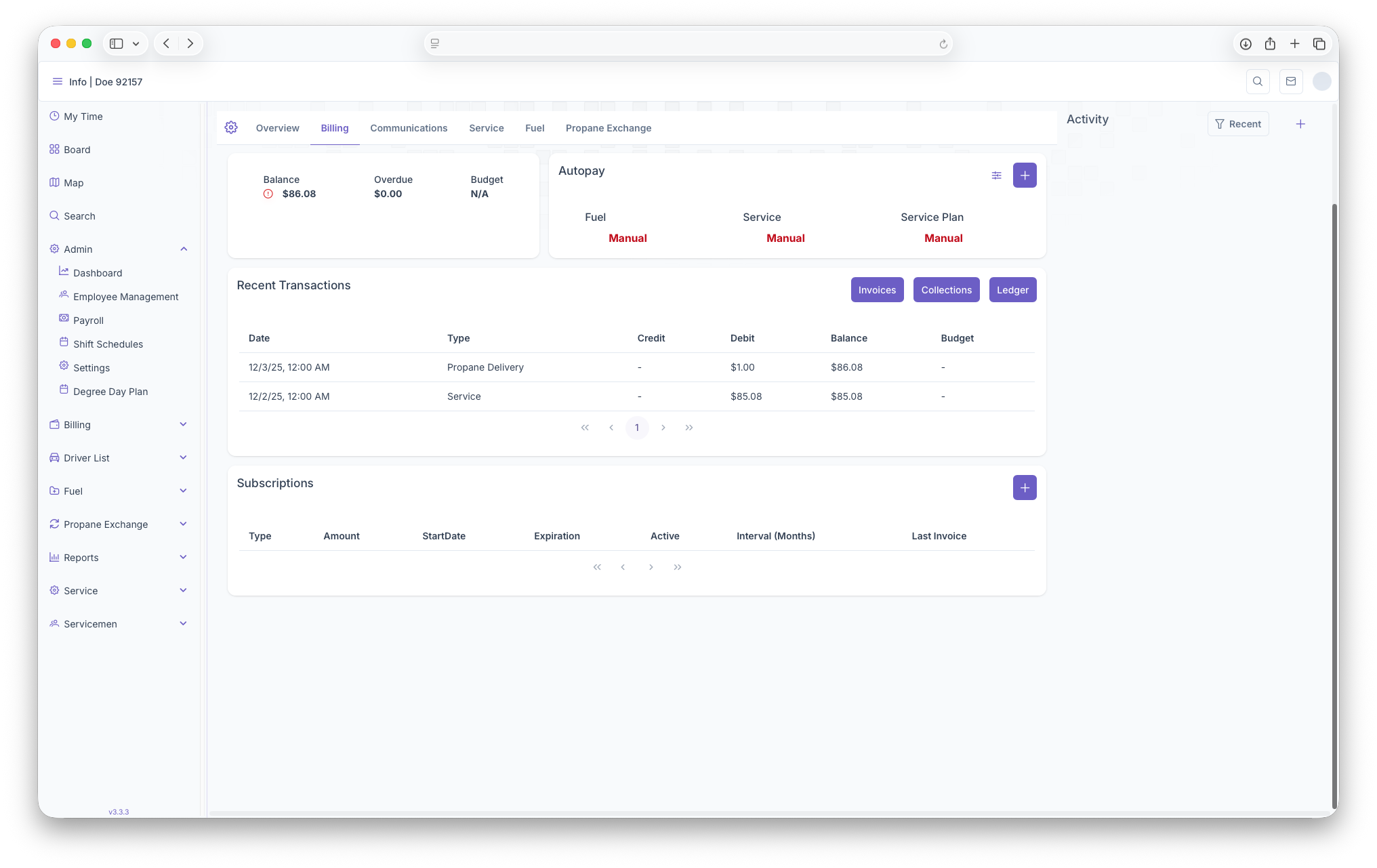
- Balance: Shows the Balance on the account, how much is Overdue and the Customers Budget
- Autopay: Shows how each service is being paid for whether entered manually or automatically. Adding credit cards can be done here for the customer
- Recent Transactions: Shows any transactions that have gone through. Invoices, Collections and Ledger for the customer can be seen here as well
- Subscriptions: This shows any subscriptions the customer has and also allows for any edits. New subscriptions can also be added here
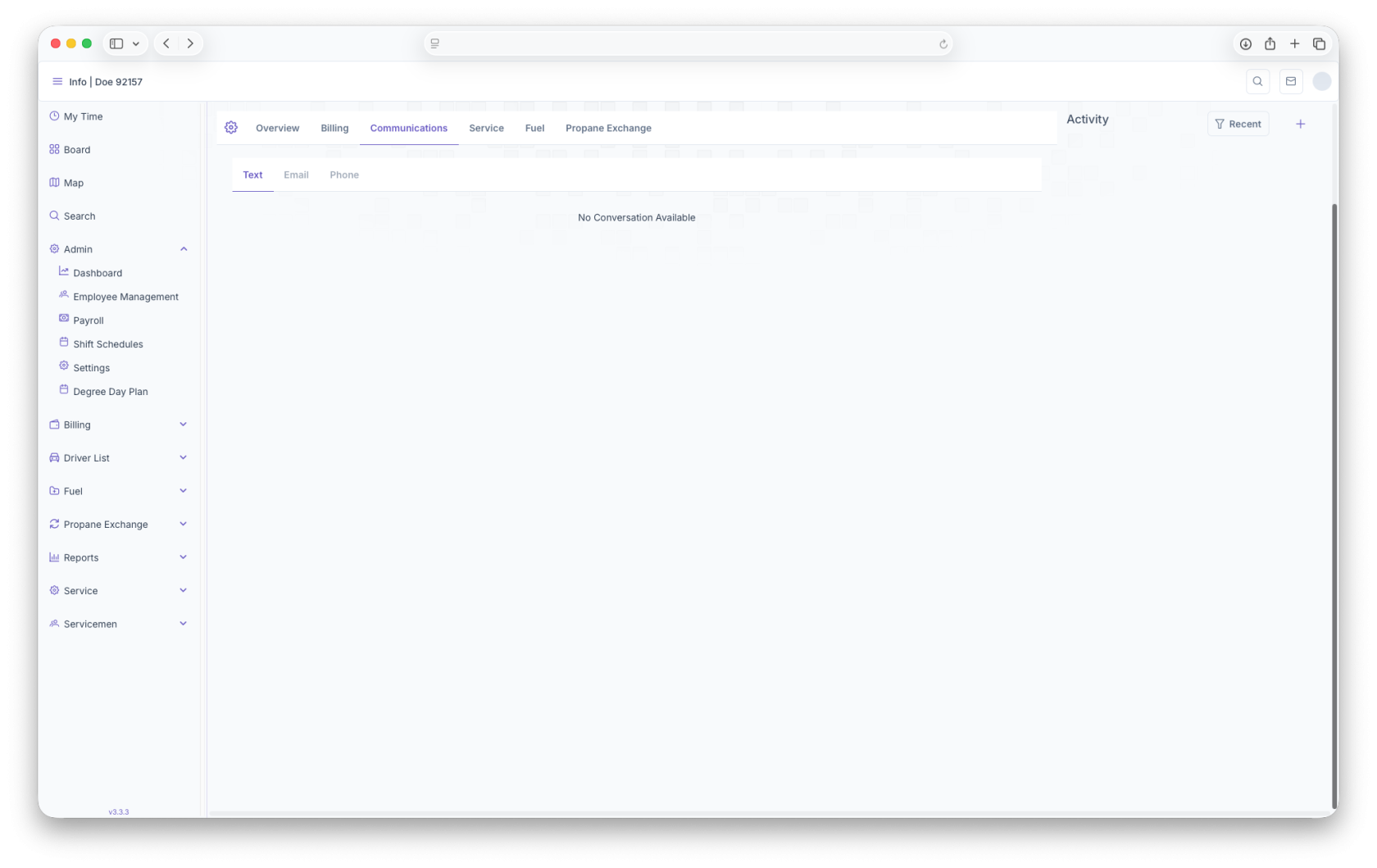
- Text: Shows any communcations the Customer has received via Text
- Email: Shows any communcations the Customer has received via Email
- Phone: Shows any communcations the Customer has received via Phone
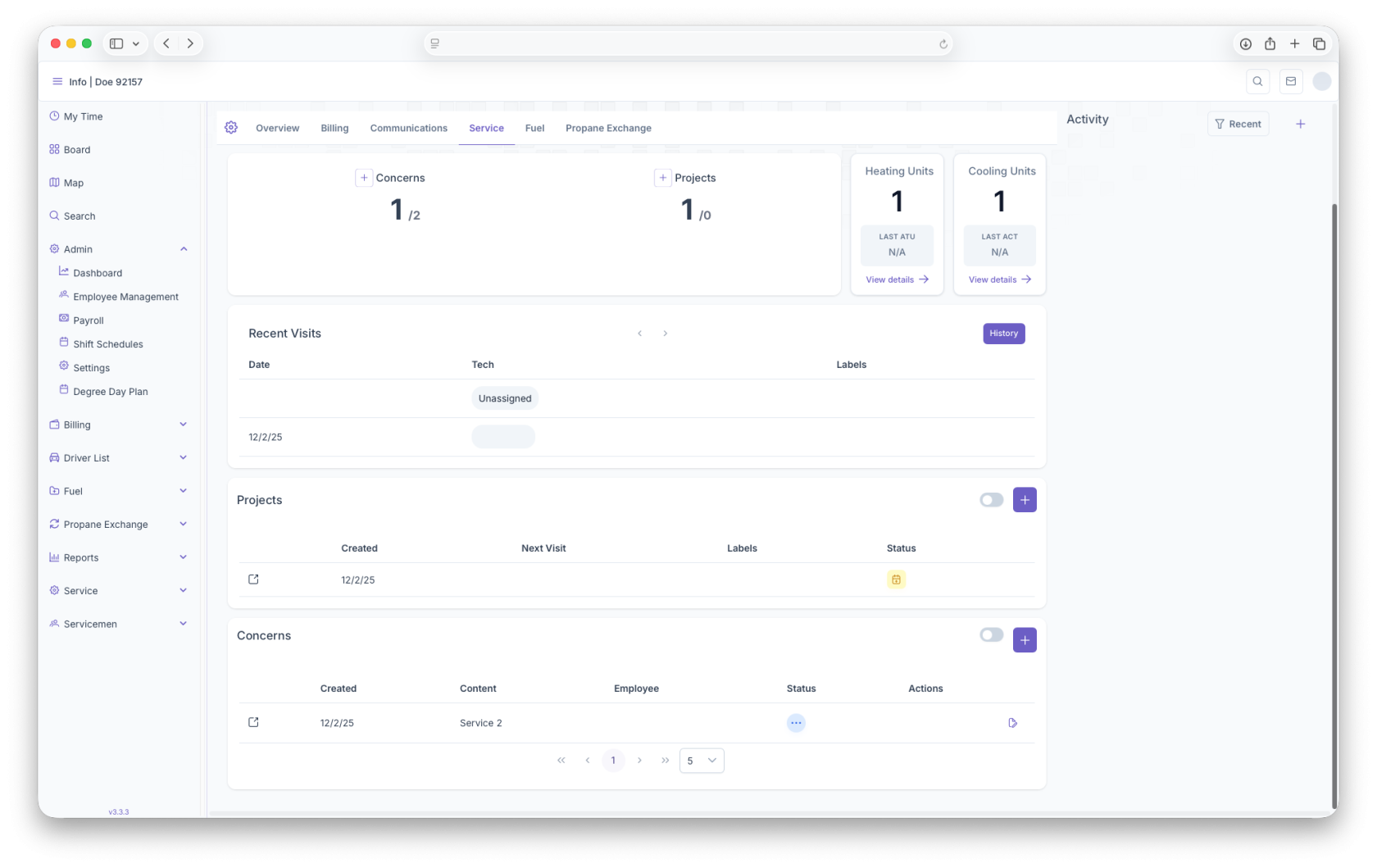
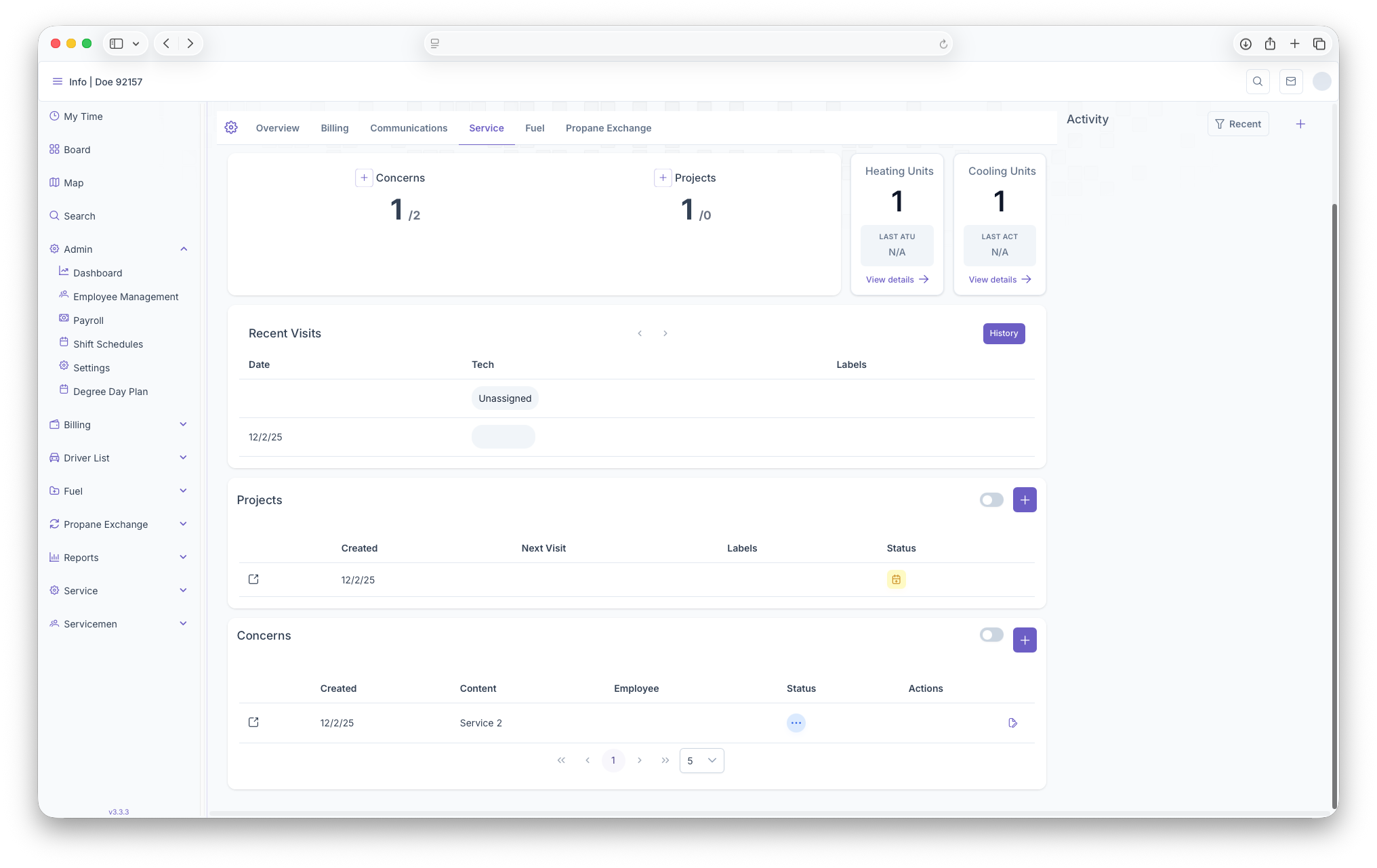
- Concerns/Projects: Able to add any concerns or projects that the customer needs done
- Heating Units/Cooling Units: Shows any Heating or Cooling Units as well as the ability to edit or add more units
- Recent Visits: Provides any recent visits the customer has had
- Projects: Shows all projects that the customer needs to have done. Able to add more projects from here
- Concerns: Shows any concerns the customer has which can then be turned into projects
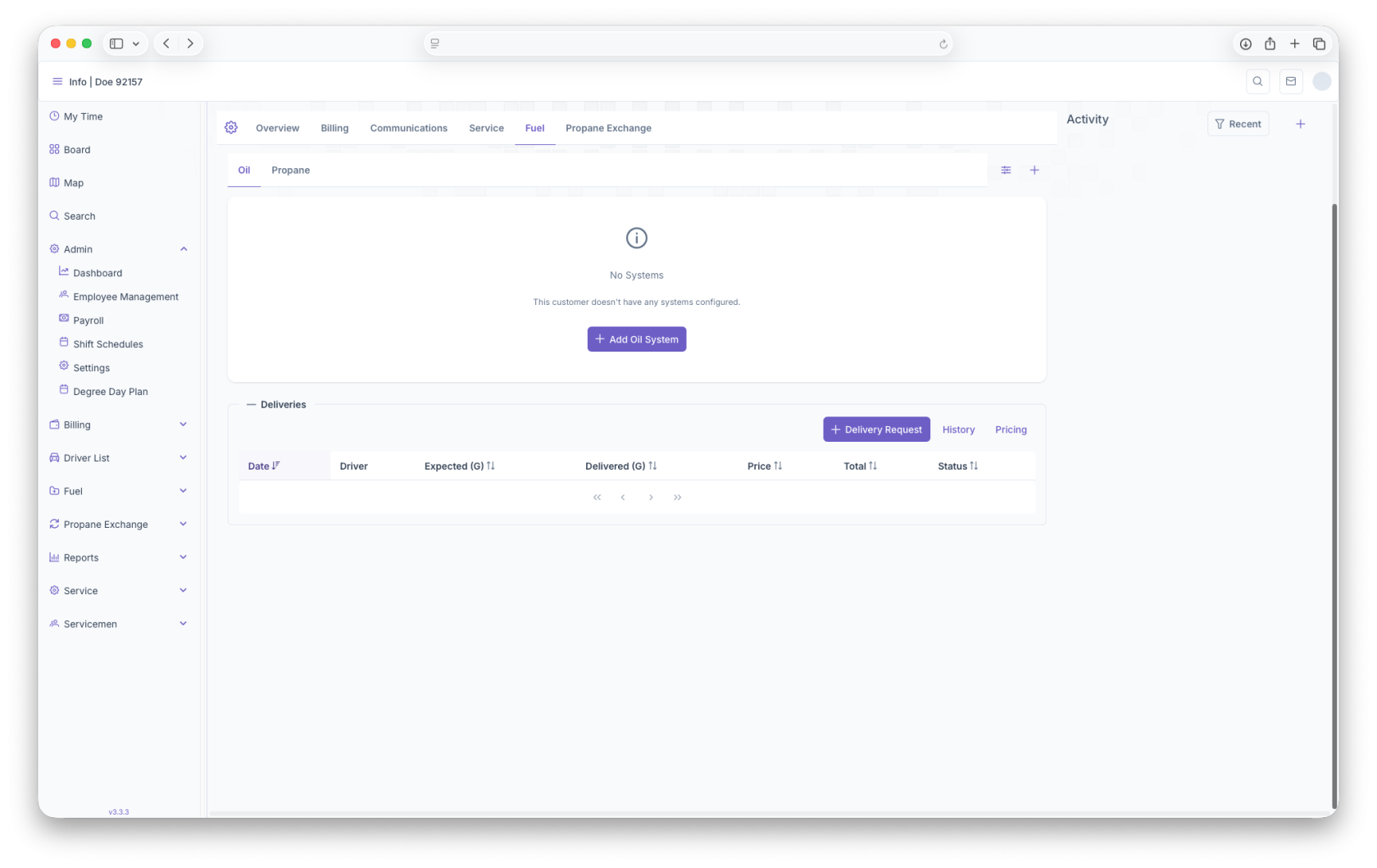
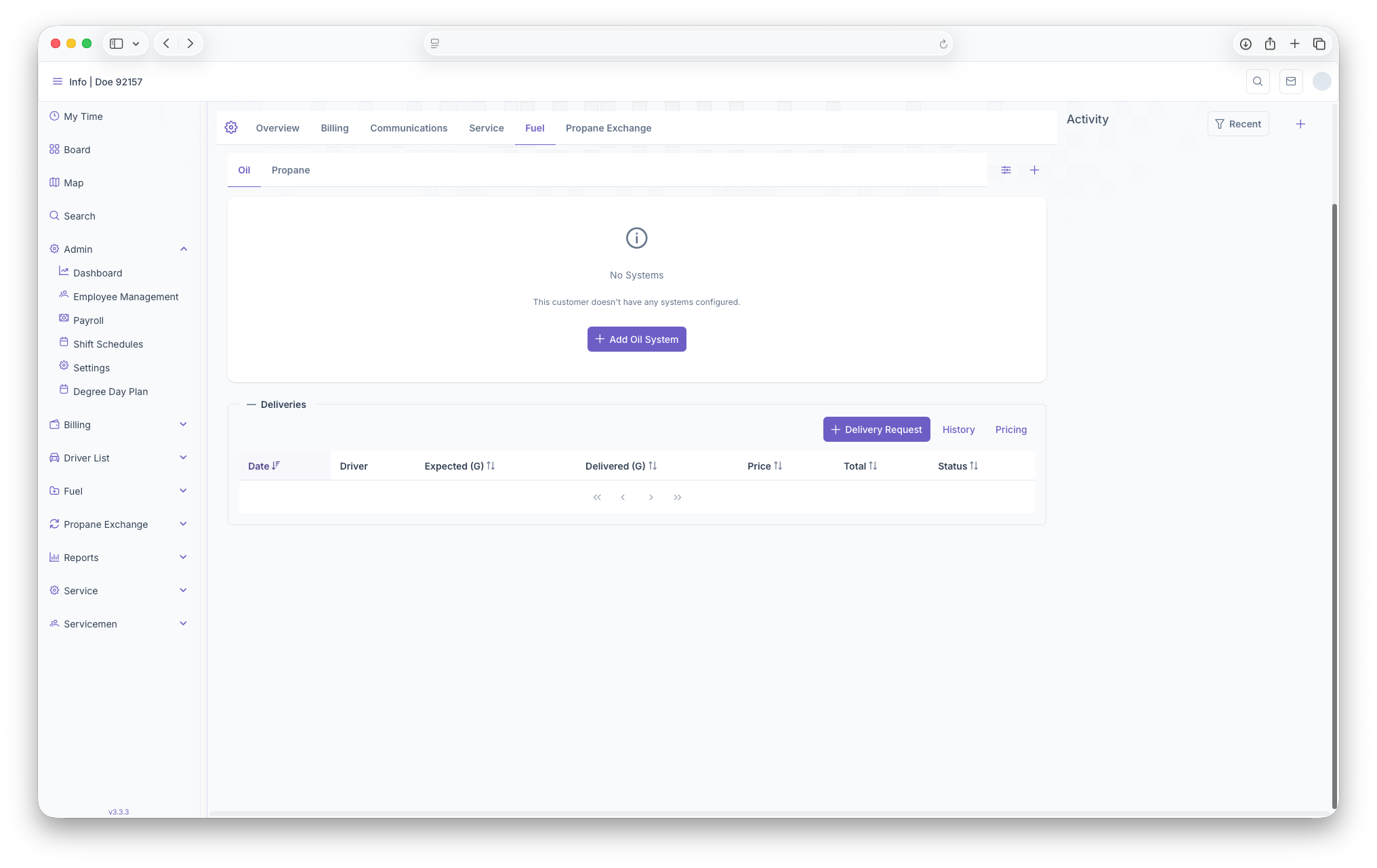
- Fuel: Shows all Fuel that associated with the customer and their address
- System: Shows the systems that are being used for the fuel. Able to add or edit Systems here as well
- Equipment: shows the equipment that is tied to the system the customer has. Equipment can also be added or edited from here as well
- Deliveries: Shows all Deliveries that are being made to the customer. Deliveries can also be requested here and History and Pricing can be seen here as well
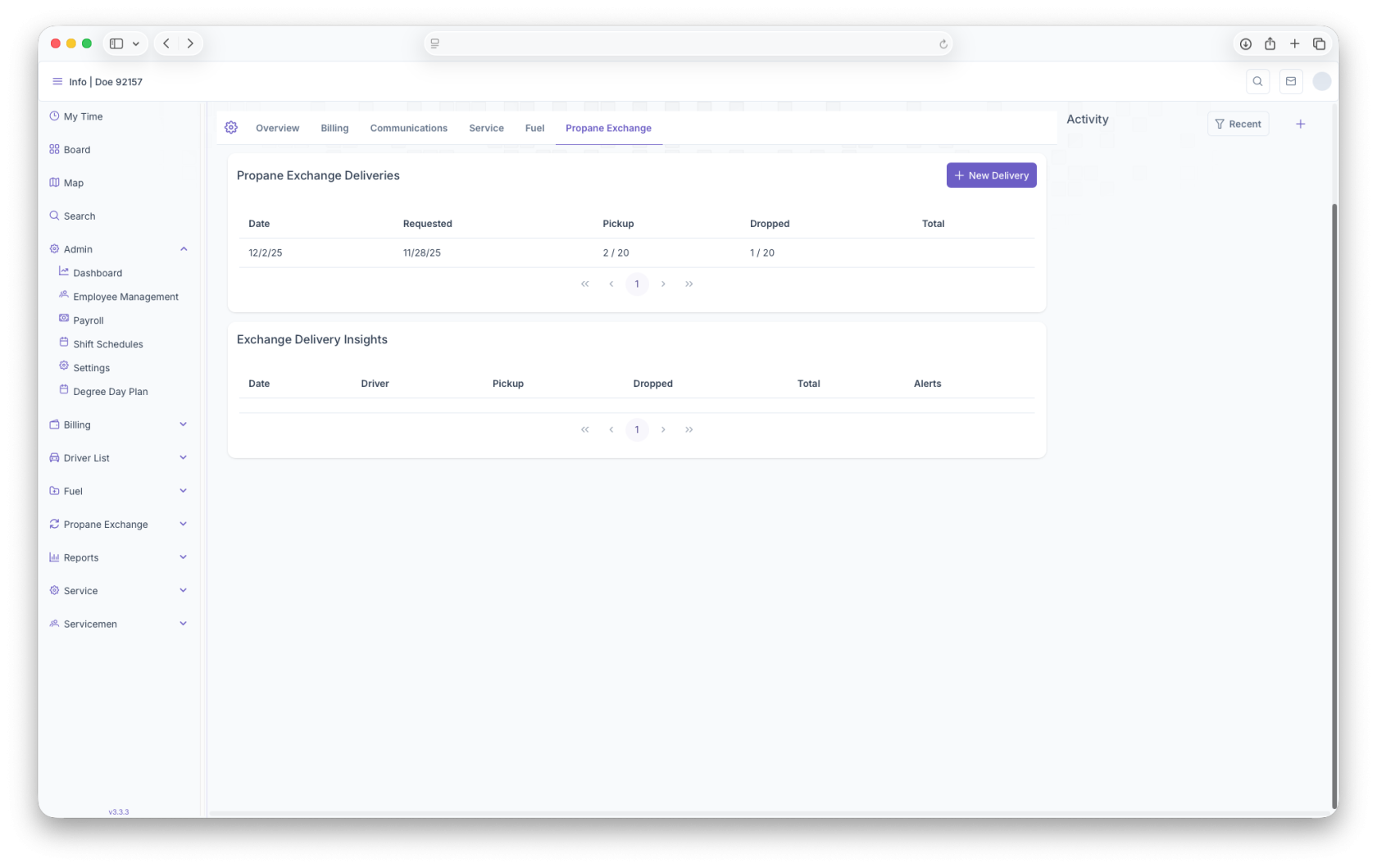
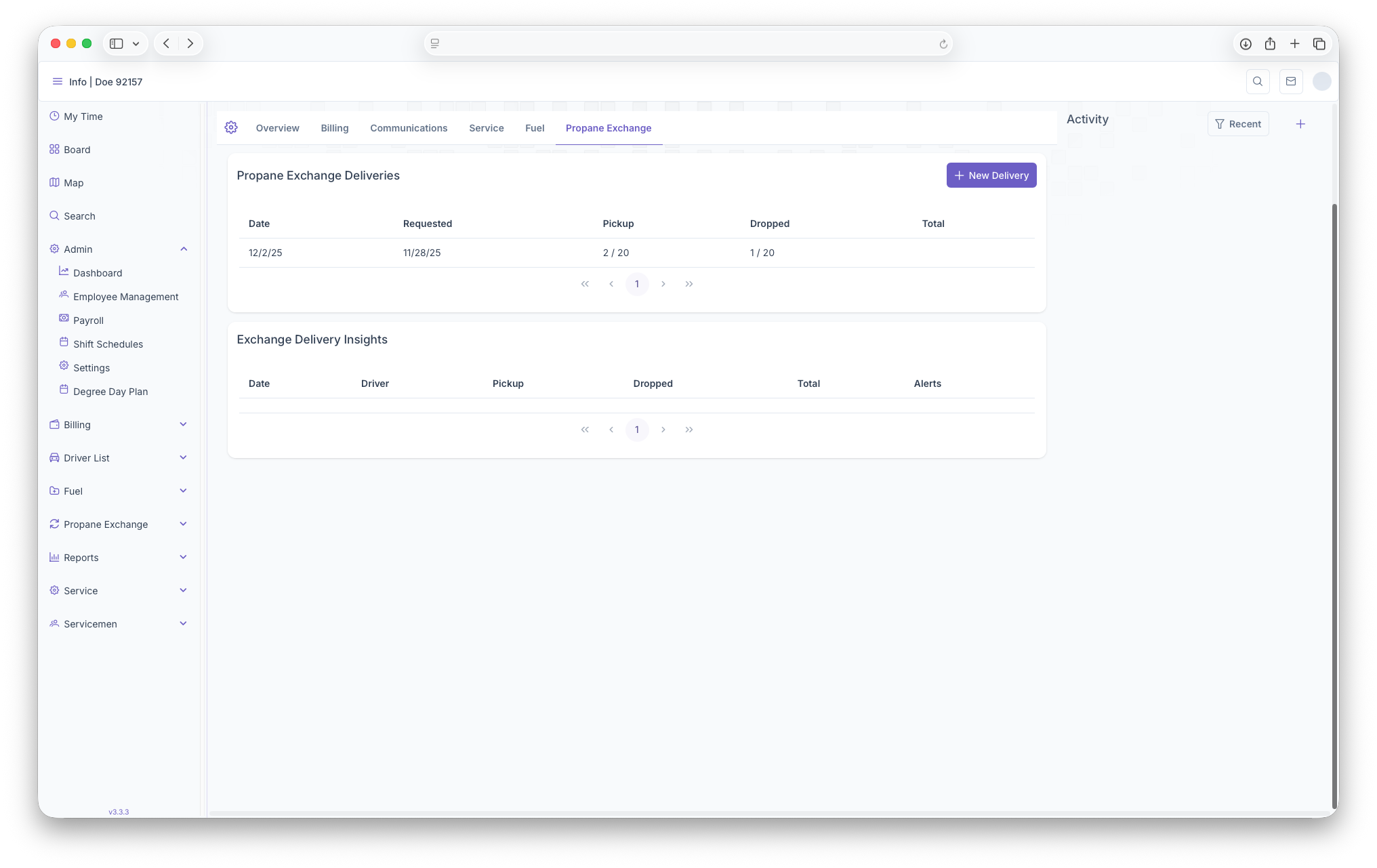
- Propane Exchange Deliveries: Shows all scheduled deliveries as well as the ability to add more if neccessary
- Exchange Delivery Insights: Shows a more detailed view of the delivery
This is just a basic overview of the Customer Account page, a much more detailed version can be seen Customer Account