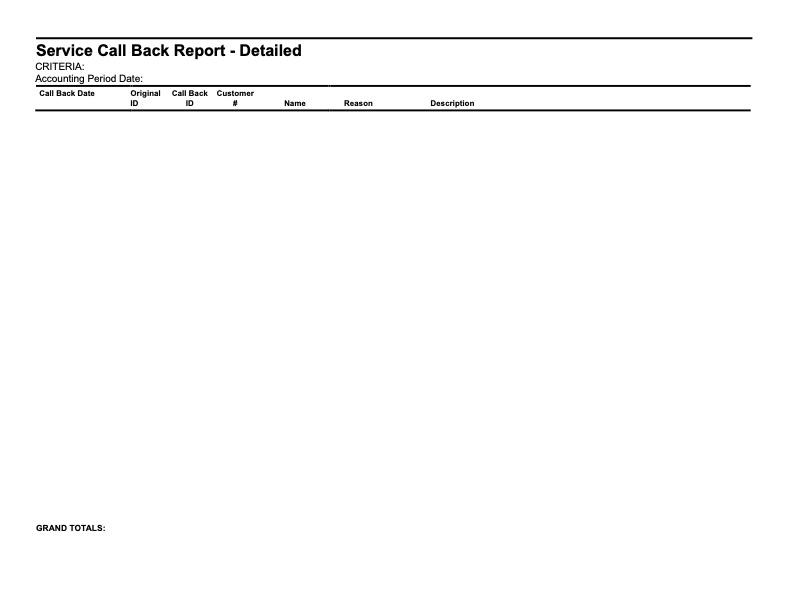
Taylor Reports in Customer Reach Outs
Customer Reach Outs and how they reflect Taylor Reports
The Customer Reach Outs page is used to keep track of any notifications that the customer received or will receive. To reach the page, click on Reports on the side menu, then click on Constumer Reach Outs. Clicking on the 3 bars on the top left corner of the page will expand the side menu showing more detail and allowing for easier navigation. The page can then be filtered by Date Range, Notification Type or by toggling Show All to see all reach outs. The report is then generated with the following columns, Account Number, Customer Name, Address, Notification Type, whether an Email has been sent and when it was Created. The generated report can then be exported into document format for easier printing and sharing. This can be done by clicking on the Export CSV button on the right side of the page right above the report itself
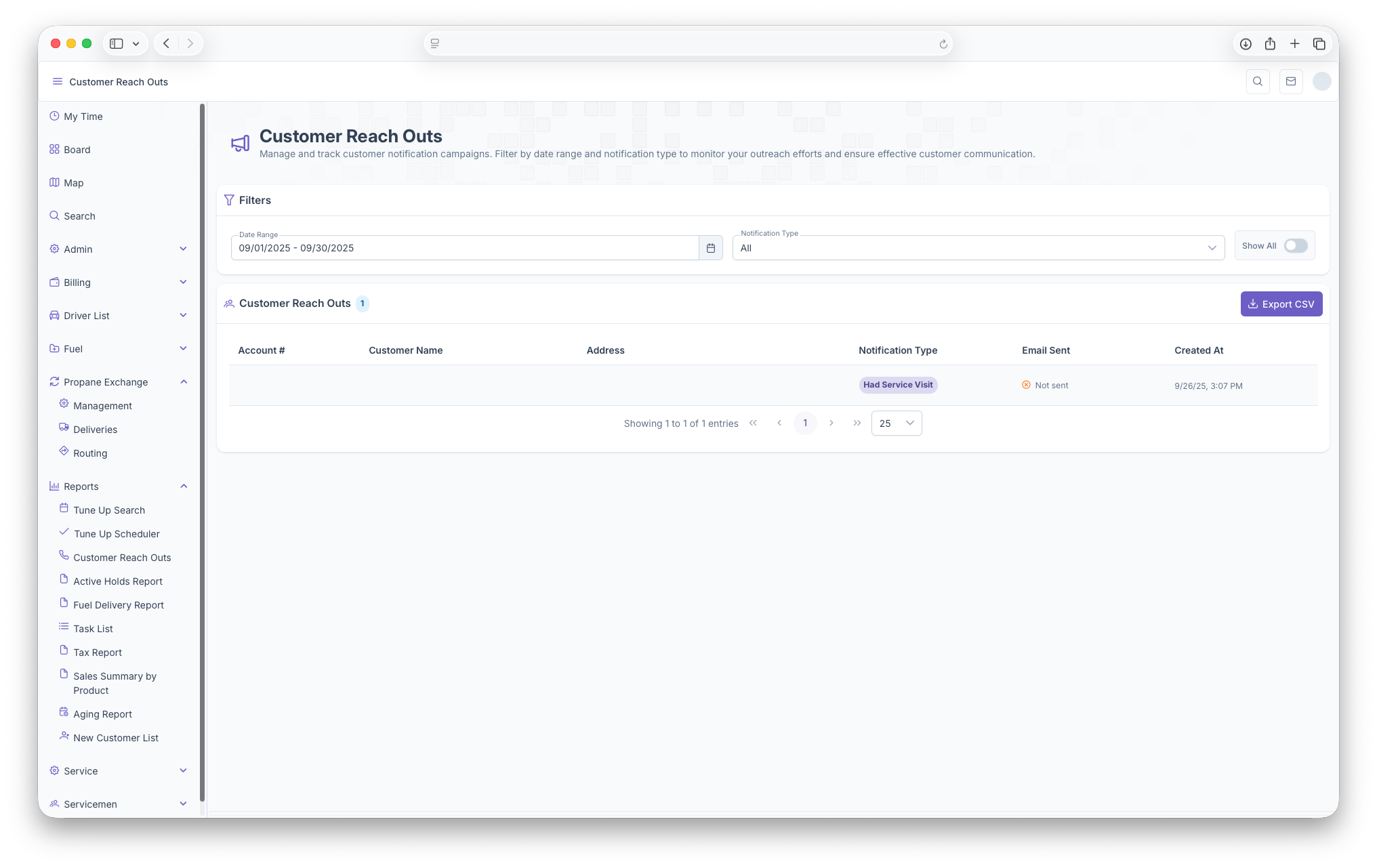
The Following Taylor Reports can be seen in KozyOps Customer Reach Outs reports
- Service Call Back Report - Detailed