Settings – Managing Your Account and Preferences
Overview
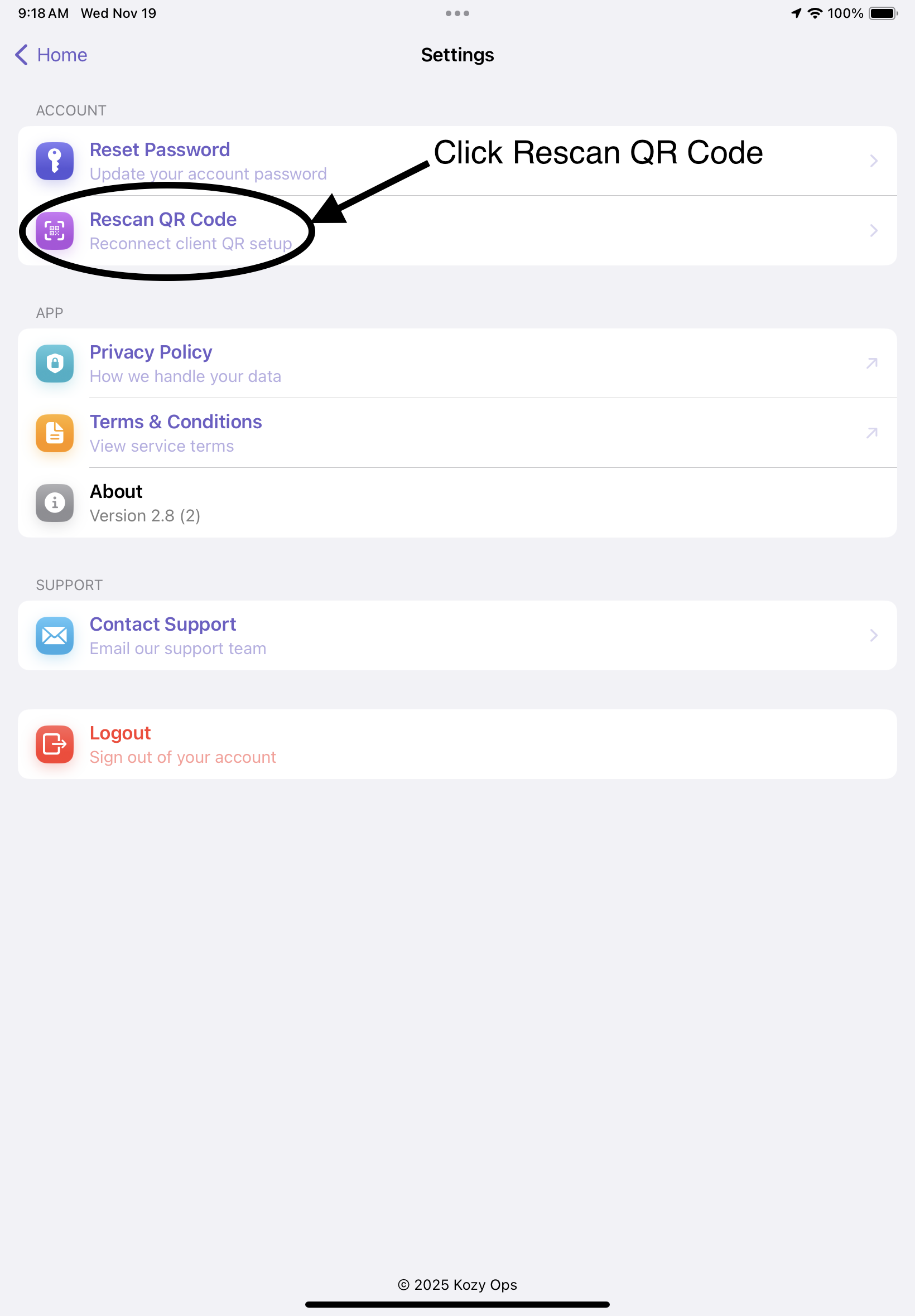
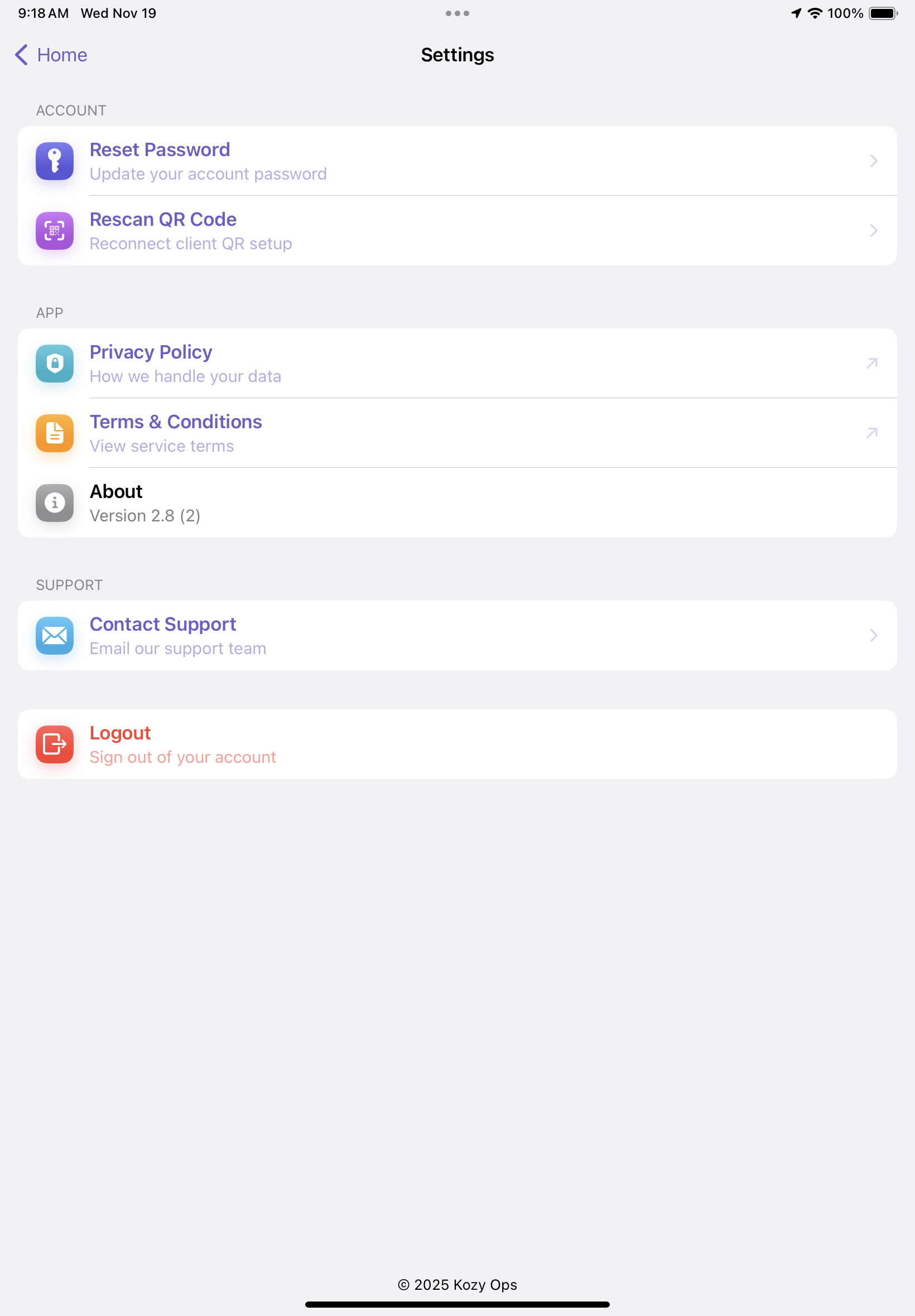
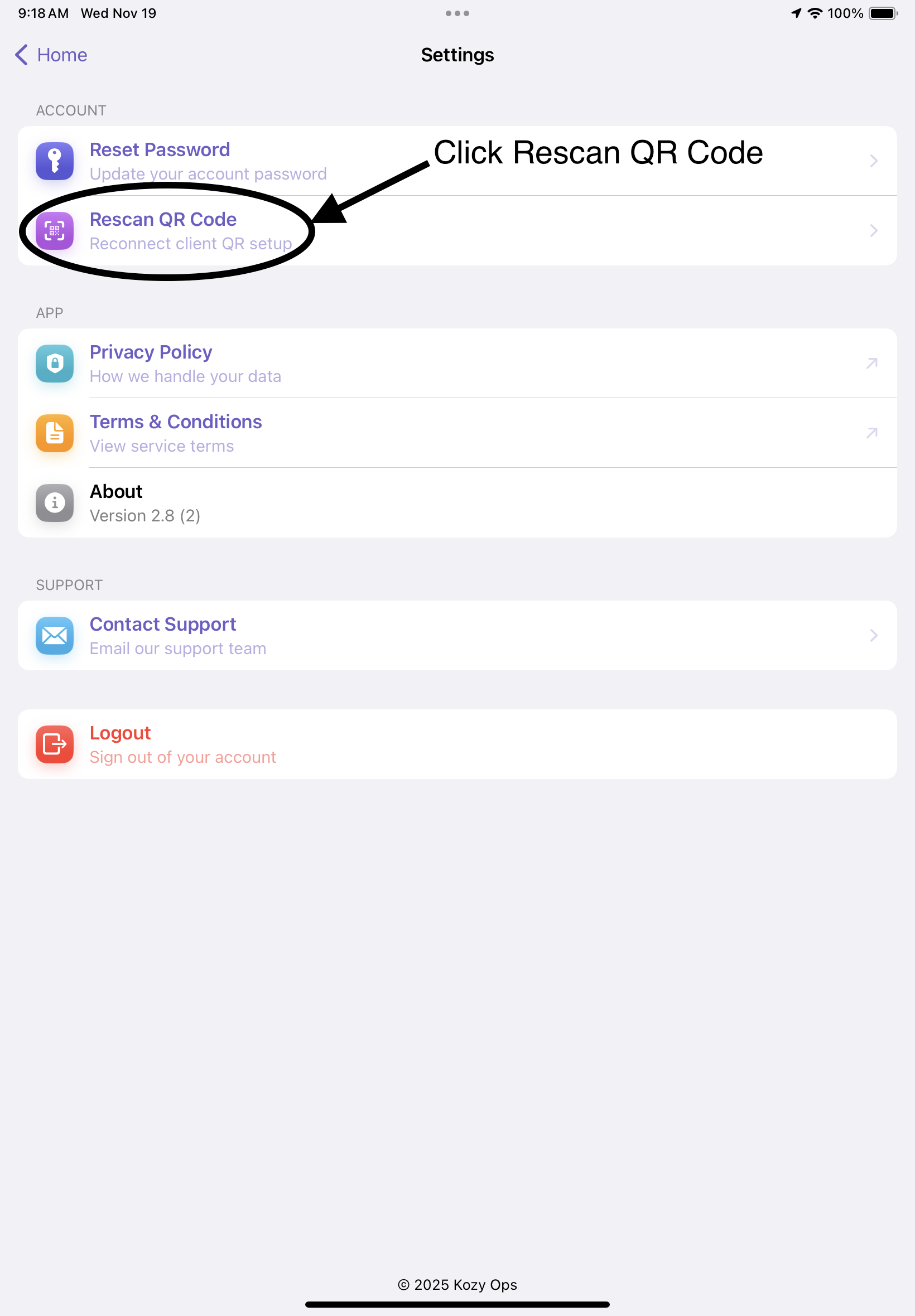
The Settings screen allows you to manage your account, reset your password, update company environment settings using QR code scanning, view app version, and access support resources.
Key Functions within Settings
| Feature | Description | When to Use |
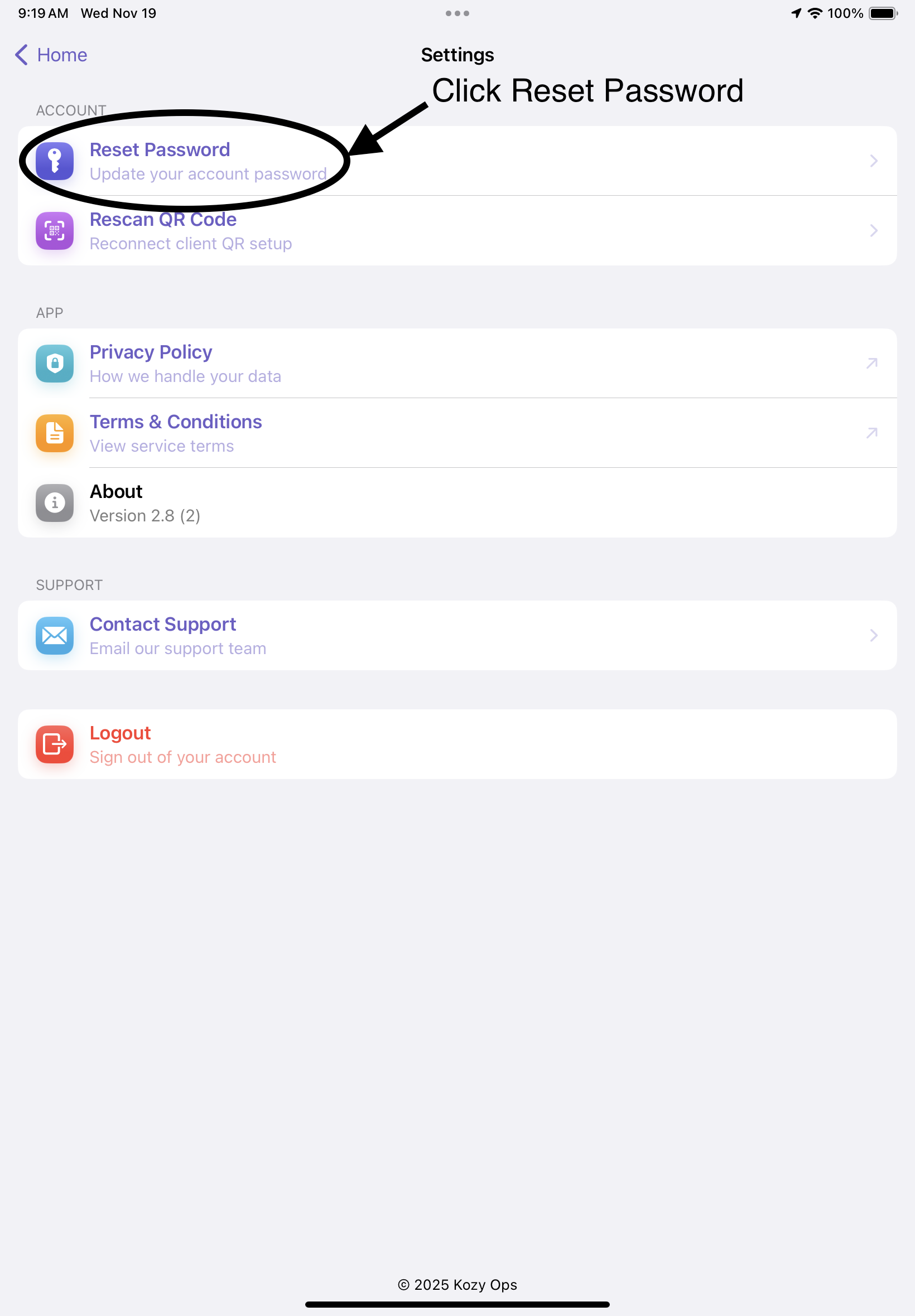
| ****Reset Password**** | Update your login password securely | If you forgot or need to change your password |
| ****Rescan QR Code**** | Load or switch company environments using a QR code | When onboarding or switching locations |
| ****Privacy Policy**** | View company data usage practices | Anytime you need legal information |
| ****Terms & Conditions**** | Review service agreement | During onboarding or audits |
| ****Contact Support**** | Send an email directly to Kozy Ops support | When encountering issues |
| ****Logout**** | Sign out of your account | End of shift or device handoff |
Step-by-Step: Resetting Your Password
-
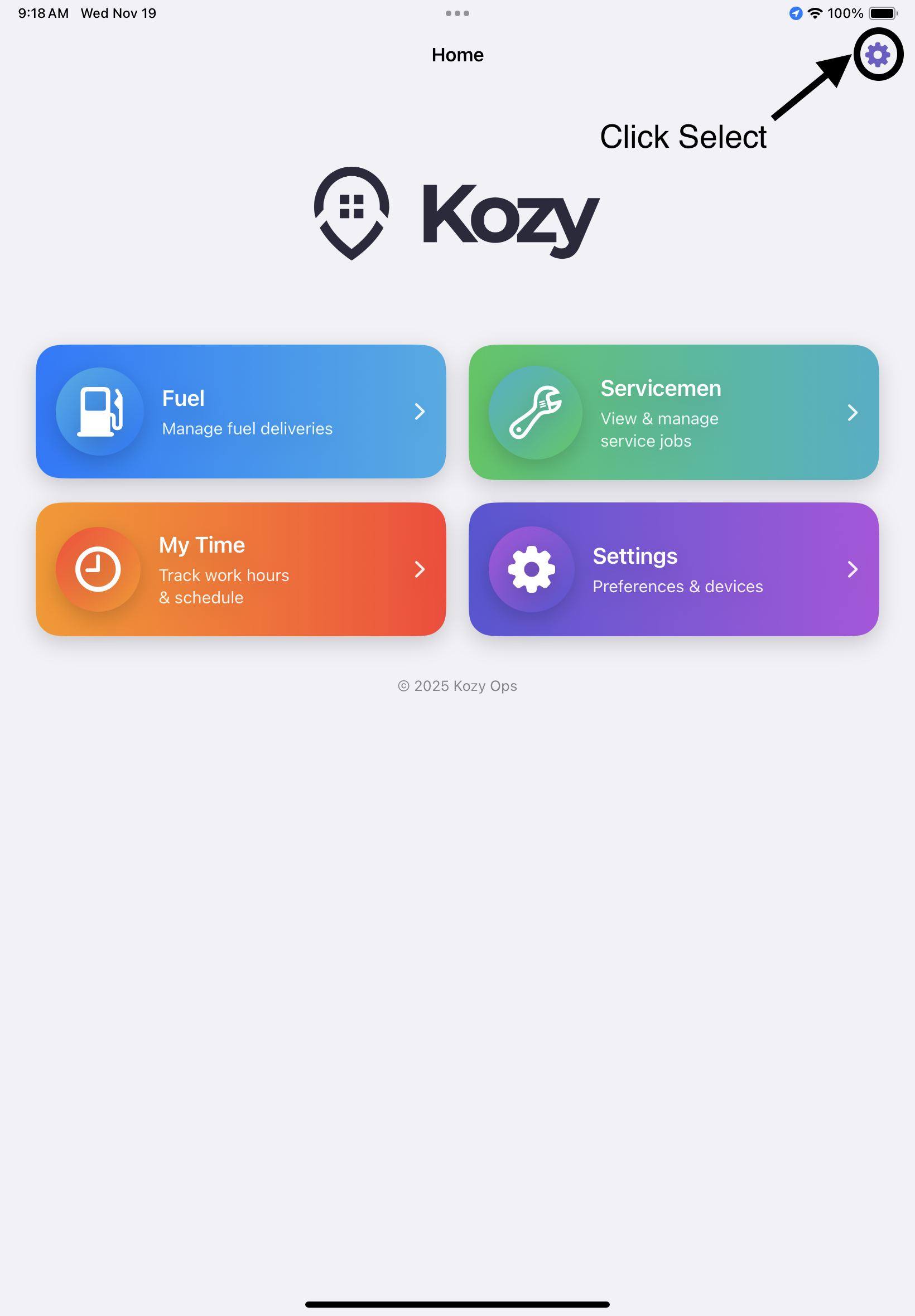
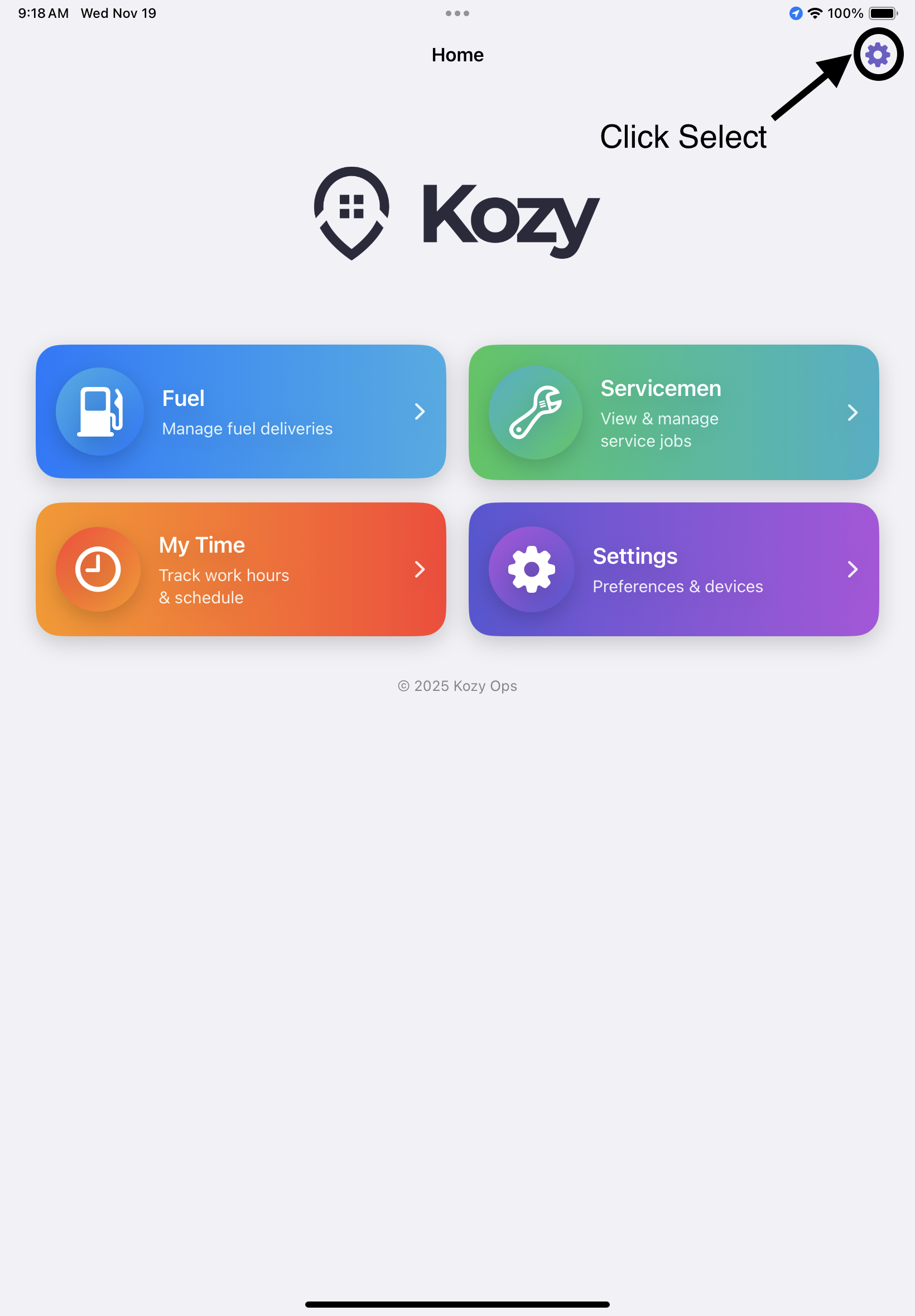
Open the Settings screen from Home
-
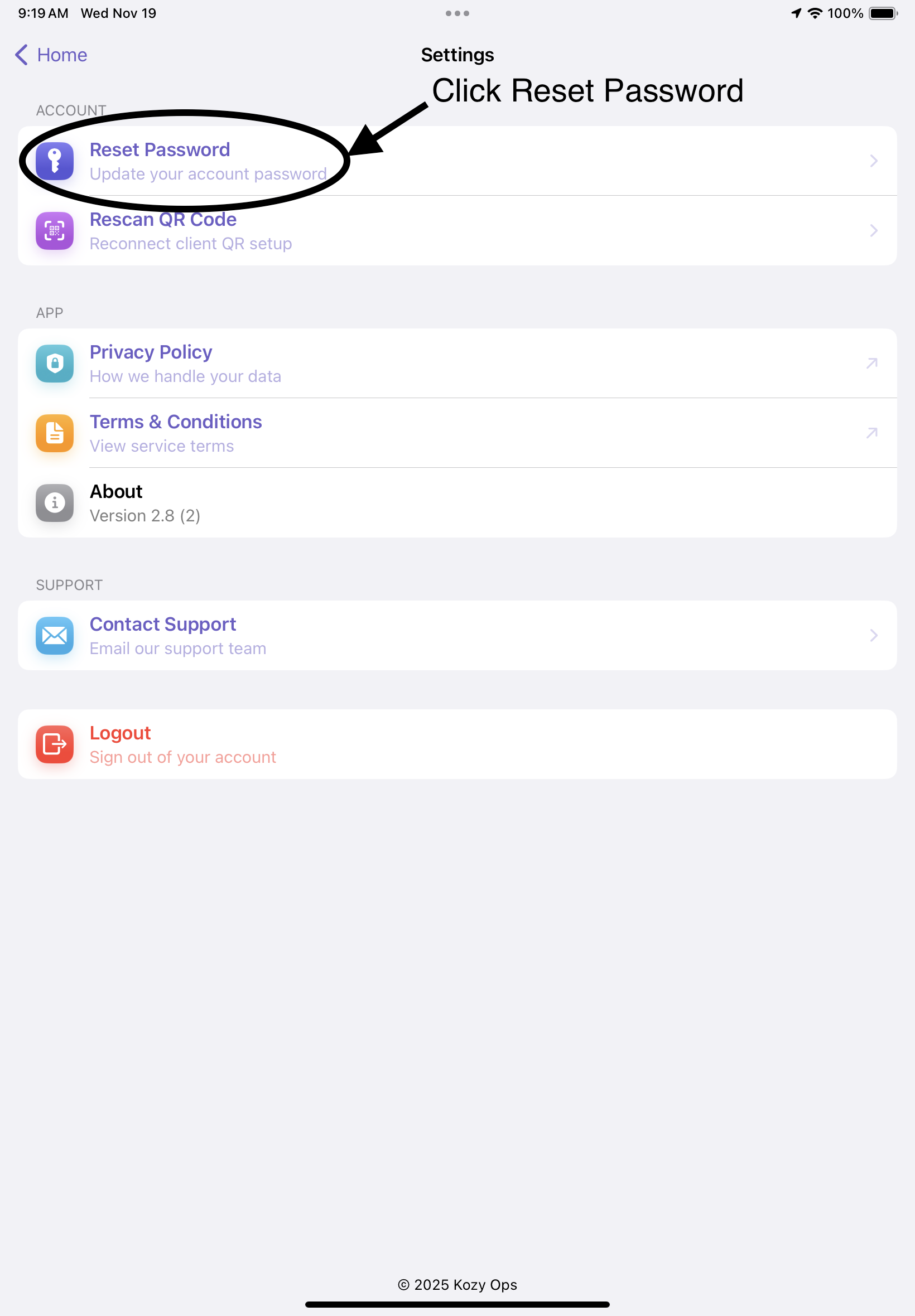
Tap Reset Password
-
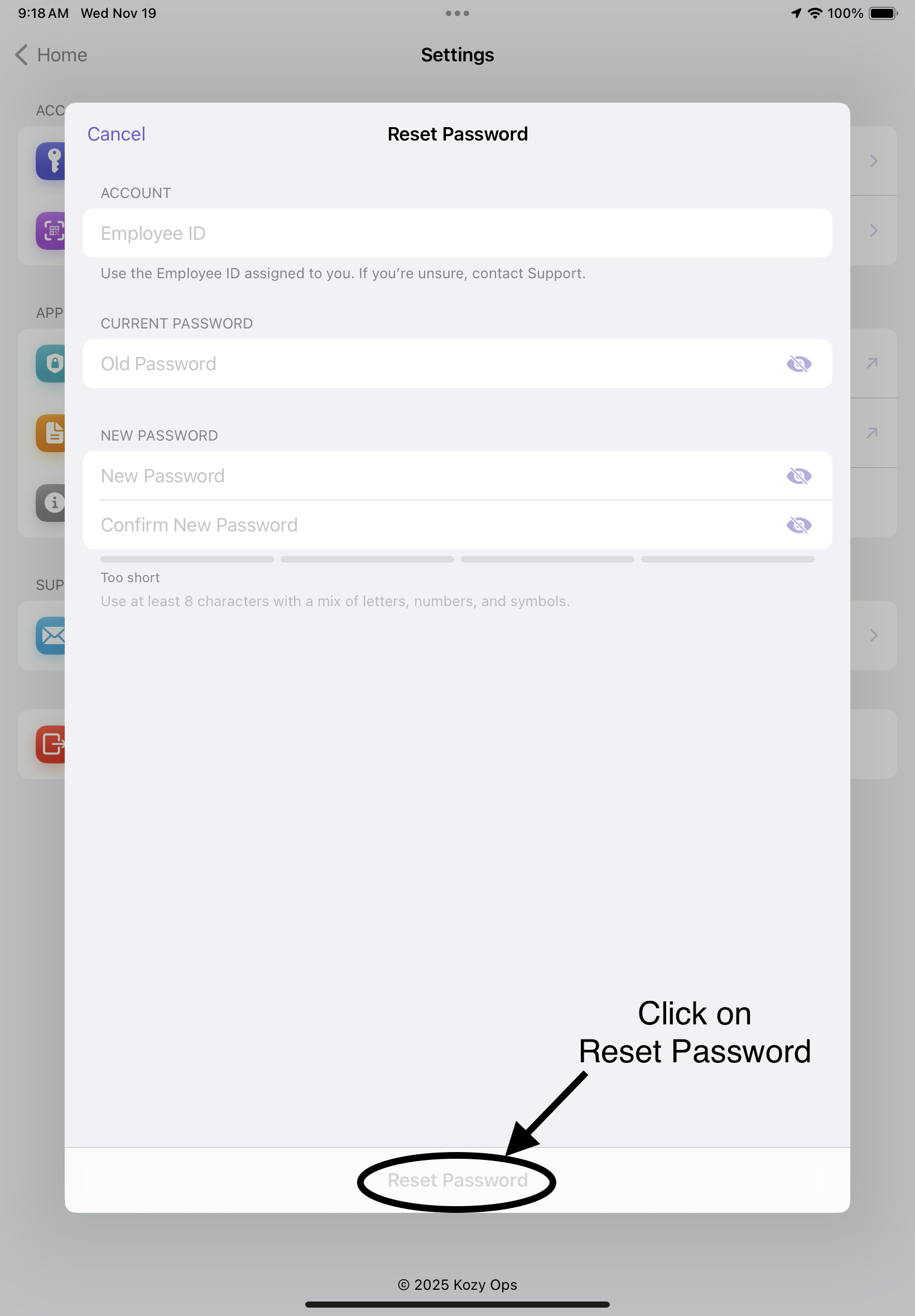
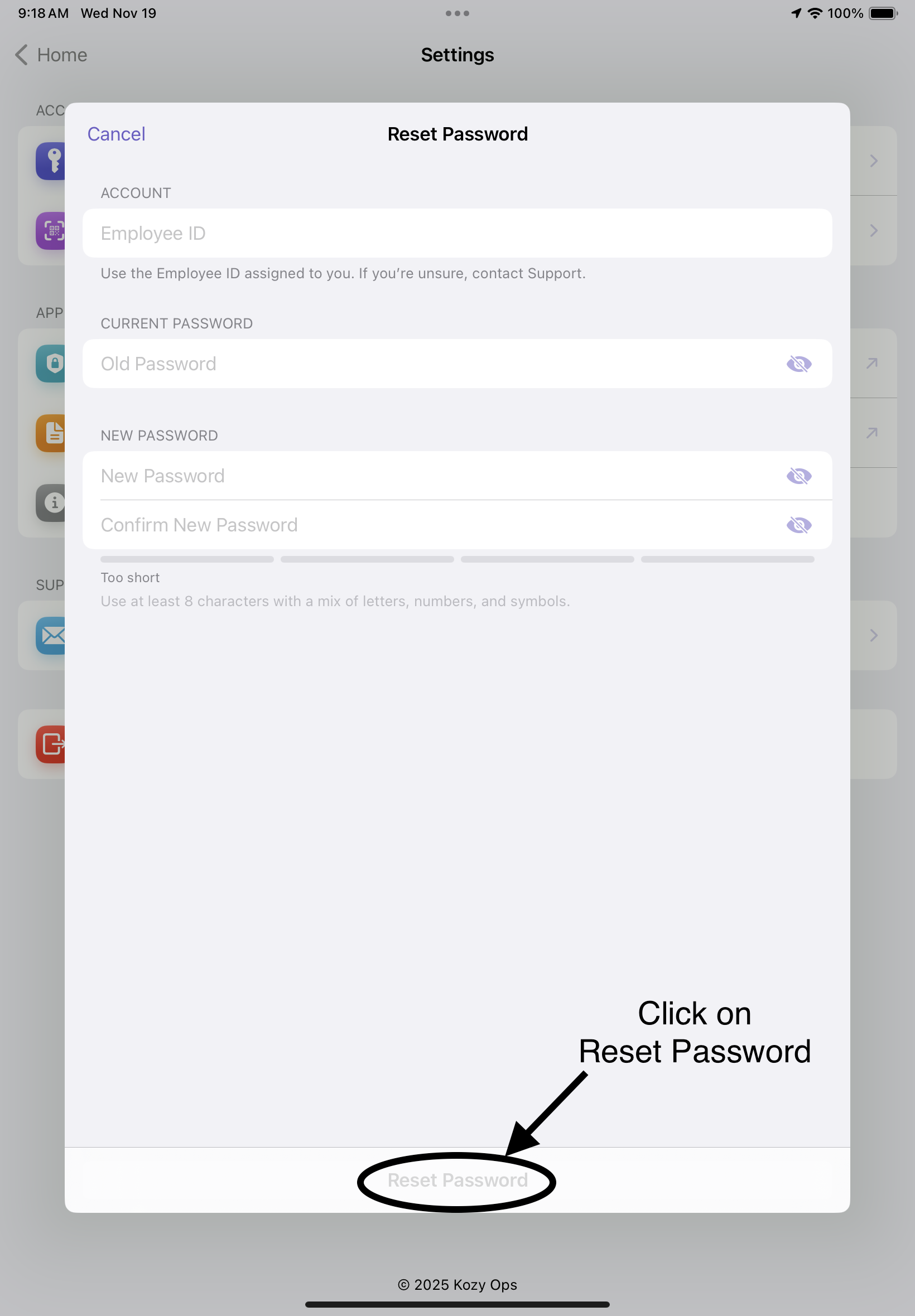
Enter your Employee ID, Old Password, and New Password
-
Confirm the new password
-
Tap Reset Password
-
A confirmation message will appear upon success
Password Requirements
- Minimum 8 characters
- Must include a mix of uppercase, lowercase, numbers, and symbols
- A strength meter will guide you toward a secure password
Step-by-Step: Rescanning QR Code
-
Tap Rescan QR Code in Settings
-
Your camera will activate
-
Scan the QR code provided by your company
-
Upon success, the app will automatically configure the updated environment