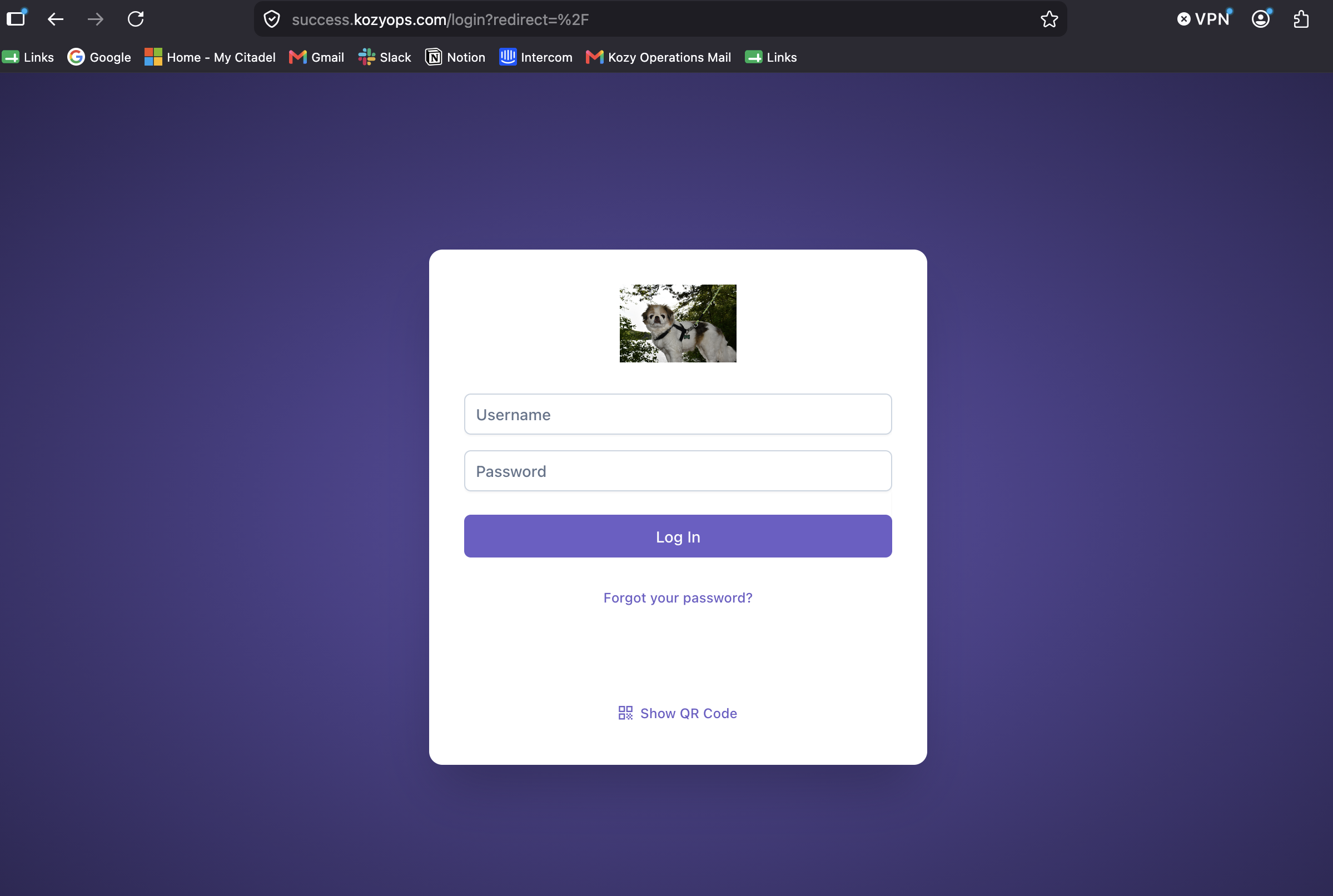
Each employee receives their own account URL and login credentials.
Go to your company's assigned URL and enter your credentials to log in.
Click Forgot your password to request a new one.
Click Scan QR Code for quick mobile setup on your phone.
Important Reminders
Use an individual login. Do not share credentials with other employees.
Screens and options vary by role and permissions.
Drivers and technicians log in through the mobile app and see only what their work requires.
In the office, the Admin tab is the visible difference between roles. Admins and Supervisors confirm their permissions when they attempt to change a setting. Supervisors also have extra settings and ledger rights.
Use the QR code option only on an approved work device, following company procedure.
To sign out, open the employee profile menu in the top-right corner and select Logout.

No comments to display
No comments to display