
Manage Location Settings
Introduction
After a location has been created, settings on the location can be edited which include, Labels, Promotions, Taxes, Customers, Service Zones, Notes and Address. If a Customer has more than one location on their account, these location settings must be adjusted for all locations as each location essentially serves as another account under the customer. With the exception of Customers, Notes and Address, the other settings are based on settings set by the company on the Settings book.chapter.
Labels
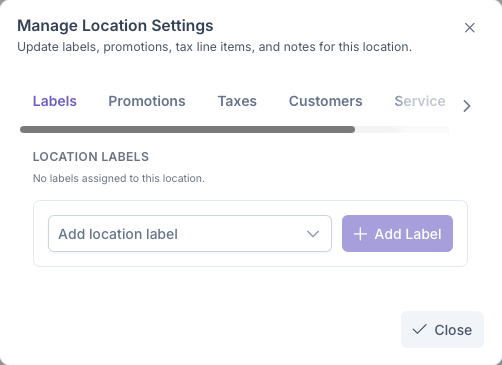
Clicking on the Labels tab will bring up the add location labels section. Here a label can be assigned to the location based on one created by the company on the ... page. Labels are primarily used to identify the type of location the customers address is, EG, a house, an appartment, a church etc. To set a label
Click on the Add Location Label Dropdown to bring up a list of labels
Select a label for the location
Click on Add Label to add label to the location
Once added, the location will now generate with a label under it. The label can be removed simply by clicking the X next to the label