Dashboard
Introduction
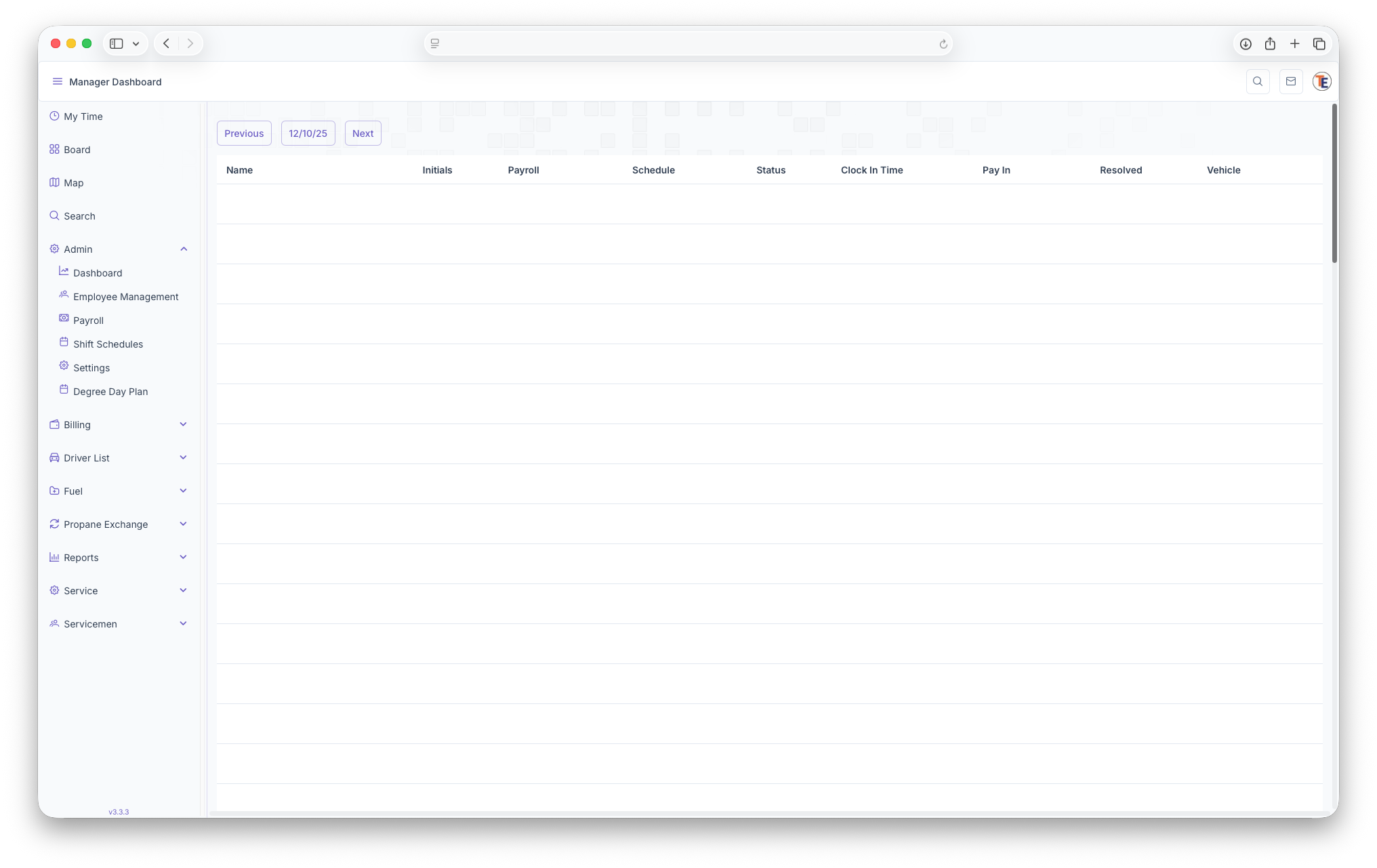
The Dashboard shows an Employee List and their status' for the current day selected. The page generates with todays date, but other days can be selected by clicking previous or Next next to the date. The page then shows a list of the following, Employee Name, Employee Iitials, Payroll, Schedule, Status, Clock in Time, Pay In, Resolved and Vehicle. The list is organized alphabetically by the Employees first name.
 Employee Does Not Have a Shift,
  Has a Flexible Time but Hasn't Arrived Yet,
  Employee Does Not Have a Shift but Has Clocked In,
  Has Clocked Out for The Day
Clock In Time: Shows when the Employee clocked in
Pay In:
Resolved:
Vehicle: What vehicle the Employee is assigned to
Has Clocked Out for The Day
Clock In Time: Shows when the Employee clocked in
Pay In:
Resolved:
Vehicle: What vehicle the Employee is assigned to